
3D model promo video maker for Reels, TikTok and Shorts
Open the promo video makerFree · runs in your browser · files stay on your device
In short: open the tool, drop in your models, then click Reel Studio at the top. Pick a template (reveal, material wipe, exploded view or pack showcase), edit the scenes, text and your logo, and click Export MP4. Everything renders in your browser, so your models are never uploaded.
A short, moving clip gets far more attention in a feed than a still image, but making one usually means a video editor and a 3D renderer. Reel Studio does both in one place, using the same lighting and backgrounds as your listing images, so your videos match your store.
How to make a promo video
- Open the tool and drop in your models (GLB, glTF, FBX, OBJ, STL, PLY or 3MF). Pick a look from the presets.
- Click Reel Studio at the top of the studio, and choose a template.
- Edit it. Change each scene's camera move, material and effect, add animated text, and add your logo and brand colour.
- Preview and export. Click Play, then Export MP4 in the shape you need: 9:16 for Reels, TikTok and Shorts, 1:1 or 4:5 for feeds, or 16:9 for YouTube and store pages.
These frames are real output from Reel Studio's pack showcase template:
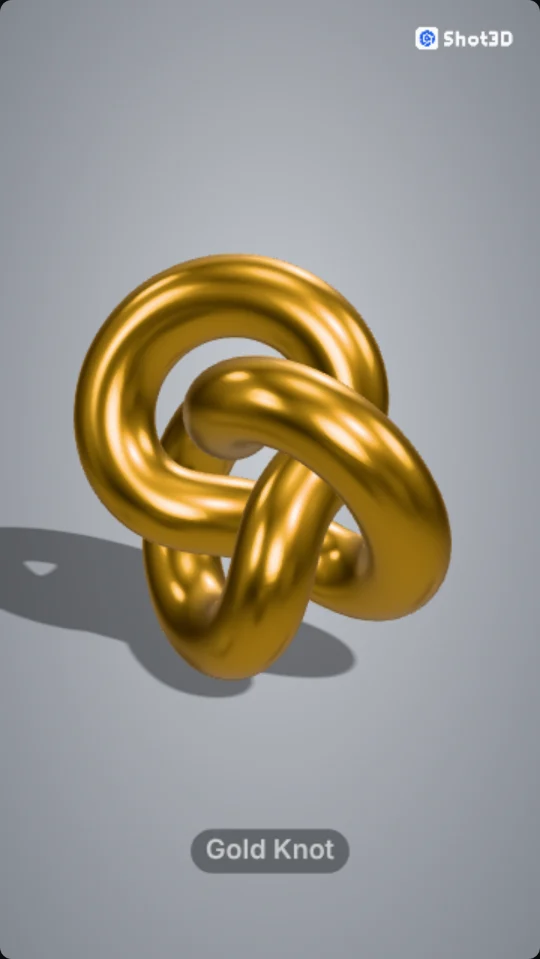 A shot with its name
 The end card
The other templates make material wipes and exploded views:
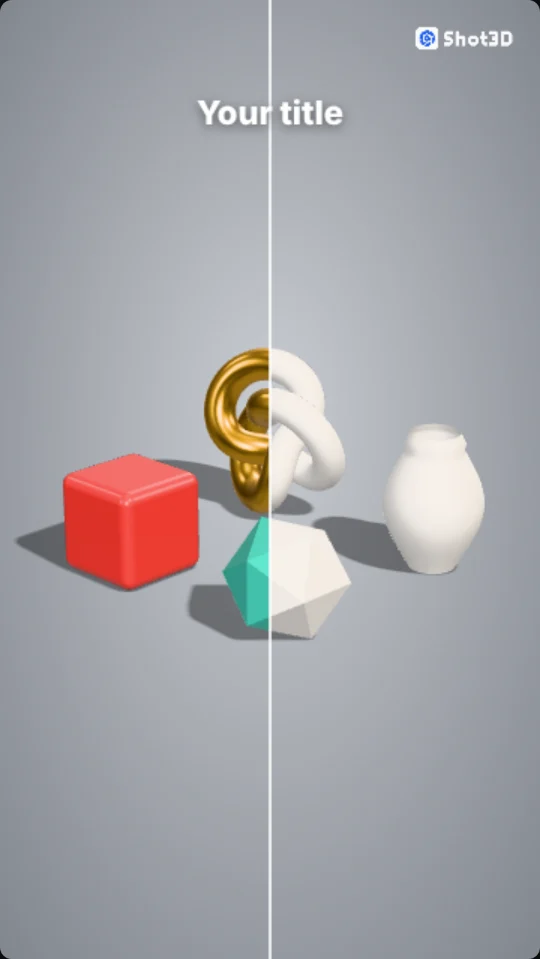 A clay-to-finished material wipe
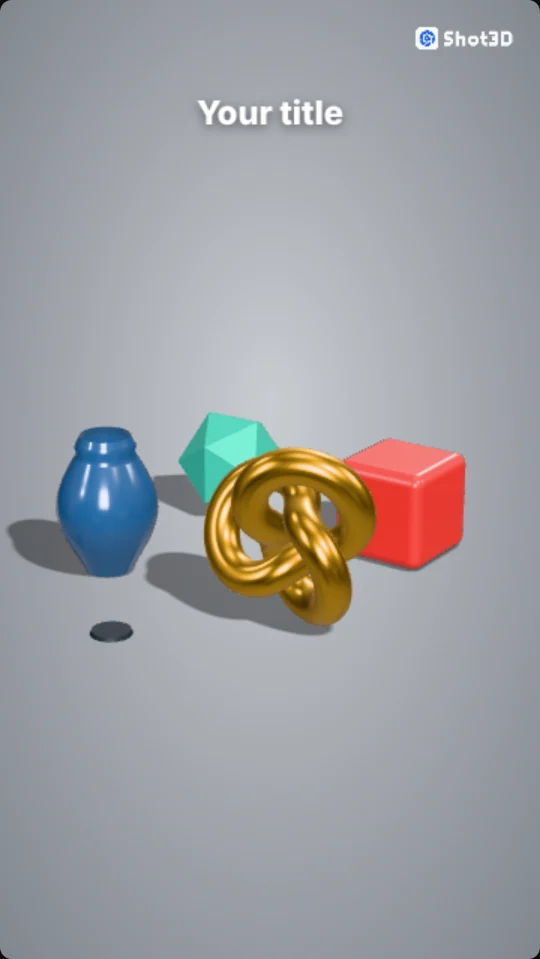 An exploded view
What you can do
| Tool | Options |
|---|---|
| Camera moves | Still, orbit, turntable, push in, pull out, rise and sweep, with strength and easing, and shots that carry on from the one before as one smooth move |
| Effects | Material wipes (clay, finished, wireframe, normals, 3D print) and exploded views |
| Transitions | Cut, fade, wipe, zoom and slide |
| Text | Up to 8 layers a scene, with fade, slide, pop and typewriter animations |
| Branding | Your logo, brand colour and font, on every frame |
The complete Reel Studio guide explains every setting, with screenshots.
Frequently asked questions
Is the promo video maker free?
Yes, to use. Free videos go up to 720p and carry a Shot3D watermark across the middle. Pro (£10 a month) exports up to 1080p and Studio (£25 a month) up to 4K, both without a watermark. Each video counts as one export.
Are my models uploaded?
No. Videos are rendered and encoded on your device. Your models and logo never leave it.
Can I add music?
Not in Shot3D: the videos are silent. Add music when you post, in your social media app, which offers licensed tracks.
Which video format do I get?
An H.264 MP4, which Instagram, TikTok, YouTube and most stores accept. It needs a current Chrome, Edge or Safari, which can encode video in the browser.