
3D model to icon: transparent PNG with an outline
Turn a 3D model into a crisp icon: a transparent PNG up to 512 px, from any angle, with an outline and an optional circle or rounded-square background. Free, in your browser.
Loading the tool…
Free · no sign-up · runs in your browser · files stay on your device
In short: drop a 3D model above (GLB, glTF, FBX, OBJ, STL, PLY or 3MF). The tool renders it from the angle you choose, adds an outline that follows its shape, and gives you a transparent PNG icon at 128, 256 or 512 px, with an optional coloured circle or rounded square behind it. It's rendered in your browser.
How to make an icon from a 3D model
- Add your model. Include its textures (and an OBJ's .mtl file, or a glTF's .bin) in the same drop. Or click Try it with an example.
- Choose the angle: 3/4 front suits most objects; Front, Side, Top, Isometric and Hero (a low angle) are there too.
- Choose the size: 128, 256 or 512 px square.
- Set the outline thickness and colour, or 0 for none. Outlines help icons stand out on any background.
- Pick a background: transparent, or a circle, rounded square or square in your colour.
- Download the PNG.
The preview updates as you change the settings.
Where icons like these are used
- Game inventories and item slots, where a clear outline keeps items readable on busy backgrounds.
- Asset store and marketplace thumbnails at small sizes.
- Discord emoji, stickers and roles, which need small square images.
- App and website icons, in a circle or rounded square.
Check each platform's own size and file rules before uploading.
Lighting and size limits
The icon is lit with a soft studio light from above, the same for every model, with the model's own materials and textures. You can't change the lighting or background scene here, and icons stop at 512 px.
For larger images, other looks, coloured or gradient backgrounds and many models at once, click Open in the studio. The Shot3D studio exports up to 1,024 px on the Free plan, and larger sizes on paid plans.
Example
The example rocket as a 512 px icon with a white outline on a blue circle:
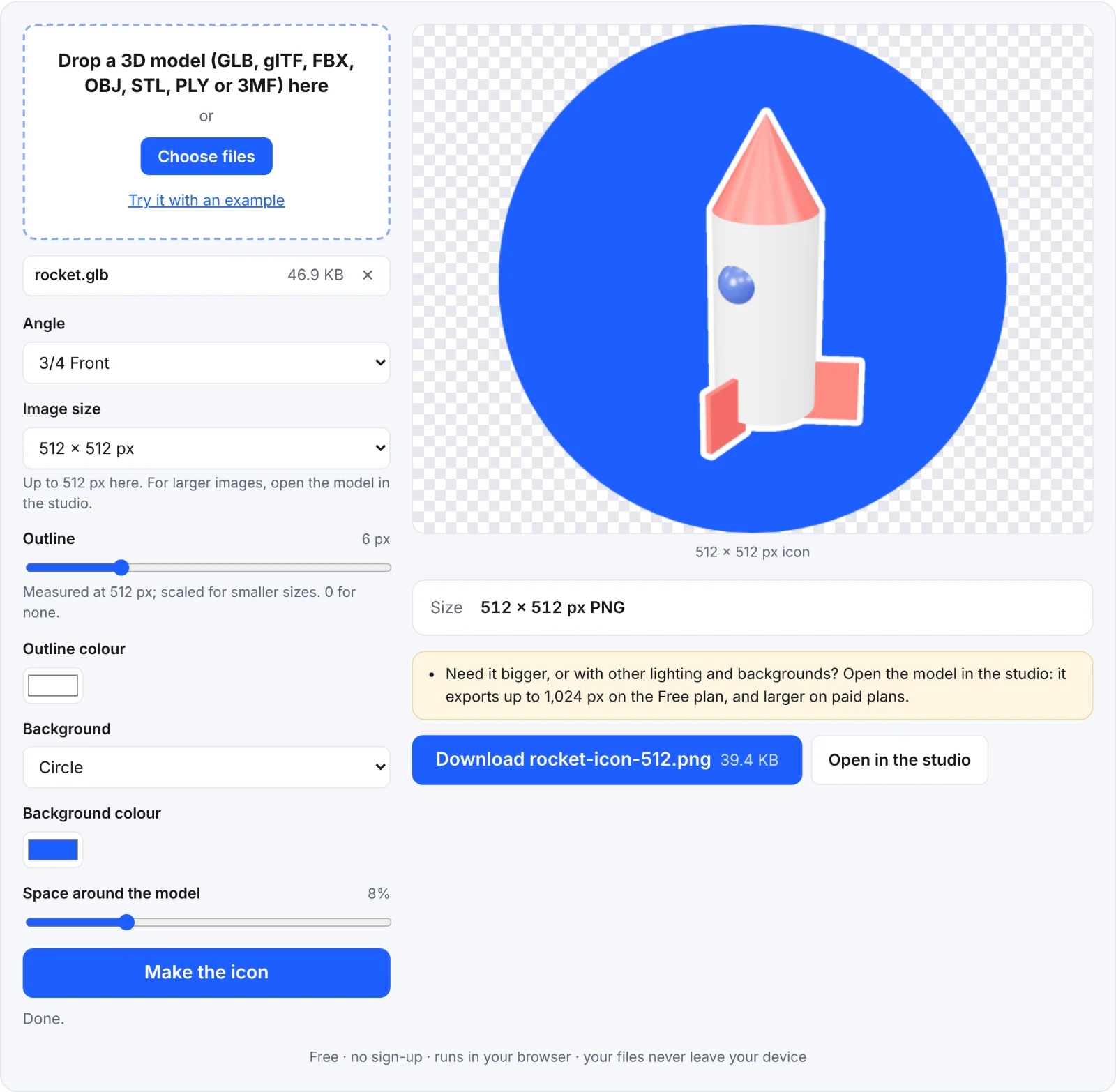 The example rocket as an icon
Frequently asked questions
Is my model uploaded?
No. The model is opened and rendered in your browser, on your device. Nothing is sent to Shot3D.
My model has no colour. Why?
Its textures probably weren't added. Drop the model and its texture images together. STL and PLY files often have no colours at all.
Why is the largest size 512 px?
This free tool is for icons. For larger renders, open the model in the studio.
Can I make icons for a whole set of models?
One at a time here. The studio's Individual thumbnails export renders every model in one go.
What's the difference between this and the sticker tool?
The icon is a square image with a thin outline and an optional background shape. The sticker has a thick die-cut border, a soft shadow and an optional tilt.