
FBX to GLB converter: free, online, with textures and animations
Convert FBX to GLB in your browser, with materials, textures and animations packed into one file. Free, no sign-up, and your files never leave your device.
Loading the tool…
Free · no sign-up · runs in your browser · files stay on your device
In short: drop an FBX file above, together with its texture images if they're separate, and click Convert to GLB. You get one GLB file with the model, its materials, textures and animations, ready for websites, AR viewers, three.js, Babylon.js and Godot. It runs in your browser; nothing is uploaded.
How to convert FBX to GLB
- Add the FBX. If its textures are separate image files, select or drop them at the same time (or a whole folder's worth). Textures embedded in the FBX are read automatically.
- Check the scale. Many FBX files are in centimetres while glTF uses metres. Leave Keep as it is first; if the result is 100 times too big in your viewer, convert again with Centimetres to metres.
- Choose whether to include animations.
- Click Convert to GLB, turn the preview to check it, and Download.
No FBX to hand? Try it with an example converts a small house made of quads with three materials.
What converts, and what changes
| In the FBX | In the GLB |
|---|---|
| Meshes, their positions and hierarchy | Kept |
| Materials (Phong or Lambert) | Turned into glTF's standard PBR material: colour, texture, roughness and metalness are approximated, so shine can look a little different |
| Textures (embedded or added alongside) | Packed inside the GLB |
| Animations (skeletal and object) | Kept when Include animations is on |
| Quads and n-gons | Split into triangles, as glTF requires |
| Cameras, lights, custom properties | Not included |
The tool lists any texture the FBX refers to that you didn't add. Add those files and convert again to include them.
Limits to know
- FBX versions. The reader handles binary and ASCII FBX from version 7 (the format most current tools write, such as Blender, Maya, 3ds Max and Unity). Very old FBX 6 files may not open: re-export them from your 3D software.
- Complex materials. Layered, procedural or shader-graph materials don't exist in FBX in a portable way, so only their basic colour and textures come across.
- There's no GLB to FBX. FBX is a closed format, and a partial writer would make files other apps reject, so Shot3D doesn't write FBX.
Example
The example house (walls, roof and door, each with its own colour) converted to a single GLB:
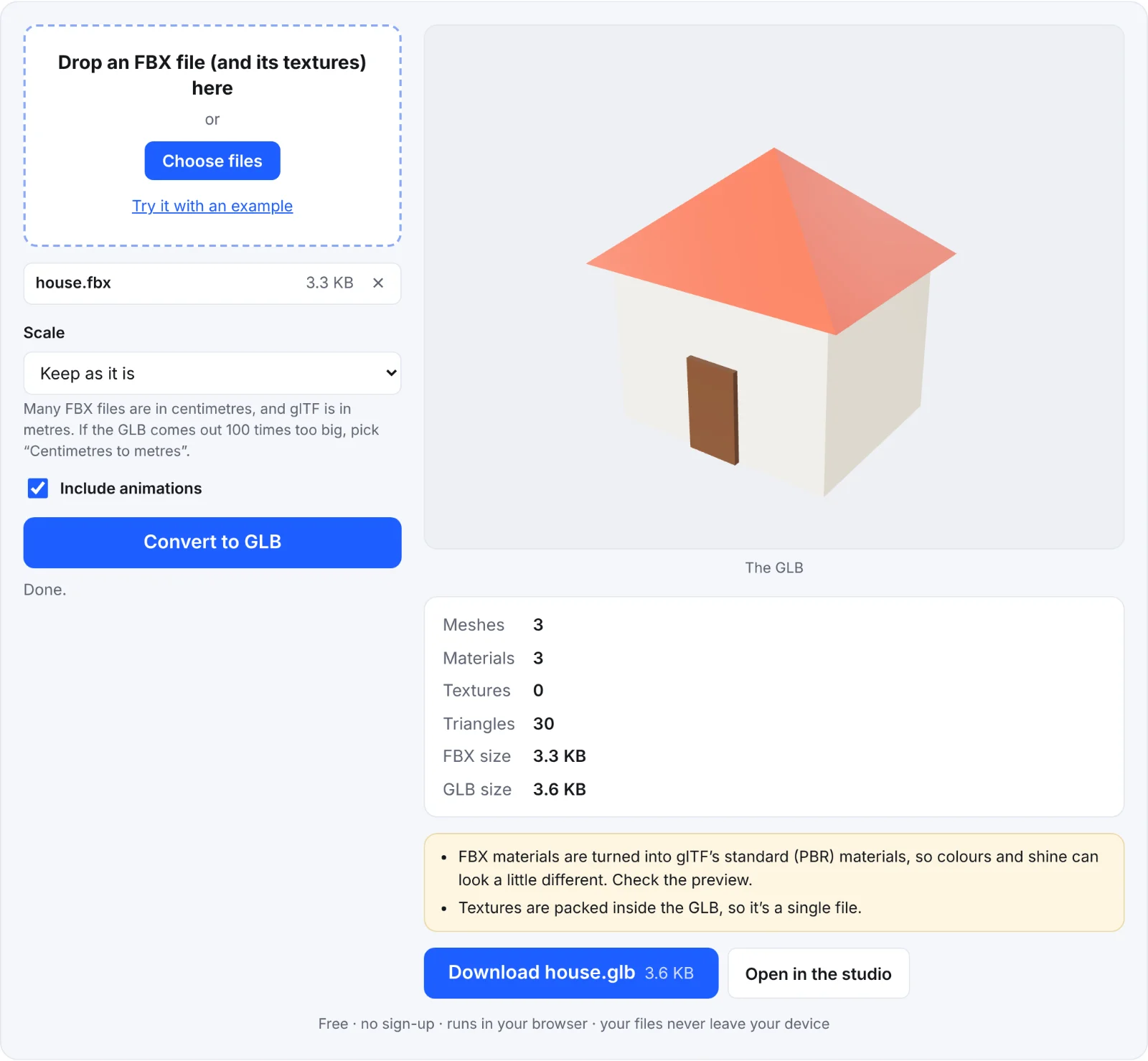 The example house, converted
Frequently asked questions
Are my FBX files uploaded?
No. The FBX and its textures are read in your browser and the GLB is written there too. Nothing leaves your device.
My textures are missing in the GLB. What do I do?
The FBX refers to texture files by name. Add those image files in the same drop as the FBX (or select them together in the file picker), then convert again. The tool tells you which files it was looking for.
Why does my GLB look 100 times too big?
The FBX is in centimetres and glTF is in metres. Convert again with Scale: Centimetres to metres.
Will my rig and animations work in Godot, three.js or Babylon.js?
Skeletal and object animations are written in glTF's standard way, which those engines read. Check the result in your engine: unusual rigs (constraints, blend shapes driven by custom properties) may need re-exporting from your 3D software with glTF support.
Can I make product images from the GLB?
Yes. Click Open in the studio to light it and export listing images, contact sheets and turntable videos.