
GLB to USDZ converter: free, online, for iPhone AR Quick Look
Convert GLB or glTF to USDZ in your browser, for AR Quick Look on iPhone and iPad, with materials and textures. Free, no sign-up, no upload: your model stays on your device.
Loading the tool…
Free · no sign-up · runs in your browser · files stay on your device
In short: drop a GLB (or a glTF with its .bin and textures) above and click Convert to USDZ. The USDZ opens in AR Quick Look on iPhone and iPad, so people can place your model in their room. It's converted in your browser; nothing is uploaded.
How to convert GLB to USDZ
- Add your GLB, or a .gltf with its .bin and texture files, or click Try it with an example.
- Click Convert to USDZ. The preview shows the converted model.
- Download the .usdz file.
To try it on an iPhone or iPad, send the file to the device (AirDrop, Files or email) and tap it. On a website, link to the .usdz file; Safari on iPhone and iPad opens it in AR Quick Look.
What converts
| In the GLB | In the USDZ |
|---|---|
| Meshes and their positions | Kept |
| Base colour, metalness, roughness, normal, emission, occlusion and clearcoat | Converted to USD's standard surface (UsdPreviewSurface), with their textures |
| Textures | Packed inside the USDZ, scaled to at most 2,048 px for AR |
| Transparency | Kept for the base colour |
| Animations that move, turn or scale whole parts | Kept |
| Rigged (skeletal) animation | Not included: the model is exported in its resting pose |
| Cameras, lights | Not included (AR Quick Look lights the scene itself) |
Limits to know
- Rigged animation isn't converted. Animations that move whole parts (a spinning propeller, an opening lid) come across; a character's skeletal animation doesn't, so it shows its resting pose.
- Real-world size. AR places the model at its true size. glTF is in metres, so a model built at the wrong scale will appear too big or small in the room. Check it in AR, and fix the scale in your 3D software if needed.
- Some special glTF materials, such as sheen and transmission (glass-like see-through), have no match in USD's preview surface, so they come across as plain materials.
Example
The example rocket converted to USDZ, ready for AR Quick Look:
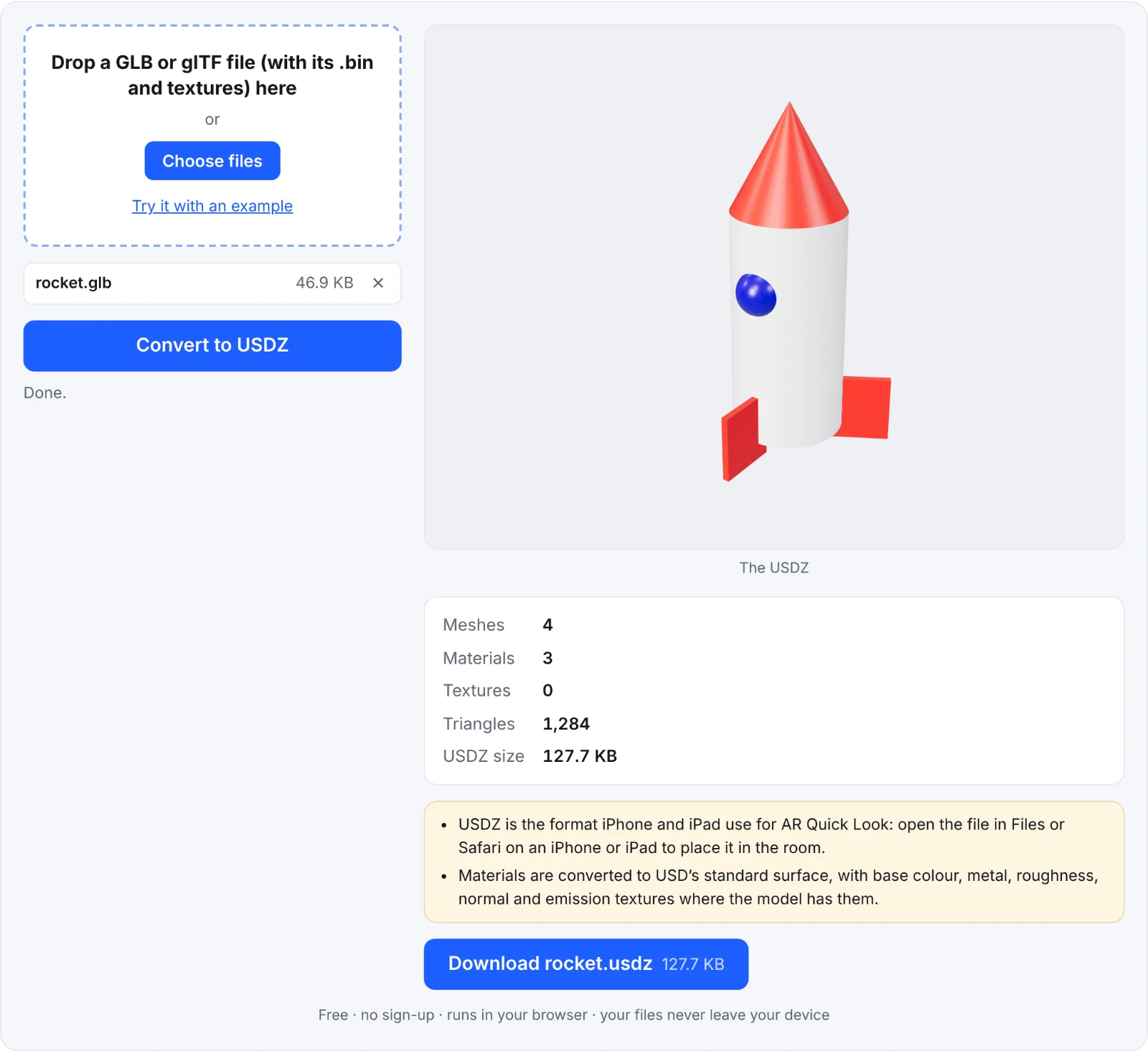 The example rocket as a USDZ
Frequently asked questions
Is my model uploaded?
No. The conversion runs in your browser and the USDZ is saved straight to your device.
Does the USDZ work on Android?
Android's Scene Viewer uses GLB, not USDZ. Offer both: the GLB for Android and the web, the USDZ for iPhone and iPad.
Why is my model the wrong size in AR?
AR shows models at their real size, using the GLB's units (metres). If it was modelled at the wrong scale, rescale it in your 3D software and convert again. If your source is an STL in millimetres, use the STL to GLB converter first: it sets the scale for you.
Why doesn't my character's animation play?
Rigged (skeletal) animation isn't included in the conversion; animations that move whole parts are. See "Limits to know" above.
What's the largest model I can convert?
Files up to 300 MB can be opened. For AR, smaller files load faster on phones, so reduce the polygon count and texture sizes in your 3D software first if the USDZ is large.