
STL to GLB converter: free, online, with colour and units
Convert STL to GLB (binary glTF) in your browser. Sets millimetres to metres, turns Z-up to Y-up, and adds a colour. Free, no upload, no sign-up: your file stays on your device.
Loading the tool…
Free · no sign-up · runs in your browser · files stay on your device
In short: drop an STL above. The GLB appears in a 3D preview straight away; change the units, the up axis and the colour, then click Download. GLB is the single-file version of glTF, the format websites, AR viewers and game engines use. It's converted on your device: nothing is uploaded.
How to convert STL to GLB
- Add your STL (binary or ASCII), or click Try it with an example.
- Tell the tool what units the STL is in. Most 3D printing files are in millimetres.
- Leave "Stand it upright" on unless your model comes out lying on its side.
- Pick a colour, and choose smooth or flat shading. The preview updates as you change them.
- Download the GLB, or Open in the studio to make product images of it.
Units: why the model is scaled
STL files don't record units. A 3D printing STL that's 40 mm wide just says "40". glTF is defined in metres, so a viewer would read that "40" as 40 metres, the size of a building. Choose the STL's real units and the tool scales it so the GLB is the right physical size:
| The STL is in | A 40-unit model becomes |
|---|---|
| Millimetres | 0.04 m (4 cm) |
| Centimetres | 0.4 m |
| Inches | 1.016 m |
| Metres | 40 m (unchanged) |
Z-up and Y-up
3D printing software (and STL files from CAD) usually treat Z as up. glTF treats Y as up. Without turning, a figure that stands up in your slicer lies on its back in a web viewer. Stand it upright turns the model a quarter turn so it stands the right way.
Flat or smooth shading
STL describes a shape as flat triangles. Flat shading (the default) shows each face crisply, which is right for mechanical parts and low-poly models. Smooth shading blends light across neighbouring faces, which makes high-detail curved models (sculpts, scans) look smoother. It doesn't change the shape.
What the conversion keeps, and what it can't
- Kept: every triangle and the model's proportions.
- Added: one plain material in your colour, with a soft, non-metallic finish. STL has no materials, so there's nothing else to bring across.
- Not possible: textures or multiple colours. For a multi-colour model, start from a format that stores colours, such as an OBJ with its MTL file, or 3MF.
Example
The example torus knot, converted with millimetres to metres, upright, in Shot3D blue:
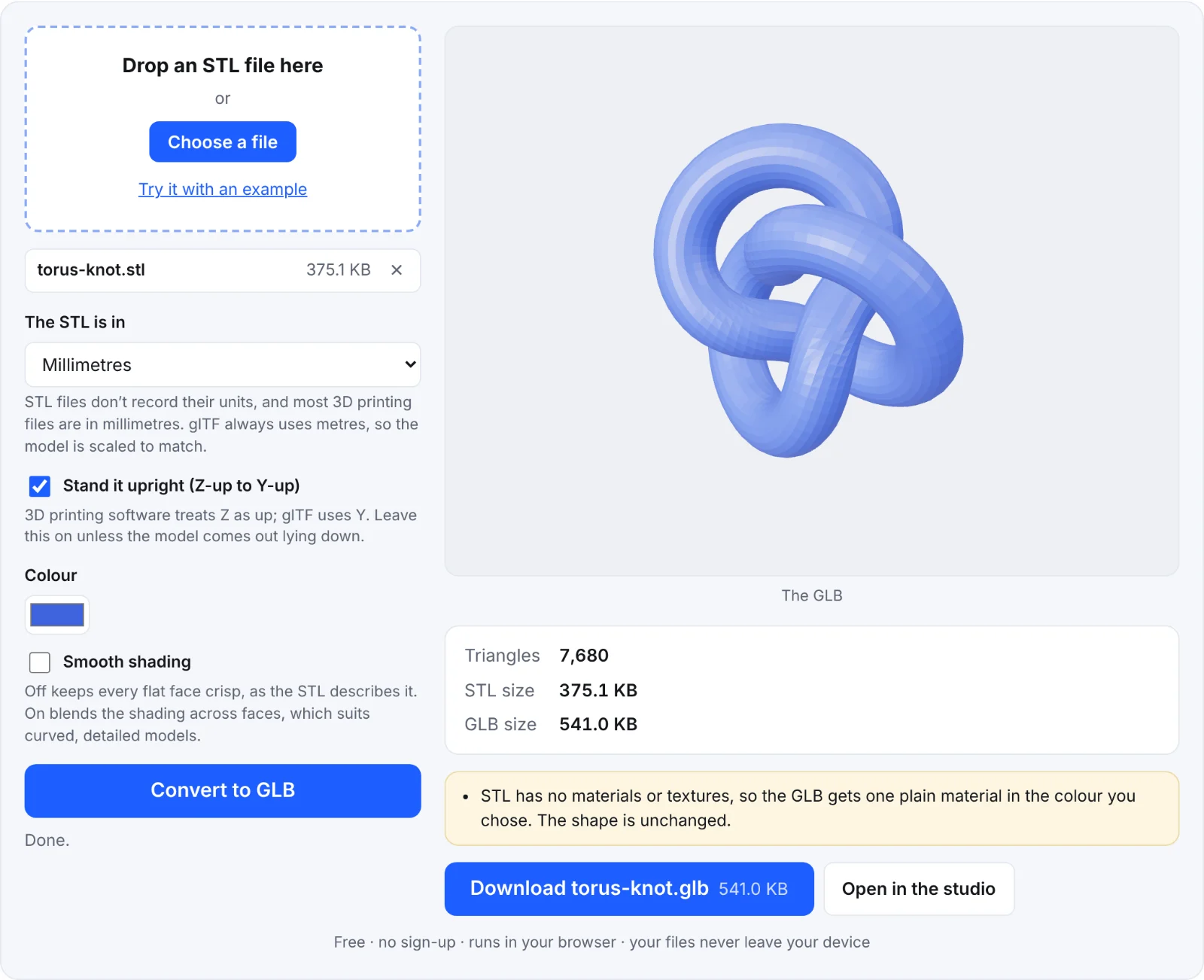 The example knot as a GLB
Frequently asked questions
Is the file uploaded to a server?
No. The STL is read and the GLB written in your browser, on your device. Nothing is sent to Shot3D.
My GLB looks tiny or huge in another viewer. Why?
The STL's units were probably different from the setting you chose. Try converting again with another unit: if it's 10 times too big, try centimetres; if it's 25.4 times off, the STL was in inches.
Can I use the GLB in AR on an iPhone?
iPhone and iPad AR Quick Look uses USDZ, not GLB. Convert the GLB with the GLB to USDZ converter. Android's Scene Viewer and most web viewers use GLB directly.
Does it reduce the file size?
The GLB is usually smaller than an ASCII STL and similar to a binary STL. For a much smaller file, run it through a compressor afterwards.
Why one colour only?
STL has no colour information. The colour you pick is applied to the whole model.