
OBJ to GLB converter: keeps MTL materials and textures
Convert OBJ with its MTL file and textures to a single GLB in your browser, for the web, AR and game engines. Free, no sign-up, and your files never leave your device.
Loading the tool…
Free · no sign-up · runs in your browser · files stay on your device
In short: drop an OBJ together with its .mtl file and texture images above, and click Convert to GLB. You get one GLB file with the model, its materials and its textures inside, ready for websites, three.js, Babylon.js, Godot, Unity's glTF importers and AR viewers. It runs in your browser.
How to convert OBJ to GLB
- Add the OBJ, its .mtl and its textures together. Select them all in the file picker, or drag them in at once. The OBJ names its .mtl file, and the .mtl names the textures, so the tool matches them by file name.
- Check the scale. glTF is in metres. Blender's OBJ files already are; if yours was made in centimetres or millimetres, choose that so the GLB is the right size.
- Click Convert to GLB, check the preview, and Download.
No files to hand? Try it with an example converts a textured wooden crate with a painted lid.
What happens to the materials
OBJ materials (in the .mtl file) are described with an older lighting model: diffuse colour, specular colour and shininess. glTF uses physically based materials: base colour, roughness and metalness. The tool converts:
| In the MTL | In the GLB |
|---|---|
Diffuse colour (Kd) and texture (map_Kd) |
Base colour and base colour texture |
Normal map (norm) |
Normal map |
Bump map (map_Bump, bump) |
Not kept: glTF has no bump maps |
Transparency (d, Tr) |
Opacity |
Shininess (Ns) |
Approximated as roughness |
Specular colour (Ks) |
Not kept: glTF's standard material has no separate specular colour |
Emission (Ke, map_Ke) |
Emissive colour and texture |
So colours and textures come across exactly, but shiny materials can look a little different. Check the preview.
Limits to know
- Missing files: if a texture or the .mtl isn't added, the tool says which, and leaves it out. Without the .mtl the model is plain grey.
- TGA, DDS and other texture formats that browsers can't open aren't packed. Convert them to PNG or JPEG first and update the .mtl.
- OBJ has no animation, so neither does the GLB.
Example
The example crate, with its wood texture and blue painted lid, as one GLB:
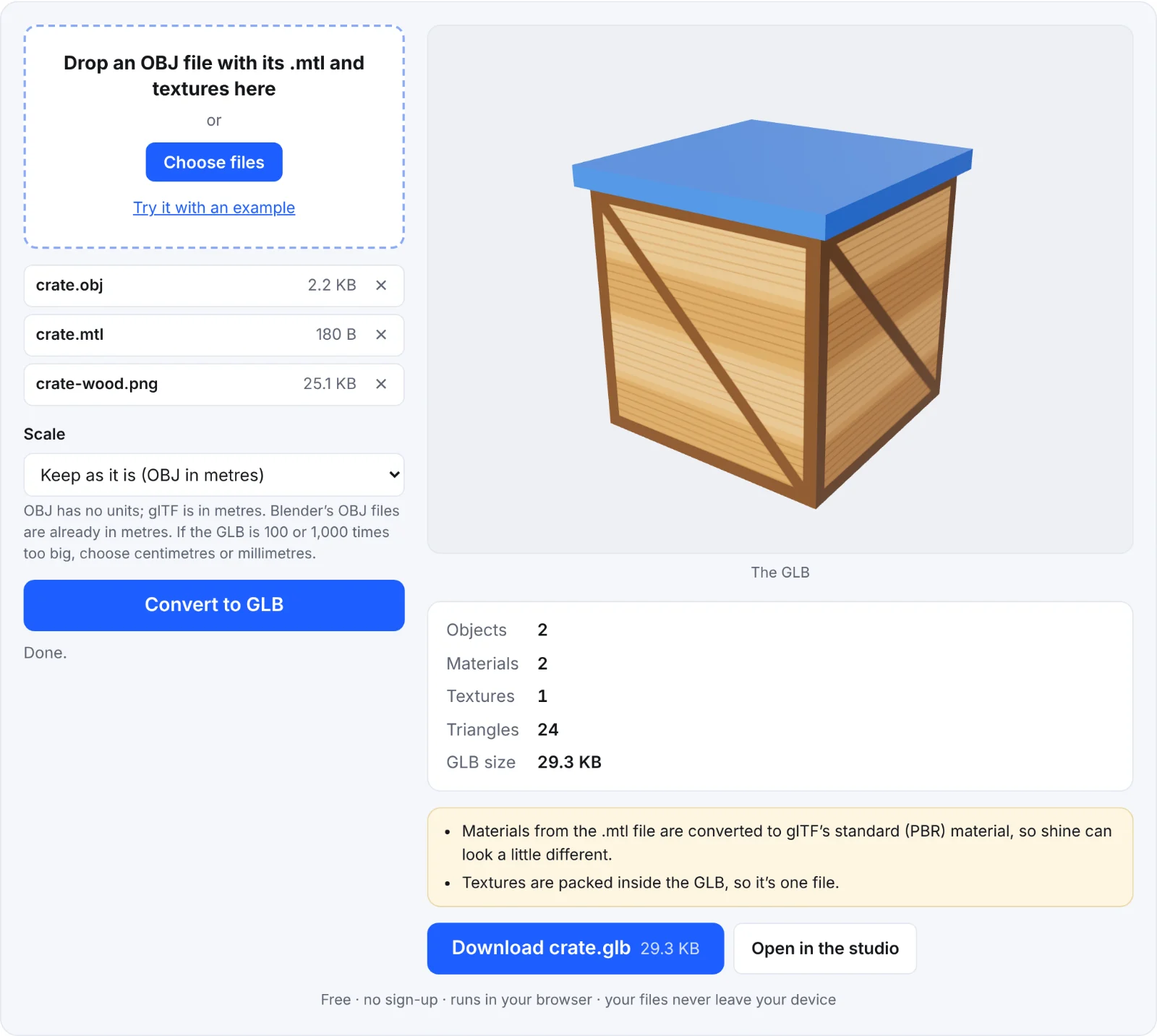 The example crate as a GLB
Frequently asked questions
Are my files uploaded?
No. The OBJ, MTL and textures are read in your browser and the GLB is written there too.
Why is my GLB grey?
The .mtl file (or the textures) wasn't added with the OBJ. Add all of them at once and convert again.
Why is it 100 times too big?
The OBJ is in centimetres. Convert again with Centimetres to metres.
Can I convert GLB back to OBJ?
Yes, with the GLB to OBJ converter, which writes the OBJ, MTL and textures as a ZIP.
Does it reduce the file size?
Usually: GLB is binary, so geometry takes less space than OBJ's text, and textures are stored as they are.