
GLB to OBJ converter: OBJ, MTL and textures in one ZIP
Convert GLB or glTF to OBJ in your browser, with an MTL material file and the textures as PNGs, zipped together. Free, no sign-up, and your model never leaves your device.
Loading the tool…
Free · no sign-up · runs in your browser · files stay on your device
In short: drop a GLB above and click Convert to OBJ. You get a ZIP with the OBJ, its MTL material file and every texture as a PNG, ready to open in apps that prefer OBJ. It's converted in your browser: nothing is uploaded.
How to convert GLB to OBJ
- Add your GLB, or a .gltf with its .bin and textures. Or click Try it with an example.
- Choose the scale. OBJ has no units. Most apps read OBJ numbers as metres, like glTF; if yours expects centimetres or millimetres, choose that.
- Click Convert to OBJ, then Download the ZIP. Unzip it and keep the files together: the OBJ finds its MTL, and the MTL its textures, by file name.
There's also an OBJ only download if you just need the shape.
What the conversion keeps
| In the GLB | In the OBJ |
|---|---|
| Meshes, in their places in the scene | One OBJ object per mesh (and per material) |
| Normals and texture coordinates | Kept |
| Base colour and its texture | Kd and map_Kd, texture saved as PNG |
| Normal map | norm, saved as PNG |
| Roughness and metalness values | Pr and Pm (read by Blender and other PBR-aware apps) |
| Emission and opacity | Ke and d |
What OBJ can't store
The tool tells you which of these your model had:
- Animation, rigging and blend shapes. The model is saved in its resting pose.
- Roughness, metalness and ambient occlusion textures. OBJ has single values for these, not textures.
- Vertex colours.
- Cameras, lights and the scene hierarchy.
Example
The example rocket as OBJ, MTL and PNG textures in one ZIP:
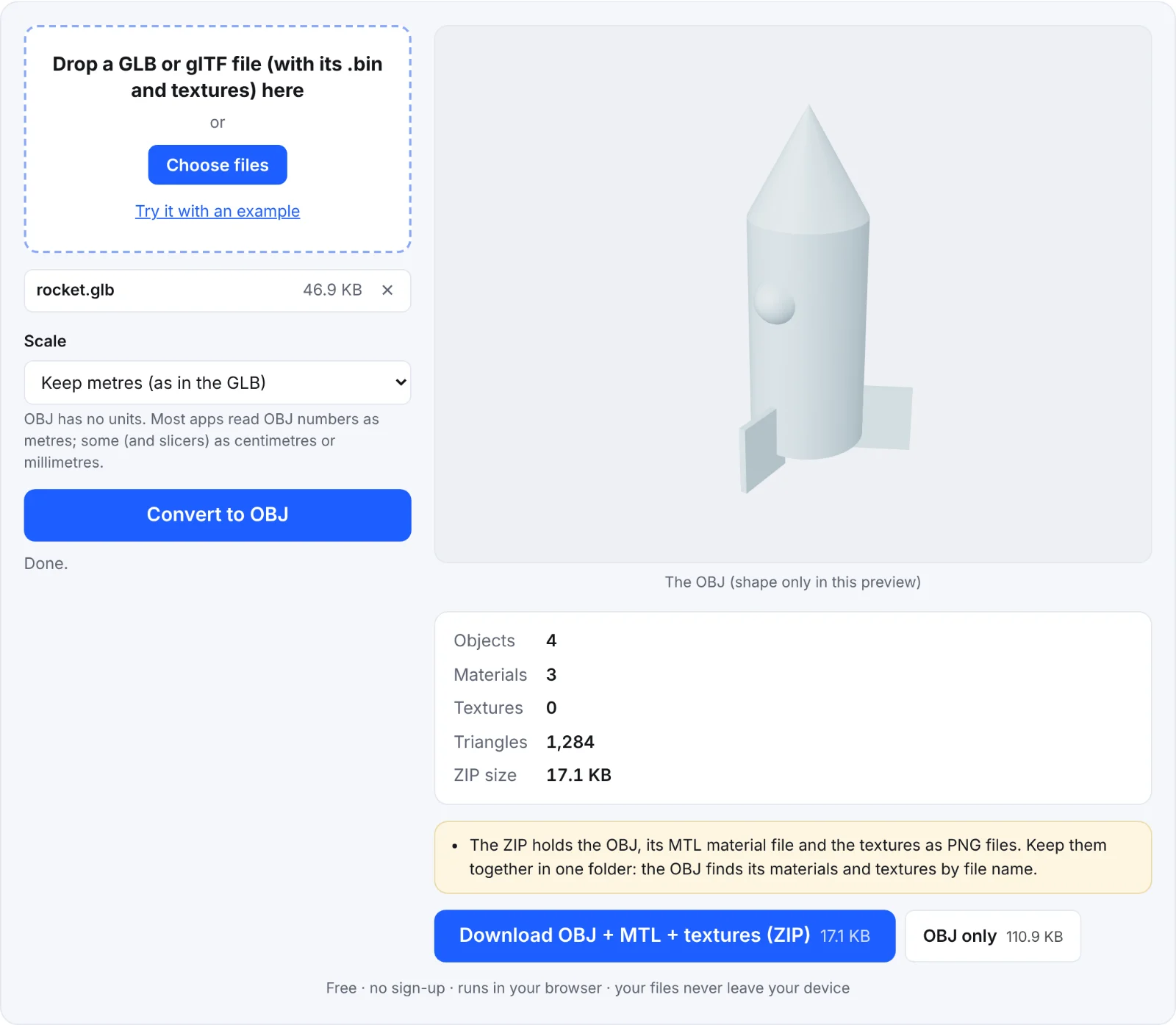 The example rocket as an OBJ
Frequently asked questions
Is my file uploaded?
No. Everything happens in your browser.
The textures don't show in my app. Why?
Keep the OBJ, MTL and PNG files in the same folder, as they are in the ZIP. Some apps also need you to import the OBJ with "materials" switched on.
Why are textures PNG?
PNG is lossless and every 3D app reads it. The colours are exactly as they were in the GLB.
Is the OBJ upside down in my app?
OBJ has no up axis; most apps assume Y is up, like glTF. If yours assumes Z is up, change the import setting there.