
glTF to GLB converter: pack .gltf, .bin and textures into one file
Pack a .gltf with its .bin and texture files into a single GLB in your browser, keeping everything exactly as it was. Free, no sign-up, nothing uploaded.
Loading the tool…
Free · no sign-up · runs in your browser · files stay on your device
In short: drop a .gltf file together with its .bin and texture files above, and click Pack into a GLB. You get one .glb file containing everything, which is easier to share, upload and load. Nothing is re-saved or converted: the geometry, materials, animations and extensions are copied exactly. It runs in your browser.
How to pack glTF into GLB
- Add the .gltf, its .bin file(s) and its textures together. Select them all in the file picker, or drag in all the files at once. Or click Try it with an example.
- Click Pack into a GLB. The tool lists how many buffers and images it packed, and any it couldn't find.
- Download the .glb.
glTF and GLB: the same format, packaged differently
glTF 2.0 comes in two forms:
- .gltf is a text (JSON) file that describes the scene, and points to separate files for the geometry (.bin) and textures (.png, .jpg). Easy to read and edit, but several files to keep together.
- .glb puts the same description and all those files into one binary file.
Because both are the same glTF, packing loses nothing. This tool works at the file level: it copies the JSON, moves each buffer and image into the GLB's binary section and updates the references. It doesn't open the model in a 3D library and save it again, so nothing is rounded, re-compressed or reinterpreted, and extensions it doesn't know about are kept as they are.
Embedded data
Some .gltf files embed their buffers or images as text inside the JSON (data URIs). Those are decoded and stored as binary, which makes the GLB about 25% smaller for that data.
Limits
- glTF 2.0 only. glTF 1.0 files are refused; re-export them from your 3D software.
- Missing files stay as references. If a texture isn't added, the GLB still points to it by name, so it'll only load if that file sits next to the GLB. The tool tells you which files are missing.
- Files on the web (references starting with https://) aren't downloaded: everything stays on your device.
Example
The example rocket, saved as .gltf + .bin, packed into one GLB:
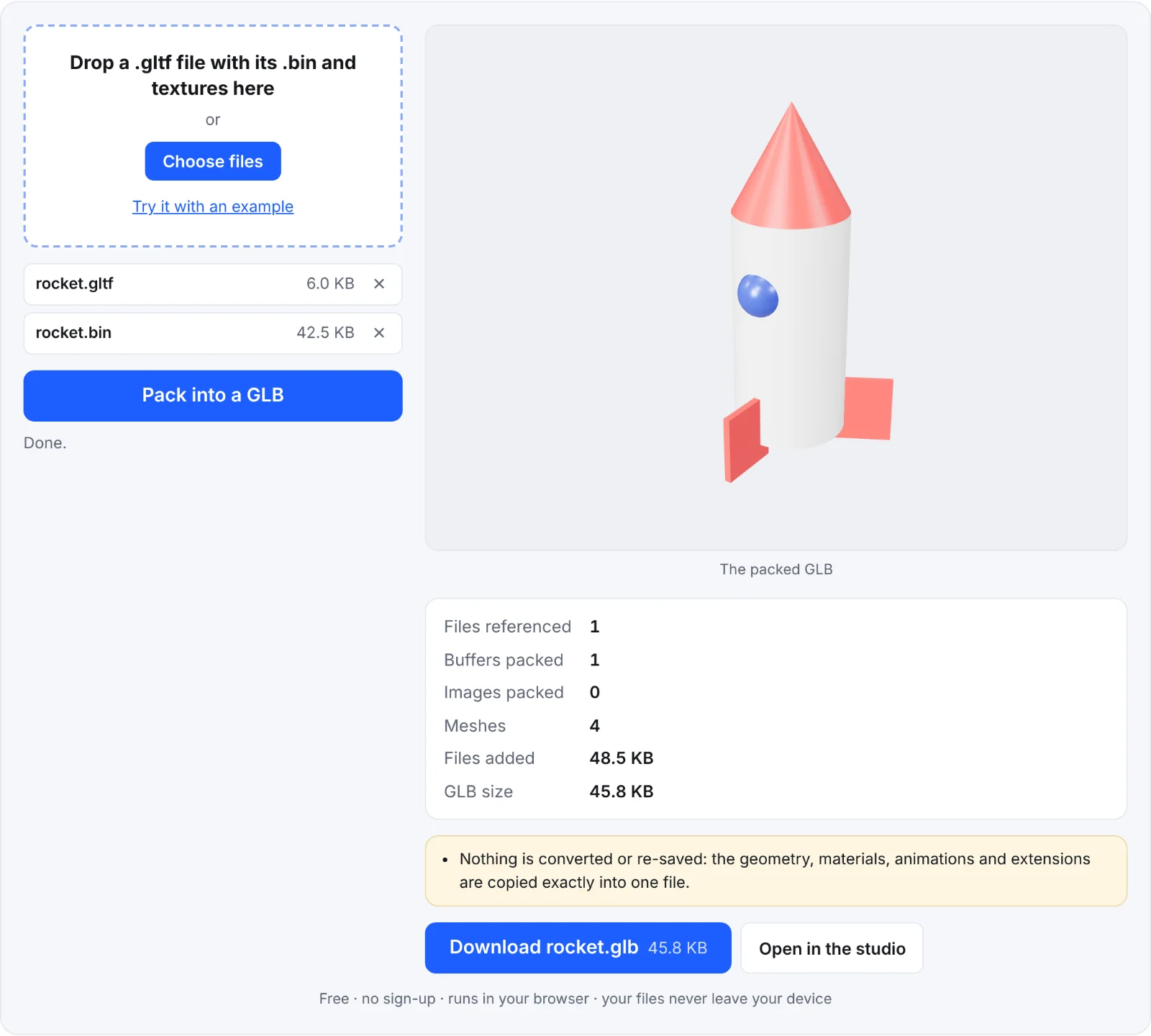 Packing the example rocket
Frequently asked questions
Is anything uploaded?
No. The files are read and packed in your browser.
Does packing change the model?
No. The bytes of the geometry, textures and animations are copied unchanged. Only where they're stored changes.
Can I unpack a GLB back into .gltf?
Not with this tool. Blender and most glTF tools can export either form.
Why is the GLB smaller than my files added together?
Embedded data URIs are stored as binary, which takes about three quarters of the space.