
3D model to sticker: die-cut PNG with a white border
Turn a 3D model into a sticker-style PNG with a thick die-cut border, a soft shadow and an optional tilt, up to 512 px, in your browser. Free, no upload, no sign-up.
Loading the tool…
Free · no sign-up · runs in your browser · files stay on your device
In short: drop a 3D model above. The tool renders it, wraps it in a thick die-cut border (white by default), adds a soft shadow and gives you a transparent PNG up to 512 px, like a vinyl sticker. Tilt it for a playful look. It's all rendered in your browser.
How to turn a 3D model into a sticker
- Add your model (with its textures), or click Try it with an example.
- Pick the angle and size.
- Set the border: thickness and colour. White is the classic die-cut look.
- Shadow and tilt: a soft shadow lifts the sticker off the page; a tilt of a few degrees makes it look stuck on by hand.
- Download the PNG.
Ideas
- Discord, Slack and Telegram stickers of your characters and props.
- Social posts announcing a new model, on a coloured background.
- Shop and listing graphics, as a badge on a banner.
- Printed sticker mock-ups: the border shows where a die-cut line would go.
Sticker or icon?
| Sticker | Icon | |
|---|---|---|
| Border | Thick die-cut border | Thin outline, optional |
| Shadow | Soft shadow | None |
| Background shape | Always transparent | Circle, rounded square or square |
| Tilt | Optional | No |
Limits
- Up to 512 px. For larger sizes and printing, render the model at a larger size in the Shot3D studio and add the border in your design software.
- Not a print-ready cut file. The PNG shows the border, but sticker printers usually want a vector cut line, or their own template. Ask your printer what they need.
- Fixed lighting. Models are lit with the same soft studio light; for other looks, use the studio.
Example
The example rocket as a sticker, with a white border, a soft shadow and a slight tilt:
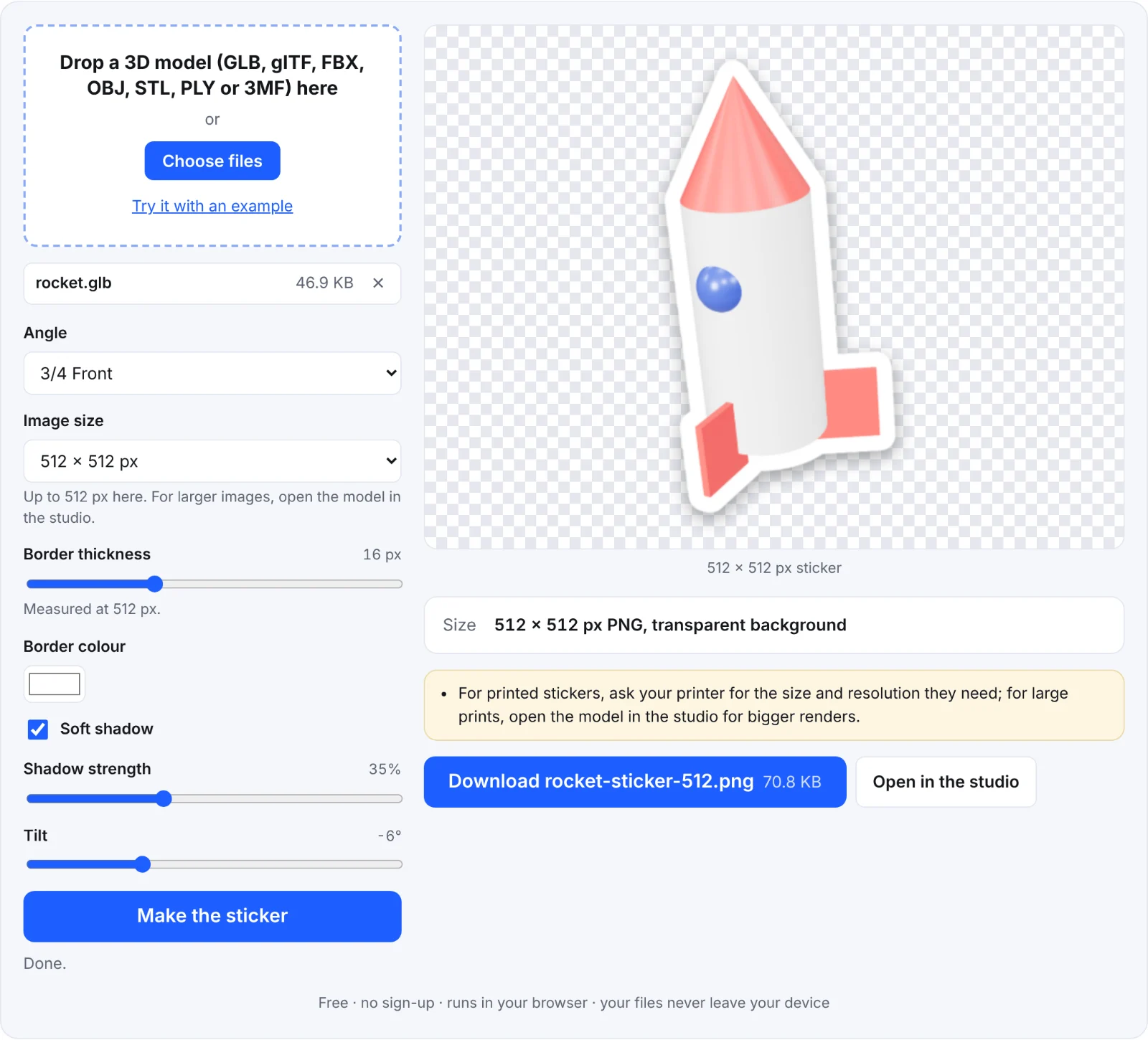 The example rocket as a sticker
Frequently asked questions
Is my model uploaded?
No. It's opened and rendered in your browser, on your device.
Can I use the sticker in Discord?
Discord sets its own size and file-size rules for stickers, so check those in Discord before uploading.
Why do parts of my model have no colour?
The textures weren't added with the model. Drop them in together.
How do I make the border thinner?
Lower Border thickness. For a thin outline without a shadow, the icon tool suits better.