
Add an outline to an image: stroke a transparent PNG online
Add an outline (stroke) that follows the shape of a transparent PNG, in any colour and thickness, with an optional second outline. Free, in your browser, no upload.
Loading the tool…
Free · no sign-up · runs in your browser · files stay on your device
In short: drop a PNG with a transparent background above. The tool draws an outline that follows its shape, like the stroke in a photo editor, in the colour and thickness you choose. Add a second outer outline for a sticker or badge look, then download the PNG. It's done in your browser.
How to add an outline
- Add a transparent PNG (or WebP), such as a product cut-out, a logo or a character, or click Try it with an example.
- Set the thickness in pixels and pick a colour. White gives a sticker look; black a comic or badge look.
- Choose the edge: Crisp for a clean cut line, or softer for a glow.
- Optional: Add a second, outer outline in another colour, for the classic white-then-dark sticker edge.
- Download the PNG. The image gets bigger by the outline's thickness on each side, so nothing is cut off.
How it works
The tool finds every pixel that's part of your image (any pixel that isn't nearly transparent) and measures the exact distance from every other pixel to the nearest one. Pixels within the thickness you choose become the outline. Because it measures true distance, the outline is even all the way round, with rounded outer corners, at any thickness. The edges are smoothed so they don't look jagged.
What it needs, and what it can't do
- A transparent background. The outline follows the edge between your image and the transparent area. A JPEG, or a PNG with a solid background, has no such edge, so you'd get an outline around the whole rectangle. The tool warns you when that happens.
- Not inner outlines. The outline goes around the outside of the shape and around any see-through holes in it, not over the image itself.
- Very large images (over 64 megapixels) are refused, because the measuring is done on your device.
Example
The example cupcake cut-out with a 12 px white outline:
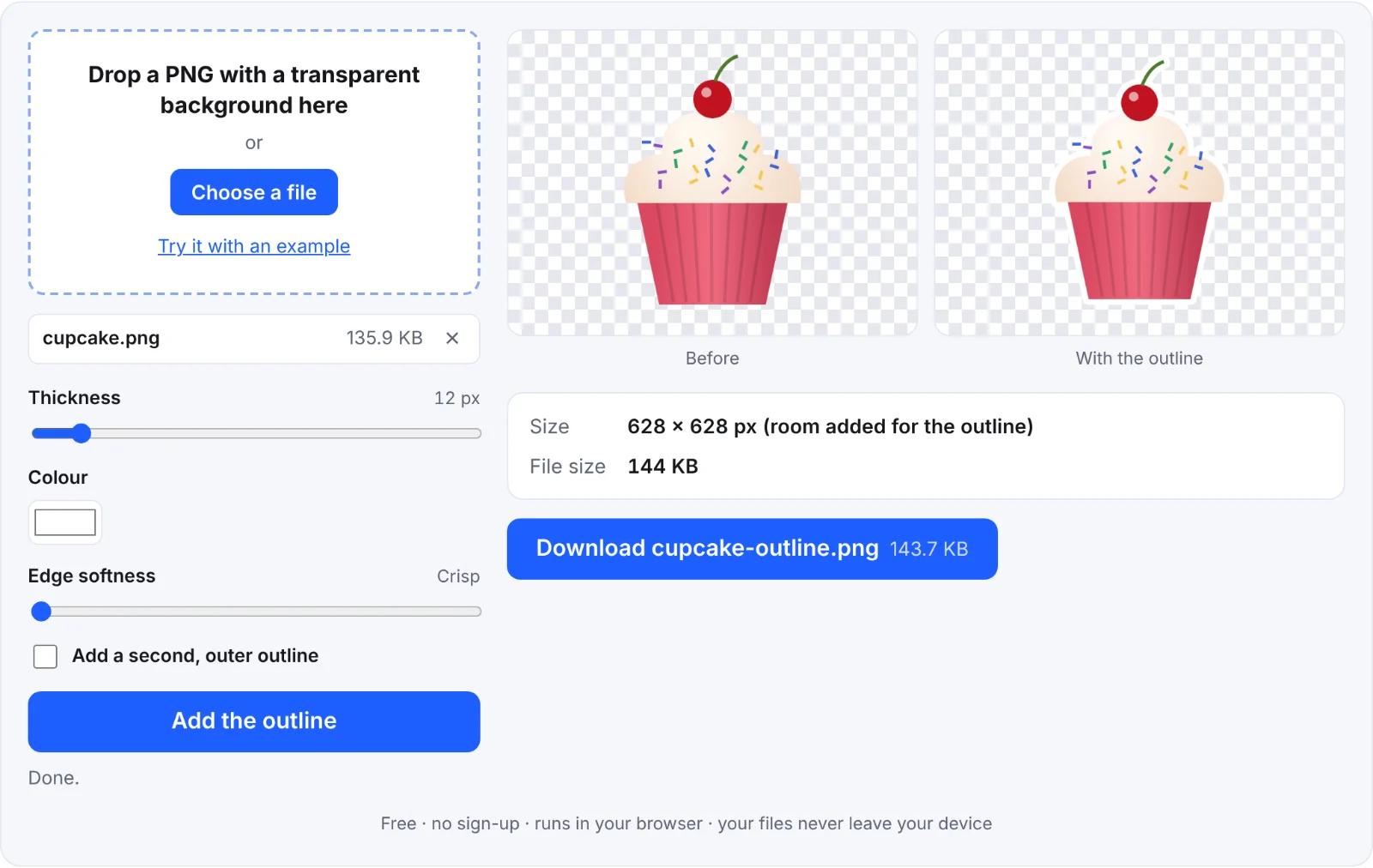 Before and after: a white outline
Frequently asked questions
Is my image uploaded?
No. It's processed in your browser, on your device; nothing is sent to Shot3D.
Why is the outline around the whole rectangle?
The image has no transparent background, so the tool sees the whole rectangle as the shape. Remove the background first, then add the outline.
How do I make a die-cut sticker look?
Use a thick white outline (around 5–8% of the image's width), then add a soft shadow in a photo editor. For 3D models, the 3D model to sticker tool does both in one go.
Will the image keep its quality?
Yes. Your pixels are copied unchanged into a PNG, which is lossless; only the outline and the extra space around it are added.