
3D model to line drawing: clean edge drawings as PNG or SVG
Turn a 3D model into a clean line drawing of its visible edges, with a bold outline, as PNG or SVG. For instructions, colouring pages and diagrams. Free, in your browser.
Loading the tool…
Free · no sign-up · runs in your browser · files stay on your device
In short: drop a 3D model above. The tool draws the edges you can see from your chosen angle (where the surface turns sharply), plus a bolder outline round the shape, and gives you a PNG up to 512 px and an SVG. Good for assembly instructions, diagrams, colouring pages and a hand-drawn look. It runs in your browser.
How to make a line drawing
- Add your model, or click Try it with an example.
- Choose the angle and size.
- Set the edge detail. The tool draws an edge wherever the surface turns by more than this angle. 30° suits most objects; lower it to draw more lines on rounded models.
- Set the line and outline thickness, the line colour and a white or transparent background.
- Download the PNG or the SVG.
How it works
The model is drawn in plain white with its edges on top. An edge is drawn only where two faces meet at more than your chosen angle, so flat areas and gentle curves stay clean. The white model hides any edge behind it, so you only see lines facing you, like a technical illustration. Lines are then thickened evenly, and the outline is taken from the model's silhouette.
The SVG is traced from the drawing, so each line is a thin filled shape rather than a stroke. It scales cleanly and opens in any vector editor.
What works best
- Hard-surface models (products, furniture, vehicles, buildings, mechanical parts) have clear edges and give the cleanest drawings.
- Smooth, organic models (characters, sculpts) have few sharp edges, so you mostly see their outline. Lowering the edge detail draws their facets, which can look busy.
- Low-poly models look great at higher thresholds.
What it can't do
- Texture details. Lines come from the shape only; painted-on details aren't drawn.
- Hidden lines (dashed). Edges behind the model are left out, not dashed.
- Shading. It's line art only. For shaded views, use the orthographic views or the studio.
Example
The example house as a line drawing, with a bold outline:
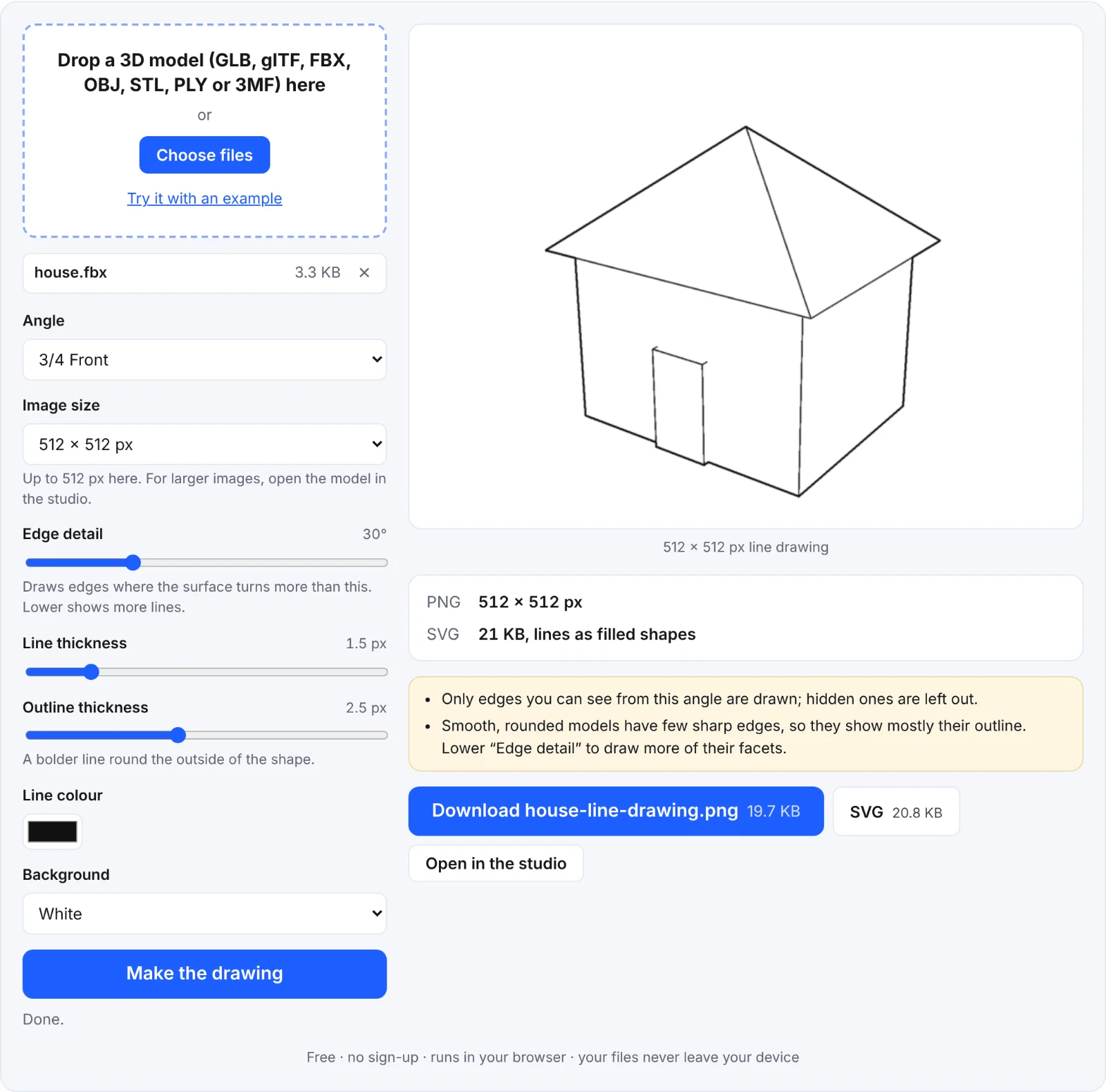 The example house as a line drawing
Frequently asked questions
Is my model uploaded?
No. Everything happens in your browser.
Why are there no lines inside my model?
It's smooth, so no edge turns sharply enough. Lower Edge detail.
Why is it so busy?
The model has many small facets. Raise Edge detail to draw only the main edges.
Can I use it for a colouring page?
Yes: choose a white background, thick lines and a bold outline, and print the PNG. For larger prints, use the SVG, which scales without blurring.