
3D model to SVG silhouette: trace a model's outline as a vector
Turn a 3D model into an SVG silhouette from any angle: a clean vector outline you can scale, cut or print. GLB, FBX, OBJ, STL and more. Free, in your browser, no upload.
Loading the tool…
Free · no sign-up · runs in your browser · files stay on your device
In short: drop a 3D model above and choose an angle. The tool renders the model's silhouette and traces it into a vector SVG: one filled shape, with see-through gaps kept or filled in. Use it for logos, stencils, vinyl cutting, laser engraving and icons. It runs in your browser.
How to make an SVG silhouette
- Add your model (GLB, glTF, FBX, OBJ, STL, PLY or 3MF, with its textures if any), or click Try it with an example.
- Choose the angle. Front and Side give the clearest outlines for most objects.
- Pick a fill colour and the detail level: high follows every edge; low gives smoother curves and a smaller file.
- Keep see-through gaps for an accurate shape, or turn it off for a solid shape, which suits cutting and stencils.
- Download the SVG, or a 512 px PNG of the same silhouette.
How it works
The model is rendered at 1,024 px with a transparent background, and the edge between the model and the background is traced with sub-pixel accuracy (the "marching squares" method). The outline is then simplified, removing points that don't change its shape by more than the detail setting, and written as an SVG path with an even-odd fill, so holes stay holes.
Uses
- Cutting machines (vinyl cutters, laser cutters): the SVG is one closed, filled path. Most cutting software traces filled paths directly.
- Logos and badges based on a product or character.
- Stencils and signage: turn off see-through gaps for a single solid shape.
- 3D printing: extrude the silhouette into a flat shape with the SVG to STL tool.
What it can't do
- Inner details. A silhouette is the outline only: no lines for edges, eyes or panels inside it. For those, use the line drawing tool.
- Colour areas. The SVG has one colour.
- True 3D edges. It follows the outline as seen from one angle.
Example
The example rocket from the front, traced as an SVG:
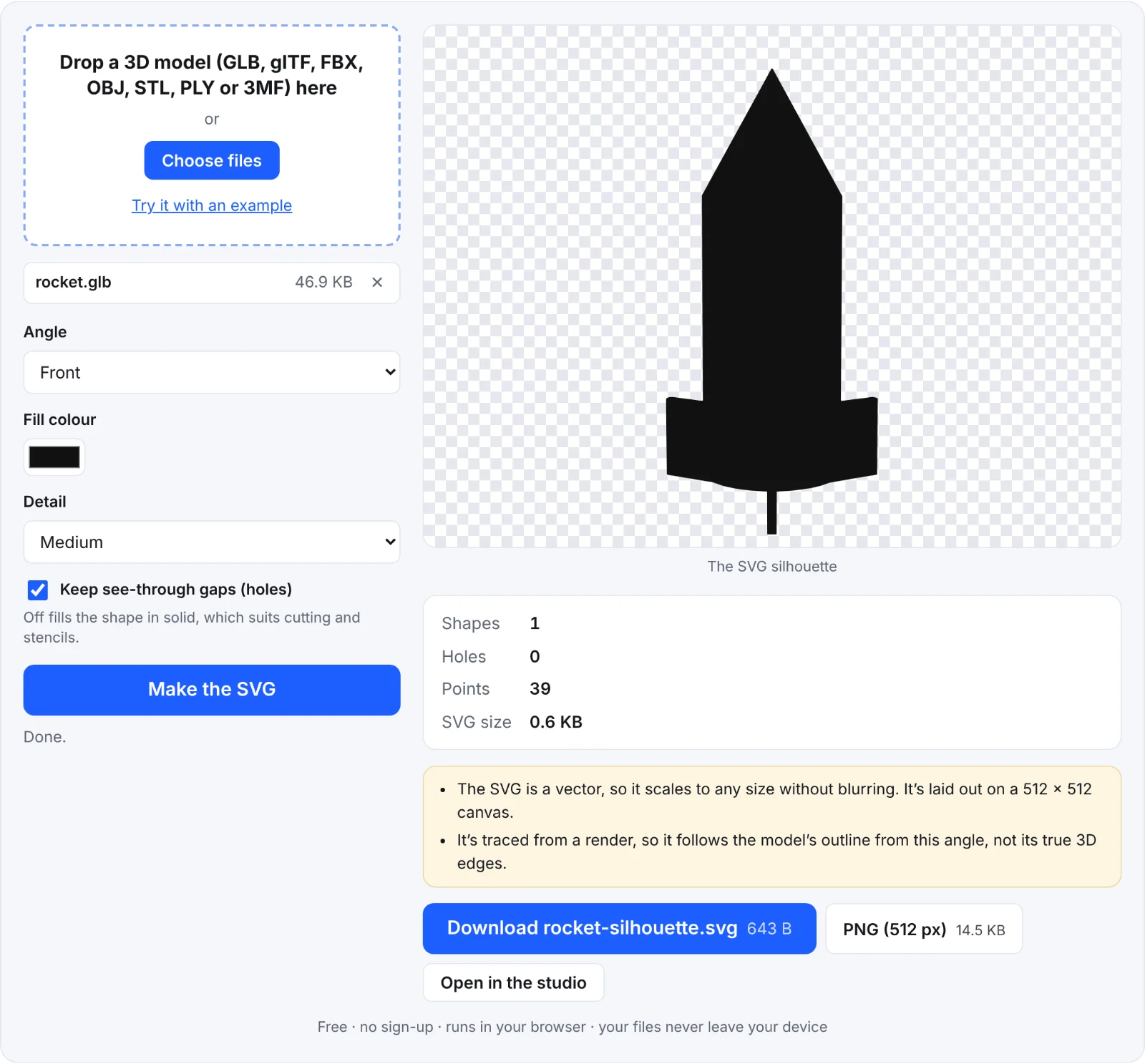 The example rocket as an SVG silhouette
Frequently asked questions
Is my model uploaded?
No. It's rendered and traced in your browser.
Why is my SVG a solid blob?
Thin parts merge at this resolution, and see-through gaps fill in if you turned them off. Try High detail, or a different angle where the parts don't overlap.
Can I edit the SVG?
Yes, in any vector editor (Inkscape, Illustrator, Affinity Designer, Figma). It's one path of straight segments.
How large can I use it?
As large as you like: it's a vector. It's laid out on a 512 × 512 canvas, which you can scale freely.