
3D model to pixel art: render a model as a retro sprite
Turn a 3D model into pixel art: a small sprite from 16 to 128 pixels with a limited palette and a 1-pixel outline, plus a sharp enlarged copy. Free, in your browser.
Loading the tool…
Free · no sign-up · runs in your browser · files stay on your device
In short: drop a 3D model above. The tool renders it at a tiny size (16 to 128 pixels), reduces it to a limited palette with hard edges, adds a 1-pixel outline if you like, and gives you the sprite plus an enlarged copy with sharp, square pixels. It runs in your browser.
How to make pixel art from a 3D model
- Add your model, or click Try it with an example.
- Choose the angle and the size in pixels. 32 or 48 suits most items and characters.
- Choose the number of colours. Fewer colours look more retro.
- Add an outline, in a dark colour or your own.
- Download the small sprite (for your game) and the enlarged copy (for sharing).
How it works
The model is rendered larger, then scaled down smoothly to your pixel size, so each pixel takes the average colour of what it covers. Then:
- every pixel becomes either fully solid or fully clear (no soft edges);
- the colours are reduced to your palette size, choosing the colours that best fit this model;
- an outline is added around the outside, one pixel wide, touching the shape on its sides (not its corners), as pixel artists usually draw them.
A starting point, not finished art
Hand-made pixel art involves choices a converter can't make: clusters, highlights, readable shapes at tiny sizes. Treat the result as a base to clean up in an editor such as Aseprite, LibreSprite or Piskel. It's a good way to get proportions, perspective and colours right quickly.
Using it in a game
Use the small file and set its texture filter to nearest (point), so the engine doesn't blur it. In Godot that's the texture's filter set to Nearest; in Unity, Filter Mode: Point.
Example
The example rocket at 48 × 48 pixels with 16 colours and an outline:
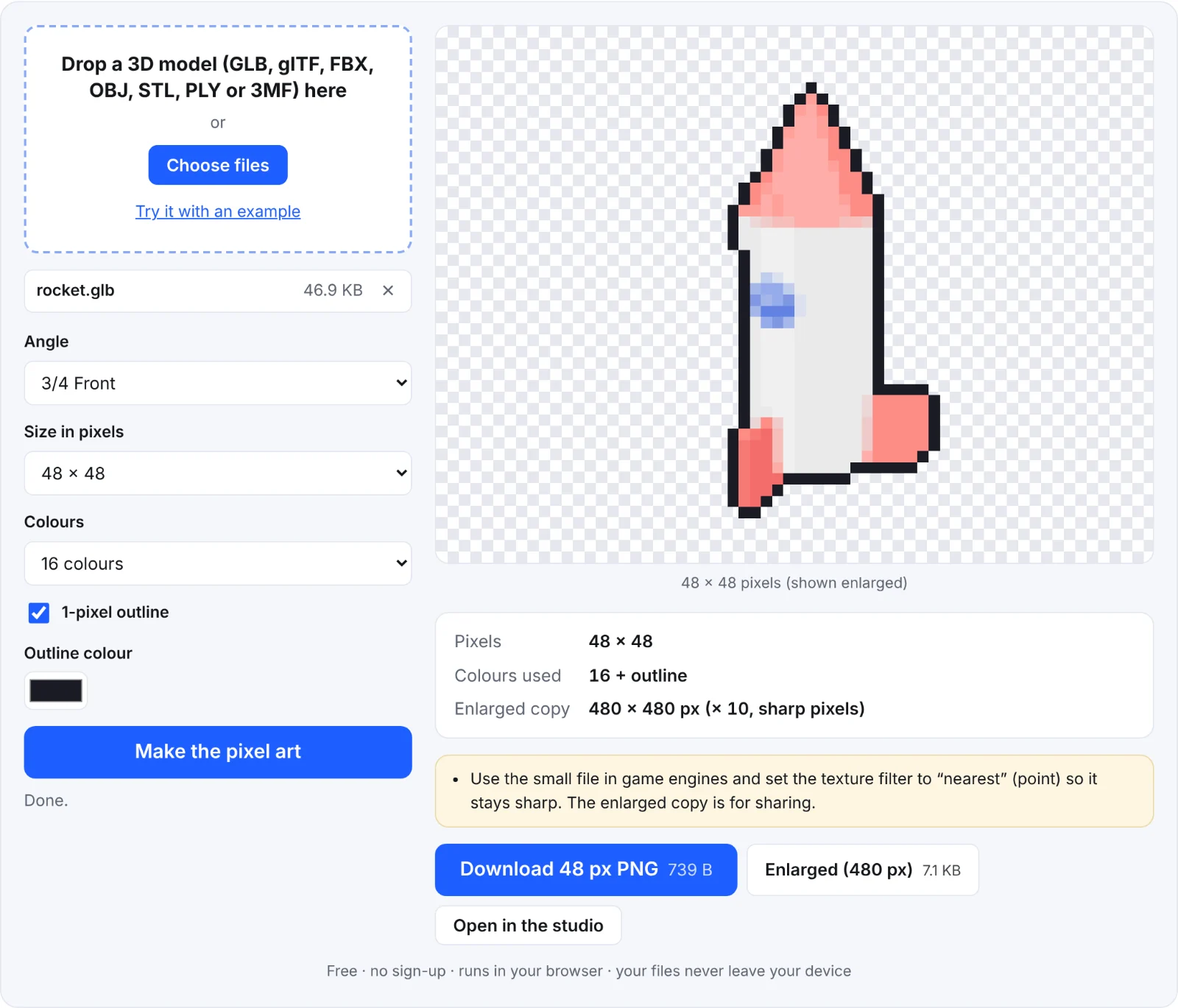 The example rocket as pixel art
Frequently asked questions
Is my model uploaded?
No. It's rendered and converted in your browser.
Why are fine details missing?
At 32 or 48 pixels, anything smaller than a pixel disappears. Try a larger size, a closer angle, or exaggerate details on the model.
Can I choose my own palette?
Not yet: the palette is chosen to fit the model. Recolour it in a pixel art editor.
Can I make sprites for several directions?
Use the sprite sheet tool with Sharp pixels on, then pixel-art each frame.