
3MF to STL converter: free, online, with units handled for you
Convert 3MF files to STL in your browser. Reads the unit the 3MF declares and converts it to millimetres, merging every object. Free, no sign-up, nothing uploaded.
Loading the tool…
Free · no sign-up · runs in your browser · files stay on your device
In short: drop a 3MF file above and click Convert to STL. The tool reads the unit the 3MF declares (millimetres, inches, centimetres and so on), converts it to millimetres and merges every object into one STL, in the positions they had. It runs in your browser.
How to convert 3MF to STL
- Add your 3MF, or click Try it with an example: a two-colour knot on a base.
- Click Convert to STL. The figures show the unit the file declared and the size in millimetres.
- Download the STL.
Most 3MF files are already Z-up, like your slicer, so Stand it upright is off. Turn it on only if the result lies on its side.
Why convert 3MF to STL?
3MF is the newer, richer format: it records units, colours, materials, multiple objects and even print settings. Most current slicers (PrusaSlicer, Bambu Studio, OrcaSlicer, Cura) open 3MF directly, and it's usually the better choice. Convert to STL when:
- an older slicer, CAD tool or online service only accepts STL;
- a print shop asks for STL;
- you want to measure or edit the shape in a tool that reads STL.
What the conversion keeps, and what it can't
| In the 3MF | In the STL |
|---|---|
| Shapes of every object | Kept, merged into one mesh |
| Object positions on the plate | Kept |
| Unit (declared in the file) | Converted to millimetres |
| Colours and materials | Lost |
| Print settings, supports, modifiers | Lost |
| Separate objects | Merged (your slicer can split parts that don't touch) |
Example
The example 3MF (a blue knot on a yellow base, declared in millimetres) as one STL:
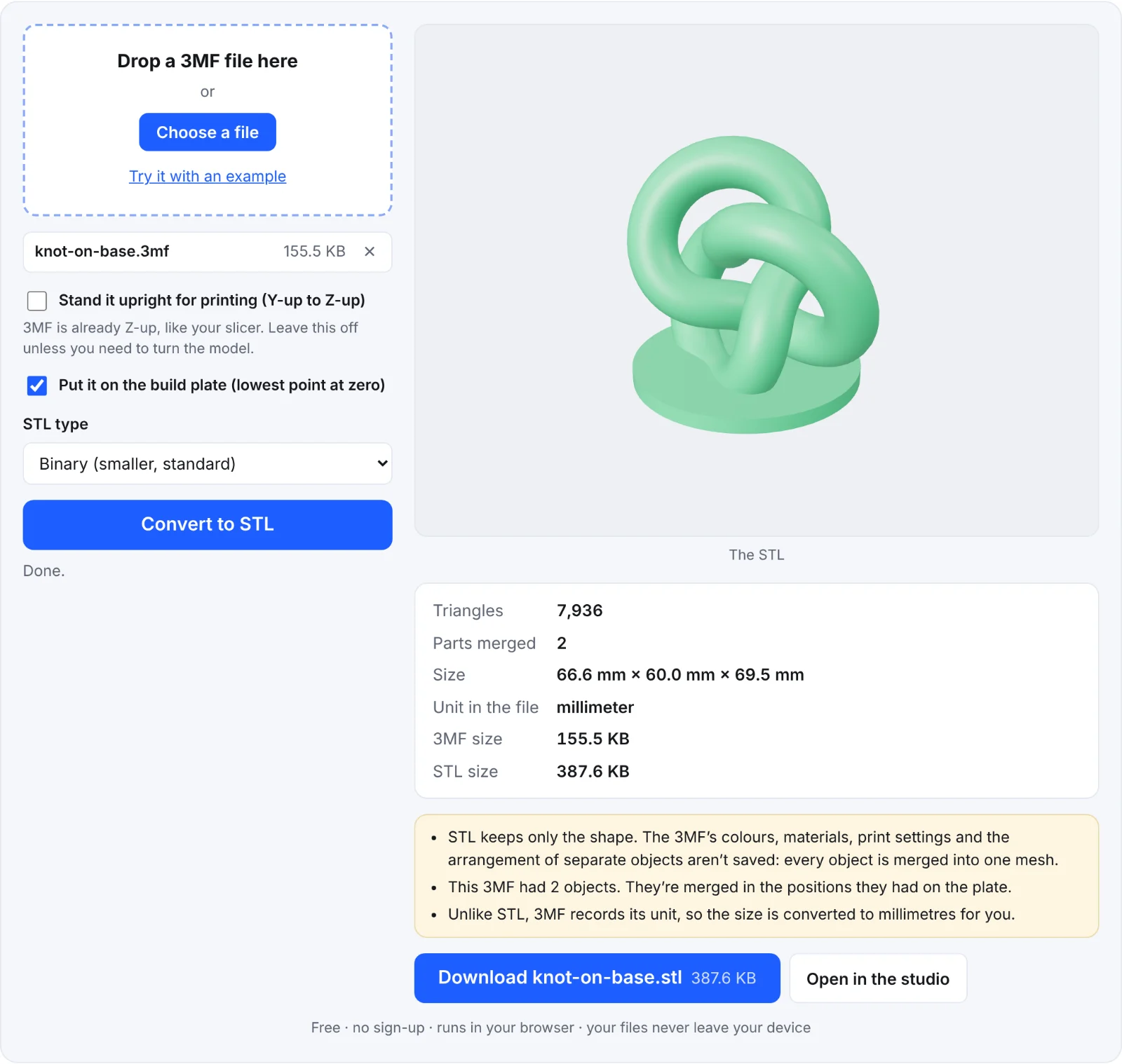 The example 3MF as an STL
Frequently asked questions
Is my 3MF uploaded?
No. It's unpacked and converted in your browser.
How does it know the unit?
A 3MF file states its unit in its model part (the 3MF standard allows microns, millimetres, centimetres, inches, feet and metres). The tool reads it and scales to millimetres, so you don't have to guess, unlike with STL or OBJ.
My slicer project has several plates. Which is converted?
Every object in the 3MF's build is merged in place. To convert one object, delete the others in your slicer and save the 3MF again first.
Will my colours survive?
No. STL has no colour. Keep the 3MF for multi-colour printing.