
PLY to STL converter: turn 3D scans into printable STL files
Convert PLY meshes, such as 3D scans, to STL for 3D printing in your browser, with scaling and a build-plate placement. Free, no sign-up, and nothing is uploaded.
Loading the tool…
Free · no sign-up · runs in your browser · files stay on your device
In short: drop a PLY file above and click Convert to STL. The mesh is scaled to millimetres if you choose, placed on the build plate and saved as STL for your slicer. PLY is the usual output of 3D scanning apps and photogrammetry software. It's converted in your browser.
How to convert PLY to STL
- Add your PLY (binary or ASCII), or click Try it with an example: a scanned pebble with vertex colours.
- Check the scale. PLY doesn't record units. After converting, the tool shows the size in millimetres: if a 5 cm object shows as 0.05 mm, convert again with Metres to millimetres.
- Turn "Stand it upright" on if the result lies on its side. Scans are often Z-up already, so it's off by default.
- Click Convert to STL and Download.
Meshes, not point clouds
A PLY file can hold just points (a point cloud) or a mesh of faces joining them. STL can only hold faces. If your PLY is a point cloud, the tool says so: build a mesh from it first in your scanning software, or in free software such as MeshLab or CloudCompare (their "surface reconstruction" or "meshing" features).
What the conversion keeps, and what it can't
- Kept: every face, in the same place.
- Lost: vertex colours (the colours most scans carry), normals, and any other per-point data such as confidence or quality. STL stores only triangles.
- Changed: faces with more than three corners are split into triangles.
Preparing a scan for printing
Scans are rarely ready to print straight away. Before printing, check for:
- Holes, where the scanner couldn't see (often underneath).
- Loose fragments floating around the main object.
- A flat base, so it stands on the bed.
Your slicer can repair simple problems, and Model Doctor in the Shot3D studio finds holes, loose pieces and flipped faces.
Example
The example pebble scan, with its vertex colours left behind, as an STL on the build plate:
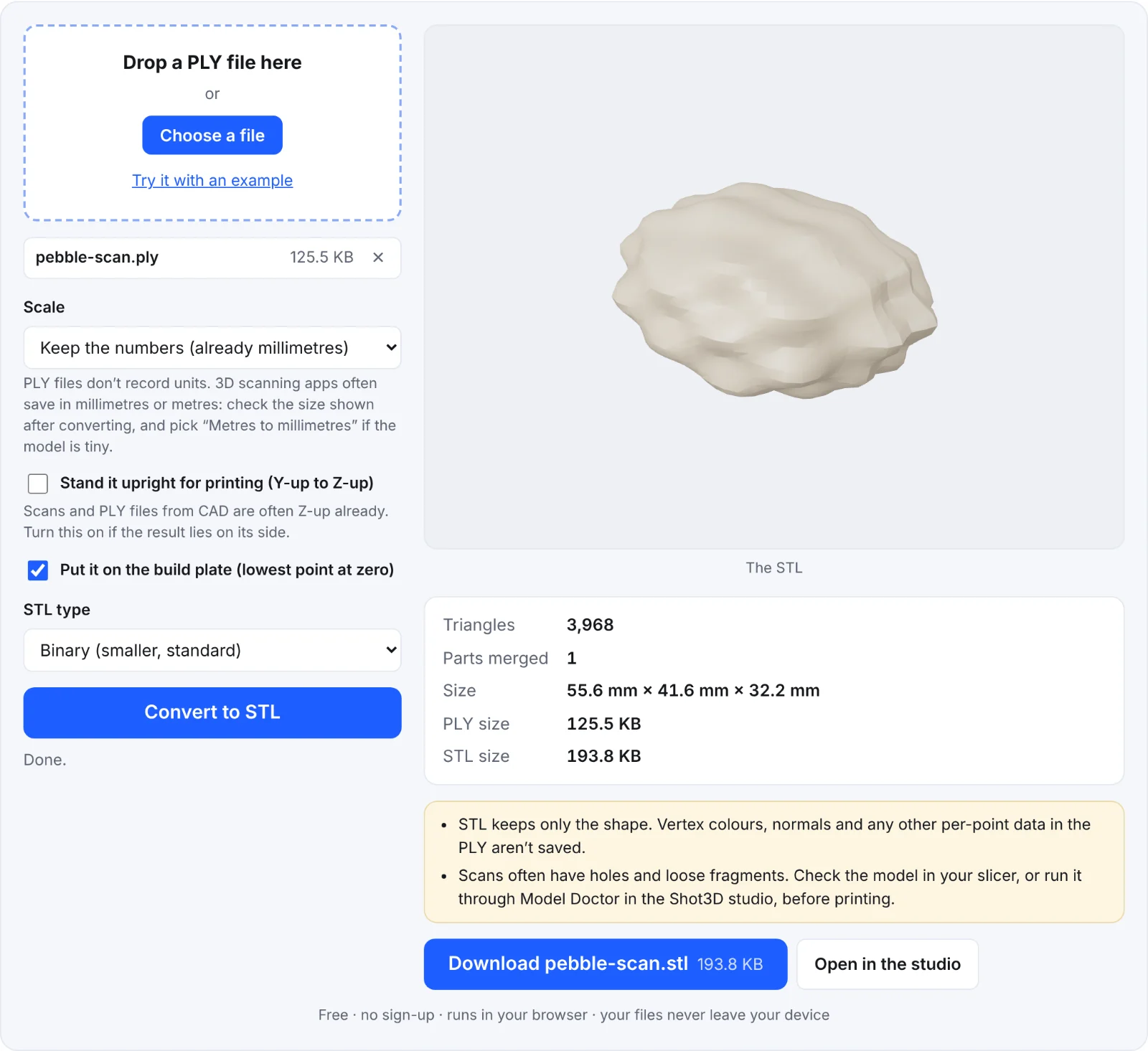 The example scan as an STL
Frequently asked questions
Is my scan uploaded?
No. It's read and converted in your browser, on your device.
Why has my scan lost its colour?
STL has no colour. To keep it, use a format that stores vertex colours, such as PLY itself, or OBJ or 3MF from your scanning software.
Why is the size wrong?
PLY has no units, and scanning apps differ. Try another scale until the size shown matches the real object.
Can I make the scan smaller?
Scans often have millions of triangles. Reduce them in your scanning software or MeshLab before converting, or check the result's size: slicers handle large STLs, but slowly.