
OBJ to STL converter: free, online, ready for your slicer
Convert OBJ files to STL for 3D printing, in your browser. Choose the units, stand it upright and put it on the build plate. Free, no sign-up, and nothing is uploaded.
Loading the tool…
Free · no sign-up · runs in your browser · files stay on your device
In short: drop an OBJ file above and click Convert to STL. Every object in the OBJ is merged into one printable mesh, scaled to millimetres if you choose, stood upright and placed on the build plate. Download the STL and open it in PrusaSlicer, Cura, Bambu Studio or any other slicer. It's converted in your browser.
How to convert OBJ to STL
- Add your OBJ. Its .mtl and textures aren't needed (STL can't use them), but adding them does no harm. Or click Try it with an example: a crate with a texture.
- Set the scale. OBJ files don't say what unit they're in. After converting, the tool shows the size in millimetres: if a 30 cm model shows as 0.3 mm, convert again with Metres to millimetres.
- Leave "Stand it upright" on for most OBJ files, which use Y as up. Slicers use Z.
- Click Convert to STL and Download.
Which scale should I choose?
| Where the OBJ came from | Usually | Choose |
|---|---|---|
| Blender (default settings) | Metres | Metres to millimetres |
| Maya, 3ds Max (default settings) | Centimetres | Centimetres to millimetres |
| CAD, or a model made for printing | Millimetres | Keep the numbers |
| Unknown | — | Convert, check the size shown, adjust |
These are the common defaults, but any app can export at any scale, so always check the size before printing.
What the conversion keeps, and what it can't
- Kept: the shape of every object, in the same place relative to the others.
- Merged: STL has no objects or groups, so everything becomes one mesh. Your slicer can split it back into parts ("split to objects") if the parts don't touch.
- Lost: materials, colours and textures (STL has none), and smoothing groups.
- Changed: quads and n-gons are split into triangles, as STL requires. The shape doesn't change.
- Not repaired: holes, flipped faces and overlapping parts. Check the model in your slicer, or use Model Doctor in the Shot3D studio.
Example
The example crate (an OBJ with an .mtl file and a texture) converted to an STL, 1,000 mm across because it was modelled in metres:
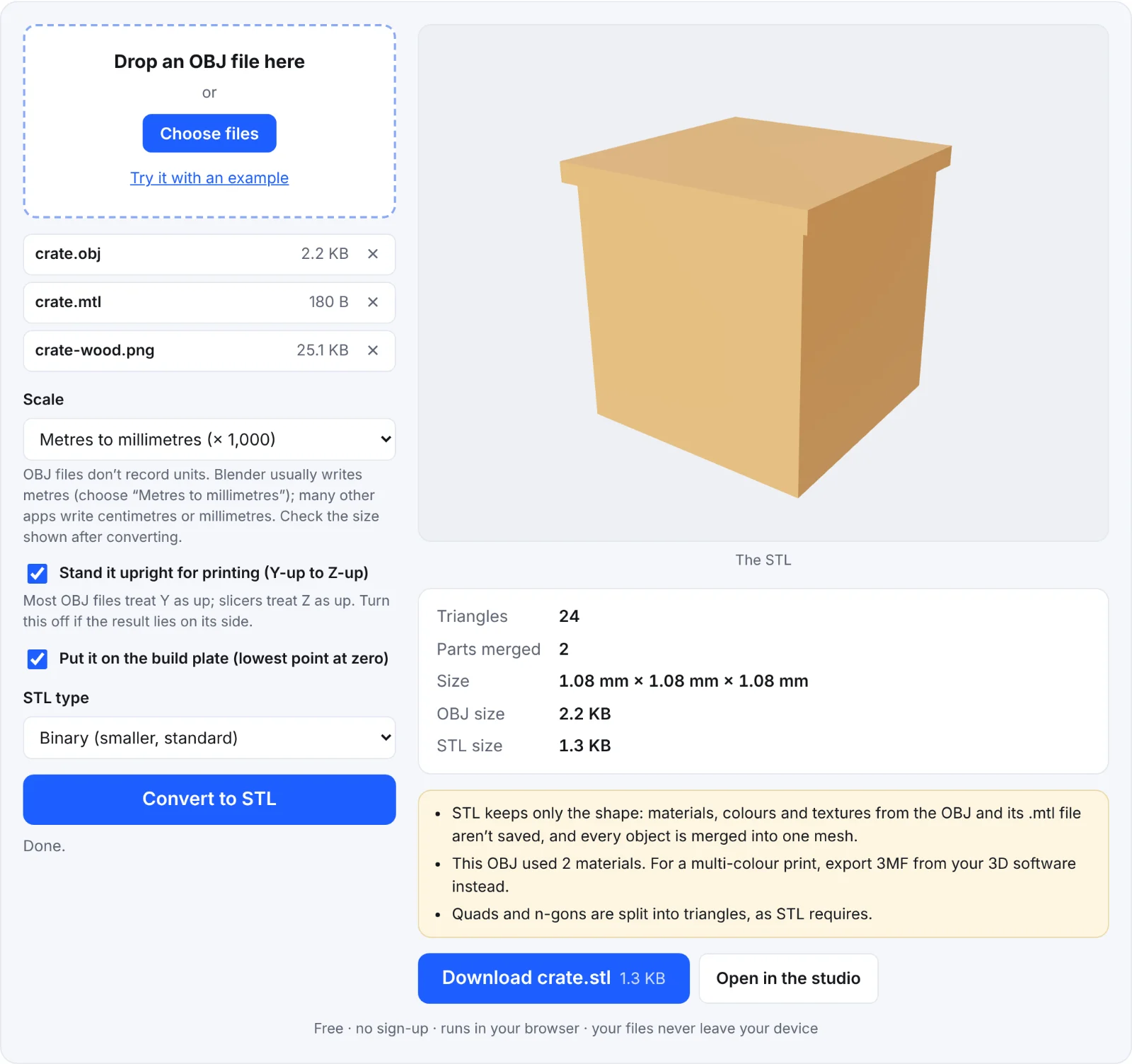 The example crate as an STL
Frequently asked questions
Is my OBJ uploaded?
No. It's read and converted in your browser; nothing is sent to Shot3D.
My model comes out lying down. Why?
The OBJ was exported with Z as up. Convert again with Stand it upright switched off.
Can I keep the colours for a multi-colour printer?
Not with STL. Export 3MF from your 3D software, or assign colours in your slicer.
How big can the OBJ be?
Up to 300 MB. Large files take longer because everything happens on your device.
Can I go the other way?
Yes: the STL to OBJ converter turns STL files back into OBJ.