
Favicon generator: favicon.ico, PNG icons and a web manifest
Make a full favicon set from one logo in your browser: favicon.ico (16, 32, 48 px), PNG icons, an Apple touch icon, a web app manifest and the HTML to add. Free, no upload.
Loading the tool…
Free · no sign-up · runs in your browser · files stay on your device
In short: drop your logo above (a square PNG or SVG works best). The tool makes a complete favicon set:
favicon.icowith 16, 32 and 48 px icons, PNG icons from 16 to 512 px, an Apple touch icon, a web app manifest, and the HTML tags to add to your site. It runs in your browser.
How to make favicons
- Add your logo: a square PNG or SVG, ideally 512 px or larger. Or click Try it with an example.
- Choose a background: transparent, or a colour (with optional rounded corners).
- Add padding if the logo touches the edges.
- Enter your site's name for the manifest.
- Download the ZIP, put the files in your website's root folder, and add the HTML tags to every page's
<head>.
What's in the ZIP
| File | Used by |
|---|---|
favicon.ico (16, 32, 48 px) |
Browser tabs, bookmarks and Windows |
favicon-16.png, favicon-32.png |
Browsers that prefer PNG |
apple-touch-icon.png (180 px) |
iPhone and iPad home screens |
icon-192.png, icon-512.png |
Android home screens and installed web apps |
site.webmanifest |
Tells browsers your site's name and icons |
add-to-your-head.html |
The tags to paste into your pages |
The .ico file holds PNG images, which every current browser and Windows reads.
Designing for 16 pixels
A favicon is often shown at 16 × 16 px in a browser tab. At that size:
- Simple shapes read best: a single letter or a bold mark.
- Thin lines and small text disappear.
- Strong contrast helps it stand out on both light and dark tabs.
Check the enlarged 32 px preview to see how it'll look.
Example
The example "S" logo as a favicon set:
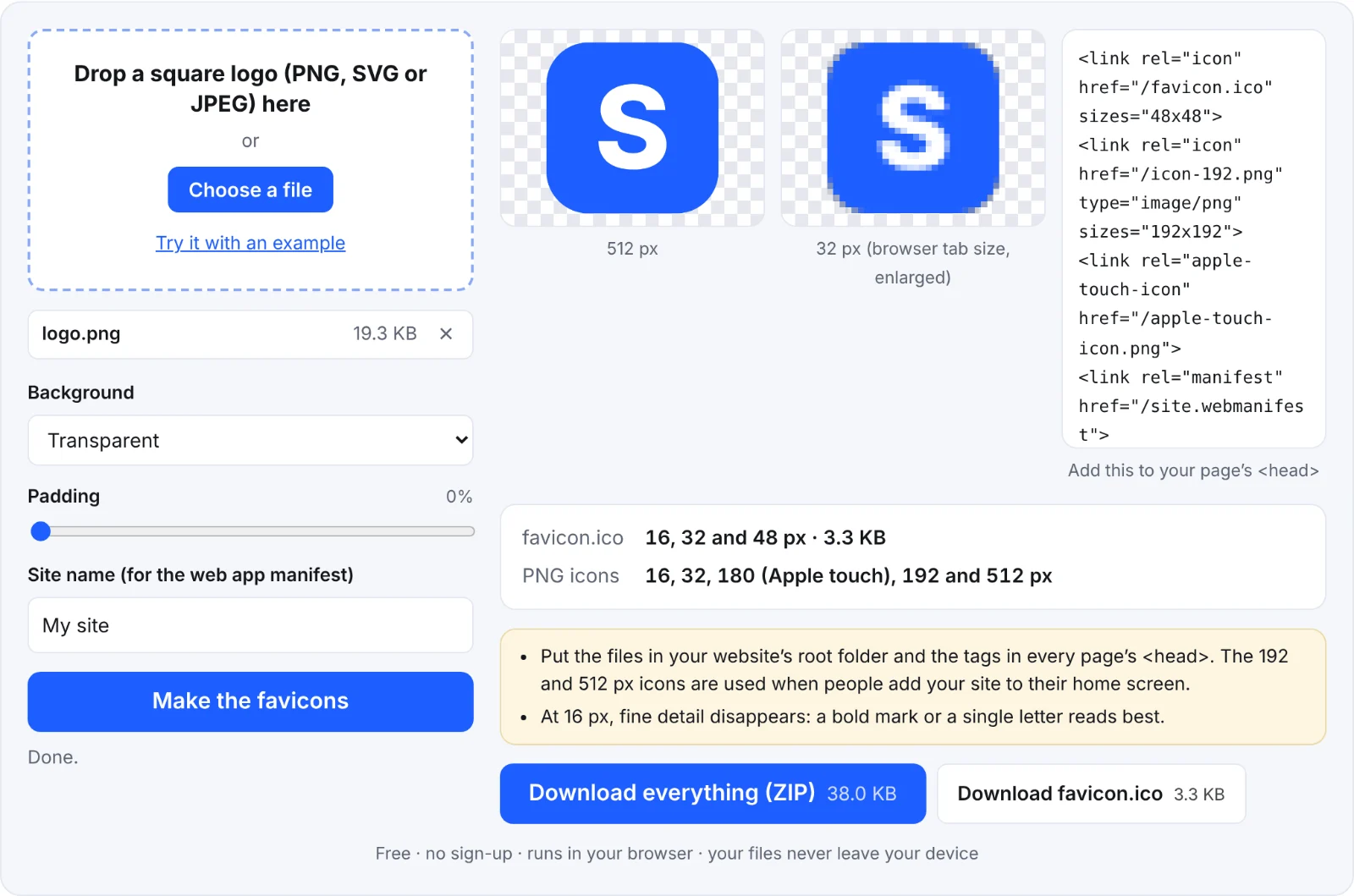 A favicon set from one logo
Frequently asked questions
Is my logo uploaded?
No. The icons are made in your browser.
Where do I put the files?
In your website's root folder (next to your home page), so https://yoursite/favicon.ico works. Then add the HTML tags to every page's <head>.
Why isn't my new favicon showing?
Browsers cache favicons for a long time. Reload with the cache cleared, or open the site in a private window.
Can I use an SVG?
Yes, as the input. The output is PNG and ICO, which work everywhere.