
Image compressor: shrink PNG, JPEG and WebP files in your browser
Compress PNG, JPEG and WebP images in your browser, with before and after sizes: quality settings, palette PNG, WebP and optional resizing. Batch to ZIP. Free, no upload.
Loading the tool…
Free · no sign-up · runs in your browser · files stay on your device
In short: drop one or more images above. The tool re-encodes them smaller: JPEG and WebP at the quality you choose, PNG as a palette PNG with up to 256 colours, optionally resized too. It shows the size before and after, keeps the original if it can't do better, and gives you a ZIP for several. It runs in your browser.
How to compress images
- Add your images (PNG, JPEG, WebP; several at once is fine), or click Try it with an example.
- Choose the format:
- Keep the format: JPEG stays JPEG, WebP stays WebP, and PNG becomes a palette PNG.
- JPEG or WebP: usually the smallest for photos.
- PNG with up to 256 colours: for logos, icons, screenshots and flat art.
- Set the quality (JPEG and WebP) or the number of colours (palette PNG).
- Optional: resize to a maximum size, which often saves the most.
- Compare before and after, then Download.
Which format for what?
| Image | Best format |
|---|---|
| Photos, renders with gradients | JPEG or WebP at 75–85% |
| Logos, icons, flat illustrations | Palette PNG (or WebP) |
| Anything needing transparency | PNG or WebP (JPEG has none) |
| Exact, lossless copies | PNG, unchanged |
WebP is supported by every current major browser. Some older apps and marketplaces still only accept JPEG and PNG.
How it works
Images are decoded and re-encoded by your browser's own image encoders (JPEG and WebP), at the quality you set. Palette PNGs are made by choosing the best set of up to 256 colours for the image, then writing an indexed PNG with transparency kept per colour. Nothing is uploaded, so it works for private images.
What it can't do
- Shrink an already well-compressed JPEG much without visible loss: JPEG compression has already removed the detail it can.
- Keep metadata. Camera details, location and colour profiles aren't copied (often a privacy plus).
- Animated images: GIFs and animated WebPs become their first frame.
Example
The example landscape as a JPEG at 80% quality:
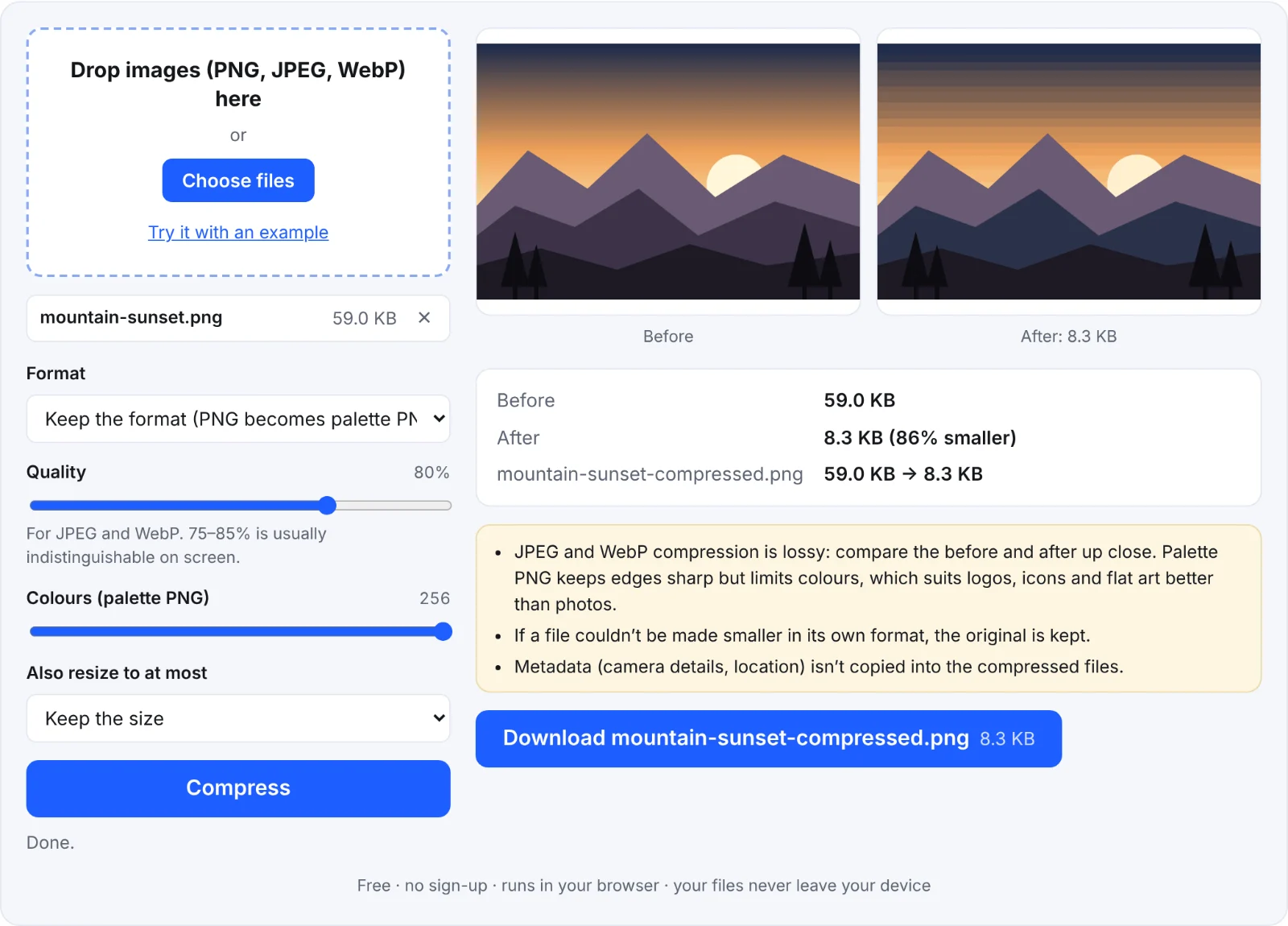 Compressing the example image
Frequently asked questions
Are my images uploaded?
No. They're compressed by your own browser.
What quality should I use?
Start at 80%. Compare the before and after zoomed in; go lower until you see a difference, then step back up.
Why is my PNG bigger as JPEG?
Flat graphics with sharp edges compress badly as JPEG. Use palette PNG for those.
Is there a limit?
Each image up to 60 MB and 64 megapixels, because everything happens on your device.