
GLB texture resizer: make the textures in a GLB smaller
Scale down the textures inside a GLB to 2048, 1024, 512 or 256 px in your browser, keeping their format, to make the file much smaller. Free, no upload.
Loading the tool…
Free · no sign-up · runs in your browser · files stay on your device
In short: drop a GLB above and choose the largest texture size you need. Every texture bigger than that is scaled down, keeping its proportions and format, and the GLB is saved again with everything else unchanged. Textures are usually most of a GLB's size, so this can shrink it a lot. It runs in your browser.
How to resize the textures
- Add your GLB, or click Try it with an example: a box with a 2,048 px texture.
- Choose the largest size: 2,048, 1,024, 512 or 256 px on the longest side.
- Set the quality for JPEG and WebP textures (PNG is always lossless).
- Download the new GLB and check it.
Which size should I choose?
It depends on how big the model appears on screen. As a rule of thumb, a texture needs about as many pixels as the model covers on the largest screen it's shown on:
- 2,048 px: hero products viewed close up, on desktop.
- 1,024 px: most web and AR models.
- 512 px: small props and models seen from a distance.
- 256 px: thumbnails and tiny items.
Halving the size cuts a texture's pixels to a quarter.
What it changes
- Textures larger than your limit are scaled down smoothly, keeping their proportions and their format (PNG stays PNG, JPEG stays JPEG).
- Everything else (geometry, materials, animations) is copied unchanged.
- Smaller textures are left alone.
What it can't do
- KTX2 (Basis) textures can't be decoded by a browser canvas, so they're left as they are. The tool tells you.
- Change formats (for example PNG to JPEG). PNGs stay lossless and so stay larger than JPEGs.
- Sharpen. Scaled-down textures lose fine detail; check normal maps especially.
Example
The example box's 2,048 px texture scaled to 1,024 px:
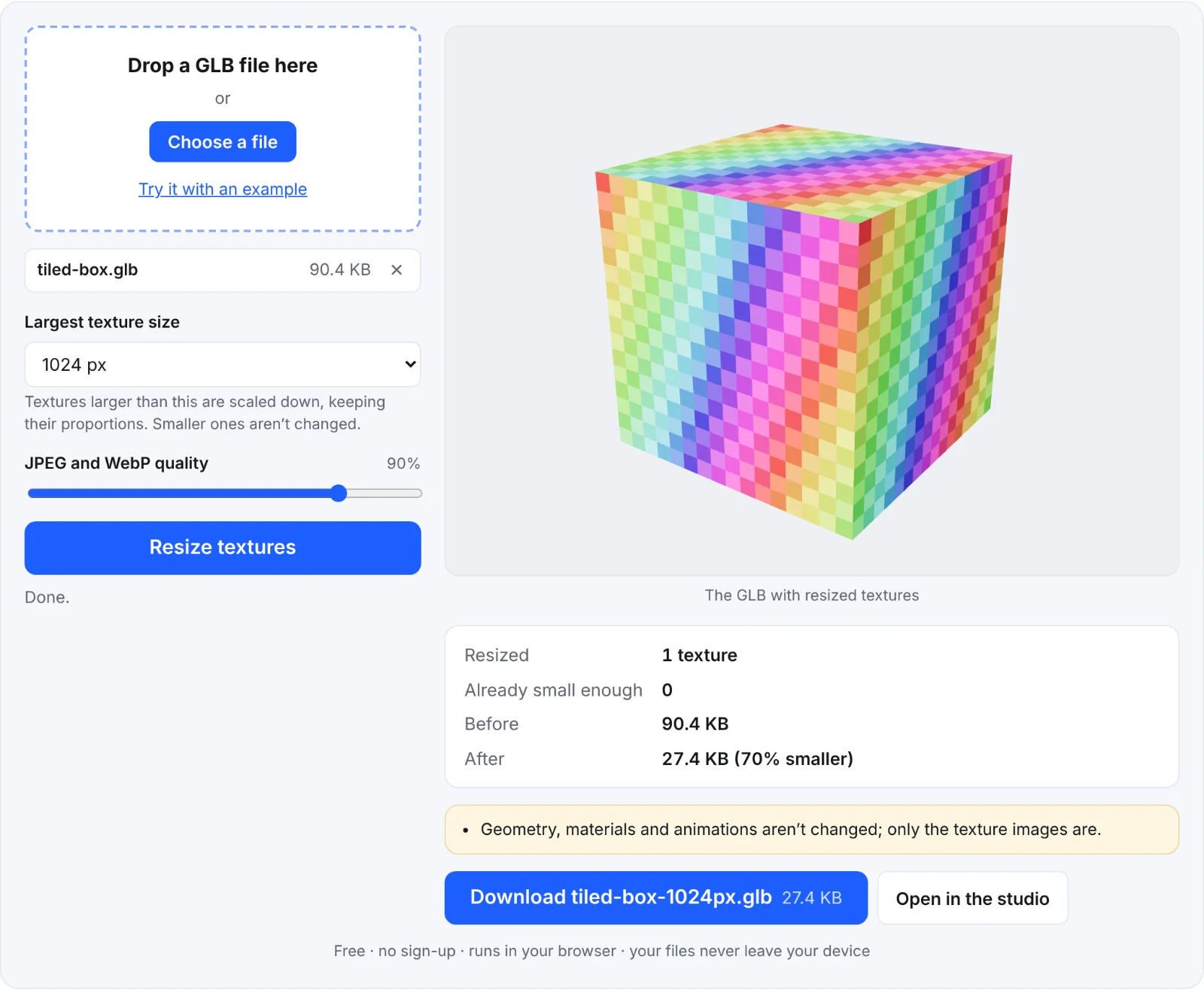 Resizing the example box's texture
Frequently asked questions
Is my file uploaded?
No. Textures are resized in your browser.
My file didn't get smaller. Why?
Its textures were already at or below the size you chose, or they're KTX2, or the file is mostly geometry: try the GLB compressor.
Does it keep transparency?
Yes. PNG and WebP textures keep their alpha channel.
Can I resize textures in a .gltf file?
Pack it into a GLB first with the glTF to GLB converter.