
GLB texture extractor: download every texture from a GLB
Extract all textures from a GLB file as images, in a ZIP, exactly as stored, with what each one is used for and its size. Free, in your browser, no upload.
Loading the tool…
Free · no sign-up · runs in your browser · files stay on your device
In short: drop a GLB above. The tool lists every texture inside it, with its size, format and where it's used (for example "Body: base colour"), and gives you all of them in a ZIP, exactly as they're stored. It runs in your browser.
How to extract textures
- Add your GLB, or click Try it with an example: a crate with a wood texture.
- Look through the list: each texture's name, size, format and use.
- Download all textures as a ZIP, or the first few one by one.
What you get
Textures are copied out byte for byte, in the format they're stored in the GLB (PNG, JPEG, WebP or KTX2), so there's no loss of quality. Each is named after the texture's own name in the file, or numbered if it has none.
Reading glTF textures
glTF materials use a standard set of maps:
| Use | What it holds |
|---|---|
| Base colour | The surface colour (and transparency in its alpha channel) |
| Normal | Fine surface detail, as directions in red, green and blue |
| Metal and roughness | Two maps in one image: roughness in the green channel and metalness in the blue |
| Ambient occlusion | Soft shadowing in crevices (red channel) |
| Emission | Where the surface glows |
To split or combine those channels, use an image editor that can work with channels.
What it can't do
- .gltf files with separate images: their textures are already separate files. To get them in one place, pack them with the glTF to GLB converter first, or just copy the image files.
- Convert KTX2 textures to PNG: they're saved as KTX2.
Example
The example crate's wood texture, extracted:
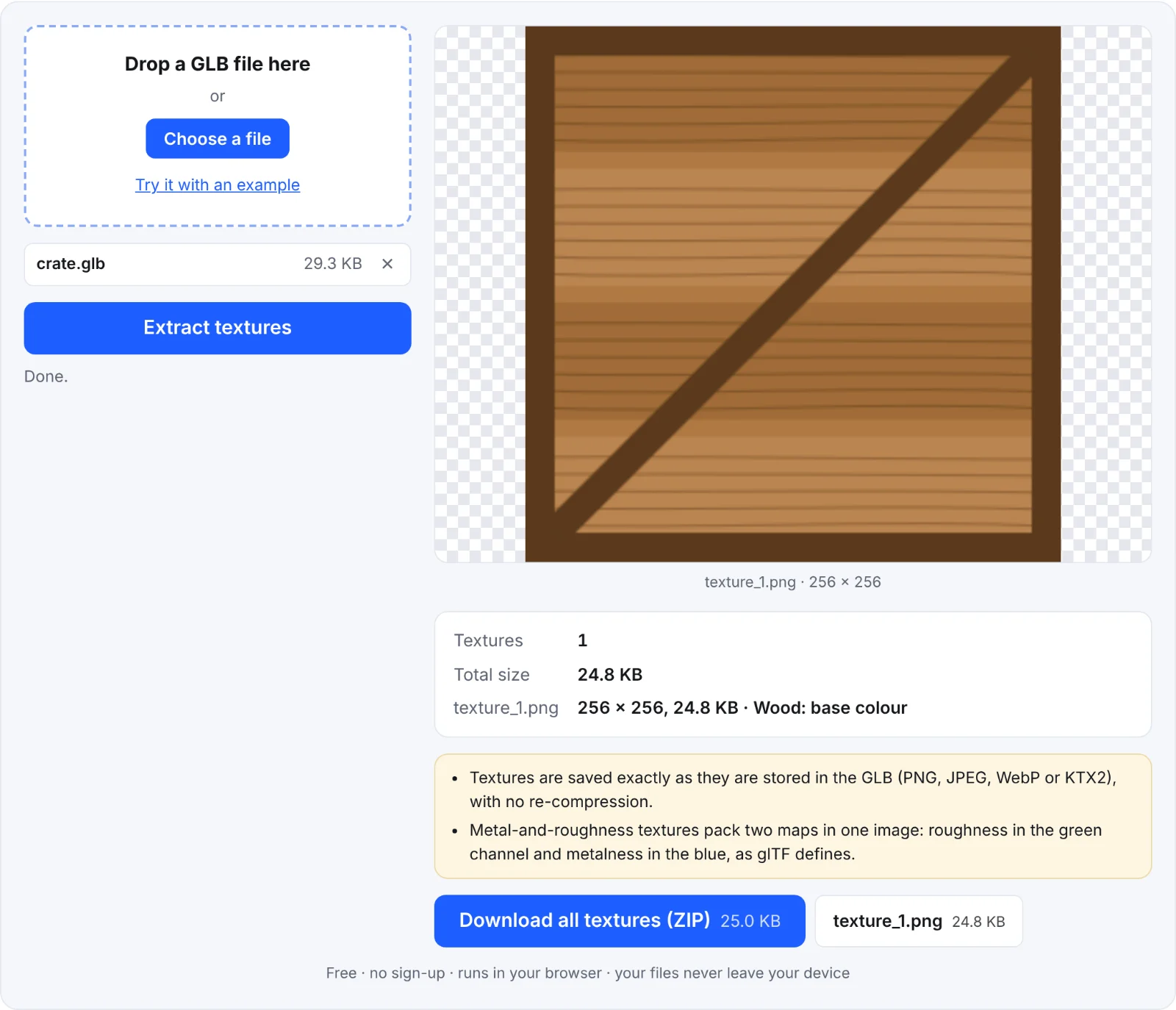 Extracting the example crate's texture
Frequently asked questions
Is my file uploaded?
No. The textures are read from the GLB in your browser.
Are the textures changed?
No. They're copied exactly as stored.
Why does my model show no textures?
Its colours come from plain material values rather than images. The tool says so.
Can I put new textures back in?
Not with this tool. For smaller textures, the GLB texture resizer replaces them with resized copies.