
Marketplace image resizer: Etsy, Shopify, eBay, Fab, Unity, itch.io
Resize an image to each marketplace's recommended size, from their own help pages: Etsy, Shopify, eBay, Fab, Unity Asset Store and itch.io. One or all at once. Free, in your browser.
Loading the tool…
Free · no sign-up · runs in your browser · files stay on your device
In short: drop an image above and pick a platform, or make every size at once. The tool resizes it to that platform's recommended size, fitting the whole image (with a fill colour) or filling the frame (cropping the edges). Sizes come from each platform's own help pages, linked below. It runs in your browser.
How to resize for a marketplace
- Add your image, or click Try it with an example.
- Choose a platform, or tick Make every size for a ZIP of all of them.
- Choose how to handle a different shape: fit the whole image with a fill colour around it, or fill the frame and crop the edges.
- Choose JPEG or PNG, and Download.
The sizes, and where they come from
| Platform | Size | Source |
|---|---|---|
| Etsy listing photo | 2,000 × 2,000 px | Etsy Help Center: at least 2,000 px wide and high |
| Shopify product image | 2,048 × 2,048 px | Shopify Help Center: usually displays best for square product images |
| eBay listing photo | 1,600 × 1,600 px | eBay Seller Center: recommended (minimum 500 px) |
| Fab gallery image | 1,920 × 1,080 px | Fab publisher documentation: minimum, JPEG or PNG under 3 MB |
| Unity Asset Store icon | 160 × 160 px | Unity Manual: exact size, no text |
| Unity Asset Store card | 420 × 280 px | Unity Manual (as above): exact size |
| Unity Asset Store cover | 1,950 × 1,300 px | Unity Manual (as above): exact size |
| Unity Asset Store social image | 1,200 × 630 px | Unity Manual (as above): exact size, no text |
| itch.io cover image | 630 × 500 px | itch.io creator docs: recommended (minimum 315 × 250) |
Checked in November 2026. Platforms change their requirements, so check their pages before uploading. Some also have rules about what images may show (text, borders, watermarks): see their guidelines.
Fit or fill?
- Fit: the whole image is kept and centred; any leftover space is filled with your colour. Best for products, where nothing should be cut off.
- Fill: the image covers the whole frame and the edges are cropped. Best for scenes and banners.
What it can't do
- Add detail: small images enlarged to 2,000 px look soft. The tool warns you.
- Check content rules such as text, borders or backgrounds.
- Every platform: CGTrader and Amazon don't publish a single clear size on a help page we could cite, so they aren't listed. The Shot3D studio makes complete listing kits for CGTrader, Fab and the Unity Asset Store from 3D models.
Example
The example cupcake fitted to Etsy's 2,000 × 2,000 size on white:
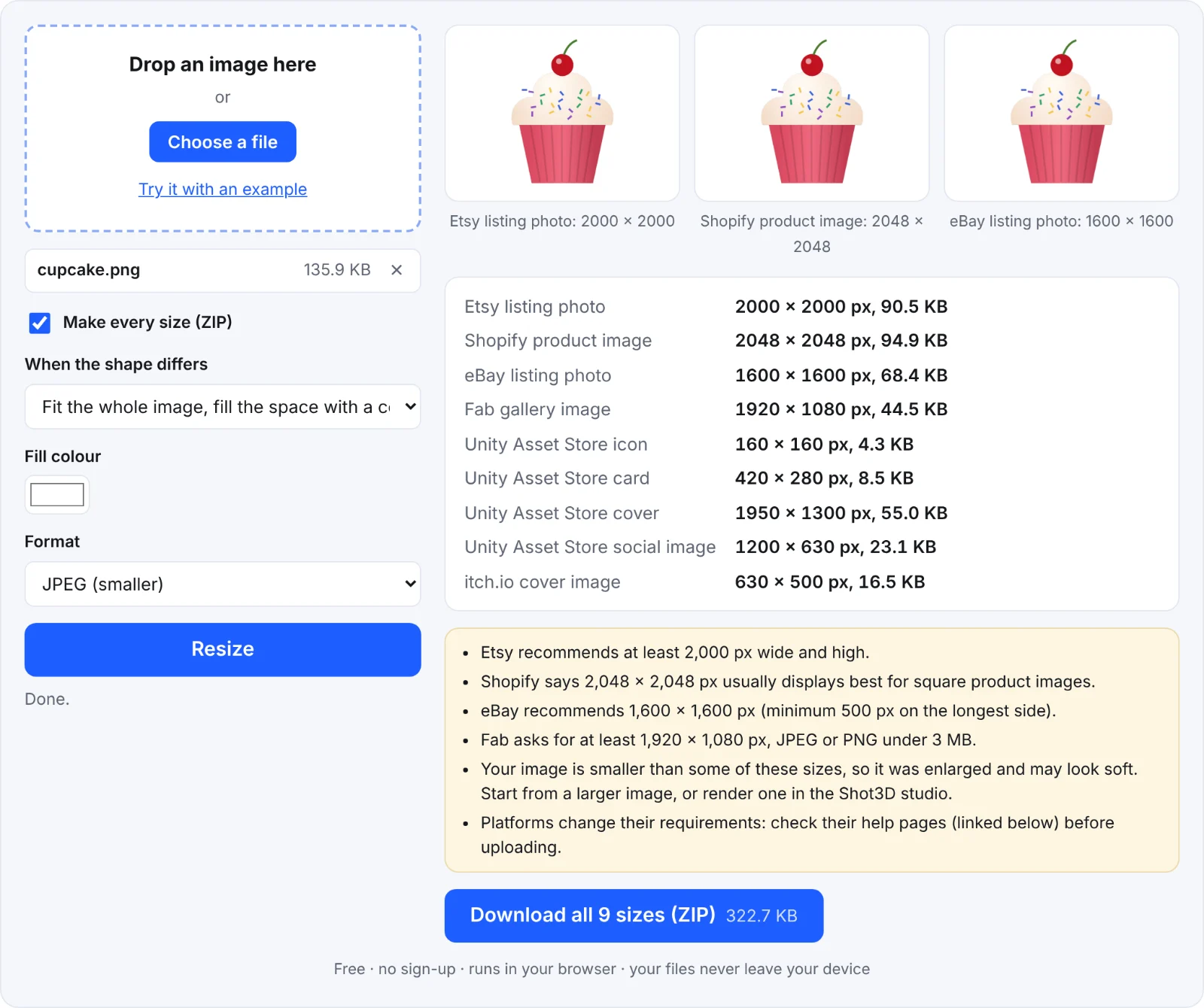 Resizing for Etsy
Frequently asked questions
Is my image uploaded?
No. It's resized in your browser.
Why does Unity need exact sizes?
Unity's publisher portal requires its key images at exactly the sizes listed, so these are made at exactly those sizes.
Fab says "minimum". Can I go bigger?
Yes; 1,920 × 1,080 is the smallest Fab accepts for gallery images. Keep files under 3 MB: JPEG helps.
Can I make the image smaller in file size too?
Yes: run the result through the image compressor.