
White background product image maker: centre products on pure white
Centre a product cut-out on a pure white background in your browser, at a marketplace-ready size and shape, filling as much of the frame as you choose. Free, no upload.
Loading the tool…
Free · no sign-up · runs in your browser · files stay on your device
In short: drop a product cut-out (a PNG with a transparent background) or a photo already on white. The tool finds the product, centres it on pure white (#FFFFFF) at the size and shape you choose, filling as much of the frame as you set, with an optional soft shadow. It runs in your browser.
How to put a product on white
- Add your product image: a transparent PNG gives the cleanest edges. Or click Try it with an example.
- Choose the shape (square suits most marketplaces) and size.
- Set how much of the frame the product fills, for example 85%.
- Optional: a soft shadow underneath, or a different background colour.
- Download the JPEG (or PNG).
How it finds the product
- Transparent PNGs: everything that isn't transparent is the product.
- Photos on white: pixels that are very close to white are treated as background, so the product is found and re-centred with an even margin. Shadows and reflections count as the product.
The product is then scaled so its width or height (whichever is limiting) fills your chosen share of the frame, and centred.
Marketplace main images
Many marketplaces ask for main images on a plain white background, with the product filling most of the frame. Rules differ and change, so check your marketplace's own guidelines for the exact background, fill and size before uploading. The marketplace image resizer lists sizes from each platform's own help pages.
What it can't do
- Remove a busy background. For a photo on a real-world background, remove it first, then place it on white here.
- Add detail. Small images enlarged to 2,000 px look soft; the tool warns you when it enlarges a lot.
Example
The example cupcake on pure white, square, filling 85%:
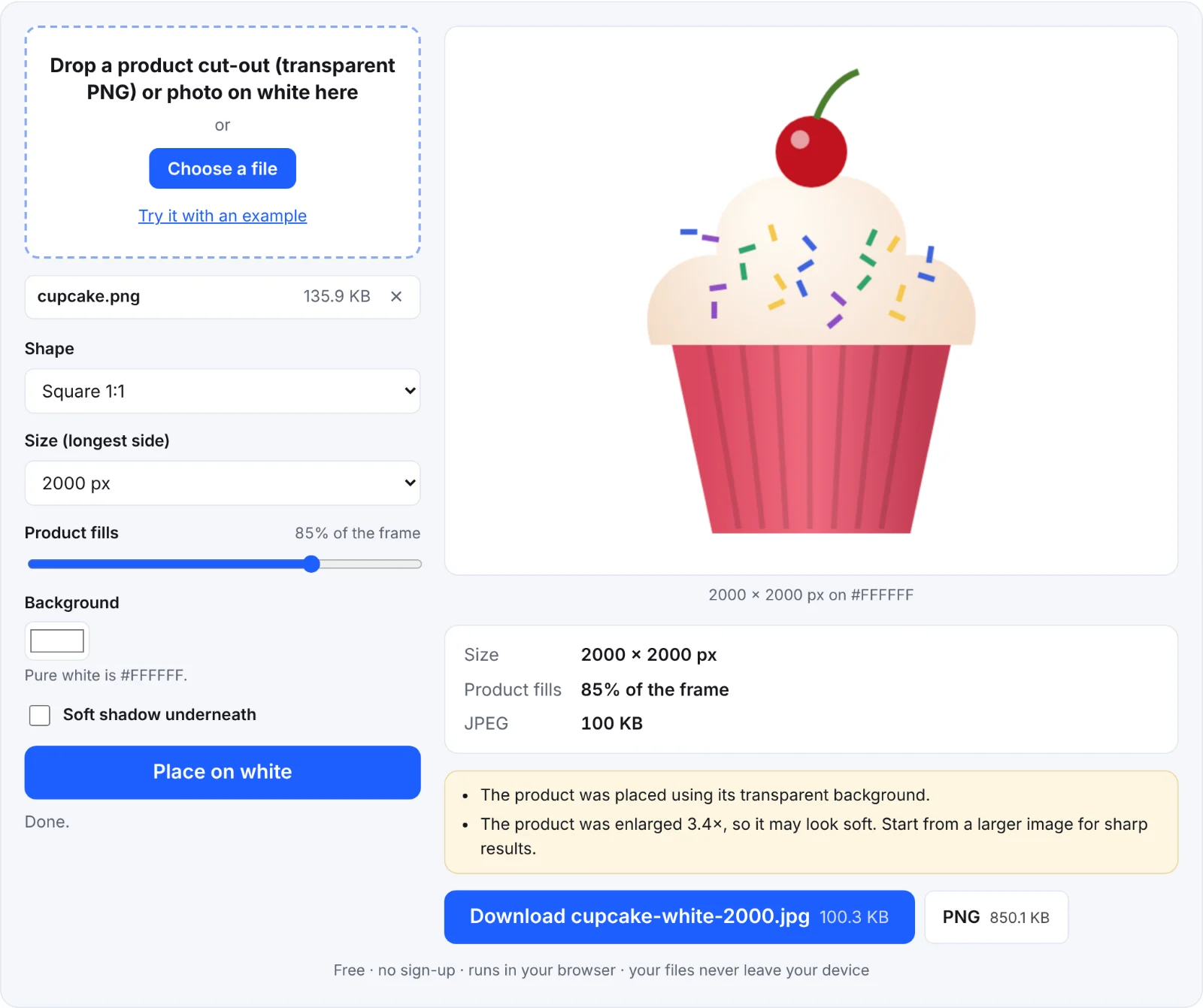 A product on pure white
Frequently asked questions
Is my image uploaded?
No. It's placed on white in your browser.
Is the background really pure white?
Yes: #FFFFFF (255, 255, 255), unless you choose another colour.
Can I make images like this from a 3D model?
Yes: the Shot3D studio renders 3D models on pure white at listing sizes, with lighting presets for products.
Why JPEG?
Marketplaces accept it everywhere and the files are small. Download the PNG if you need lossless.