
Image format converter: PNG, JPEG and WebP in your browser
Convert images between PNG, JPEG and WebP (and from GIF, BMP and AVIF) in your browser, with quality and a background colour for transparency. Batch to ZIP. Free, no upload.
Loading the tool…
Free · no sign-up · runs in your browser · files stay on your device
In short: drop one or more images above and choose PNG, JPEG or WebP. The tool converts them in your browser, with a quality setting for JPEG and WebP, and a background colour for any transparent areas when converting to JPEG. Several images come back as a ZIP. Nothing is uploaded.
How to convert images
- Add your images: PNG, JPEG, WebP, GIF, BMP or AVIF (if your browser can open AVIF). Or click Try it with an example.
- Choose the format to convert to.
- Set the quality for JPEG or WebP, and the background colour for JPEG.
- Download the image, or a ZIP of all of them.
Common conversions
| From → to | Why | Watch out for |
|---|---|---|
| WebP → PNG or JPEG | Apps or sites that don't accept WebP | None: PNG is lossless |
| PNG → JPEG | Smaller photos | Transparency is filled with your background colour |
| PNG or JPEG → WebP | Smaller files for websites | Some older apps can't open WebP |
| JPEG → PNG | Editing without further loss | The file gets bigger; JPEG's earlier loss isn't undone |
How it works
Your browser decodes the image and draws it onto a canvas, then encodes it in the new format with its own encoder. Colours are converted to standard sRGB. If your browser can't write a format (some can't write WebP), the tool tells you rather than giving you a mislabelled file.
What it can't do
- Keep animation: animated GIFs and WebPs become their first frame. Use a dedicated tool for animated conversions.
- Keep metadata or colour profiles.
- HEIC (iPhone photos): most browsers can't open HEIC. On an iPhone, Settings → Camera → Formats → Most Compatible saves JPEGs instead.
Example
The example cupcake converted from PNG to WebP:
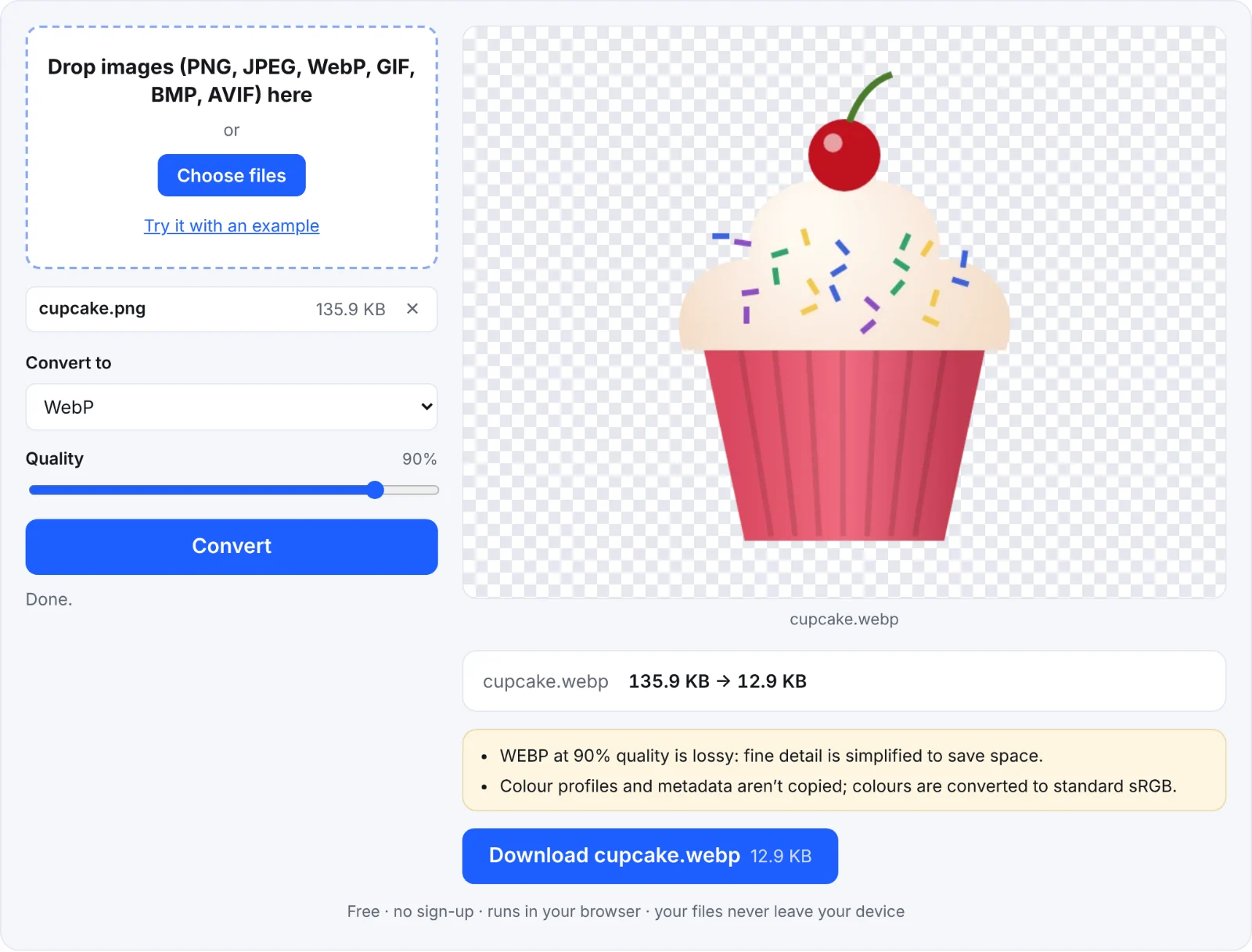 Converting to WebP
Frequently asked questions
Are my images uploaded?
No. They're converted in your browser.
Does converting lose quality?
To PNG, no. To JPEG or WebP at less than 100% quality, slightly: higher quality keeps more detail.
Why is my JPEG's background black or white?
JPEG can't store transparency, so see-through areas are filled with the background colour you chose (white by default).
Can I convert many at once?
Yes: add several images and download a ZIP.