
Image to heightmap STL: turn a picture into a 3D relief
Turn an image into a 3D-printable relief (heightmap): brighter parts stand higher, on a solid base, with smoothing and invert. Free, in your browser, no upload.
Loading the tool…
Free · no sign-up · runs in your browser · files stay on your device
In short: drop an image above. The tool turns its brightness into height, so bright parts stand up and dark parts stay low, on a solid base, and gives you an STL: a relief you look at, like a carving or an embossed tile. It runs in your browser.
How to make a relief from an image
- Add an image (PNG, JPEG or WebP), or click Try it with an example.
- Set the width. The depth follows the image's proportions.
- Set the base thickness and the relief height: how much higher the brightest parts are than the darkest.
- Invert if dark parts should stand up instead, for example a dark drawing on white paper.
- Smooth to soften grain and noise, which would print as rough bumps.
- Download the STL.
What works well
- Depth maps and terrain: greyscale images where brightness already means height, such as heightmaps from mapping software or depth maps from 3D tools.
- Simple artwork: bold shapes, logos and drawings with clear light and dark areas give crisp raised shapes.
- Embossed textures: patterns for tiles, coasters and wall panels.
Photos of people or scenes work less well than you might expect: brightness isn't depth, so a white shirt stands up as high as the sky. For photos meant to be seen with light behind them, the lithophane maker suits better.
Relief or lithophane?
| Relief (this tool) | Lithophane | |
|---|---|---|
| Bright parts are | High | Thin |
| You see it by | Looking at the surface | Shining a light through it |
| Base | Solid base, any colour | Thin, light-coloured plastic |
What it can't do
- Colour: height comes from brightness only; colours of the same brightness come out at the same height.
- Overhangs: a heightmap can only rise straight up from the base.
Example
The example mountain landscape as a 100 mm relief, 2 mm base and 4 mm relief:
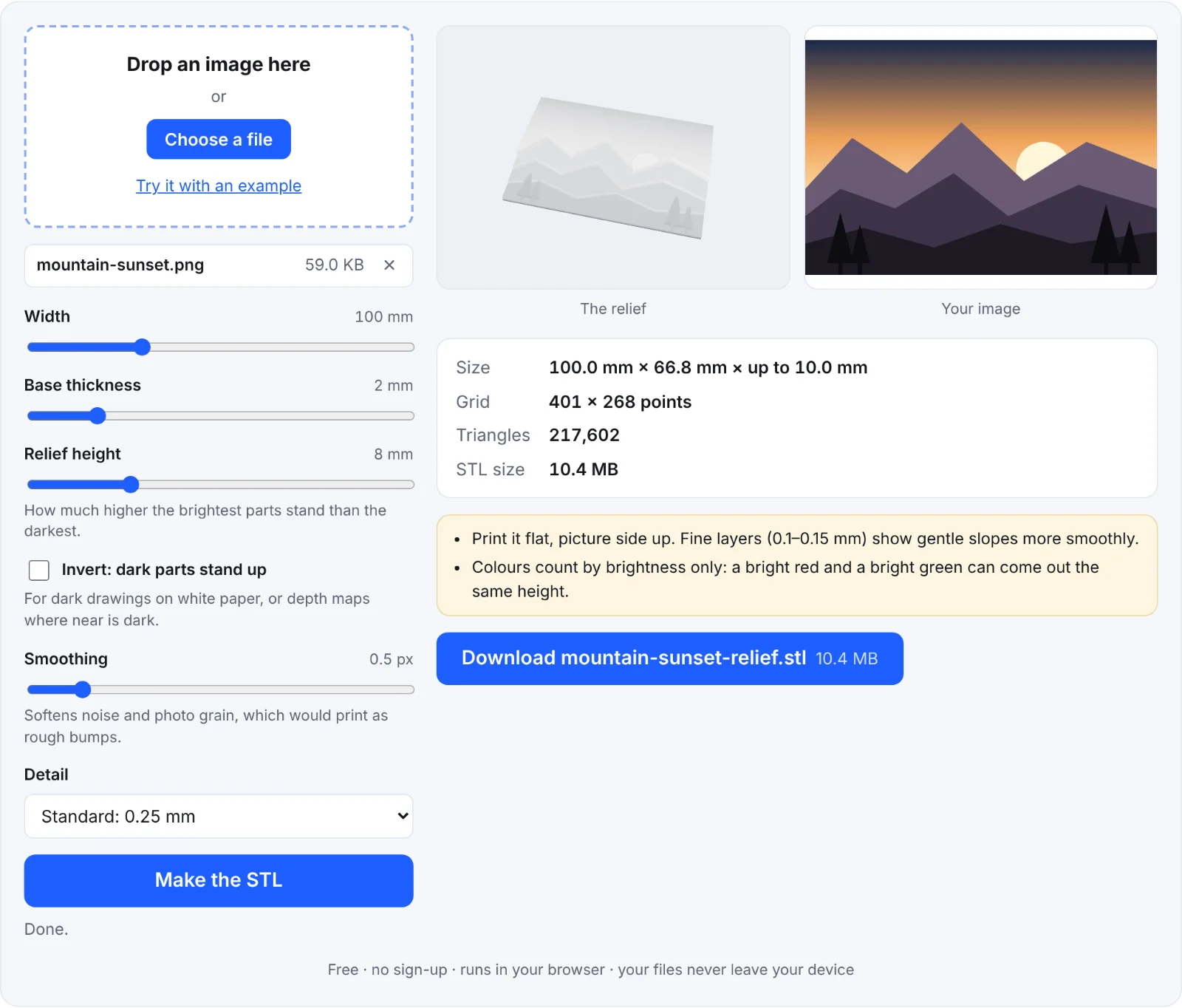 A landscape as a relief
Frequently asked questions
Is my image uploaded?
No. It's read and turned into a 3D model in your browser.
Why does my relief look noisy?
Fine grain and noise in the image become little bumps. Increase Smoothing, or use a cleaner image.
How do I make dark lines stand up?
Tick Invert: dark parts stand up.
The file is large. Can I make it smaller?
Choose Draft detail, or a smaller width. Each point of detail adds triangles.