
Images to GIF maker: turn frames into a looping animated GIF
Turn a set of images into an animated GIF in your browser: frames in name order, speed, size, transparency, ping-pong and looping. Free, no sign-up, no upload.
Loading the tool…
Free · no sign-up · runs in your browser · files stay on your device
In short: drop your frames above (PNG, JPEG, WebP). The tool puts them in file-name order and makes a looping animated GIF at the speed and size you choose, with transparency if your frames have it. It runs in your browser.
How to make a GIF from images
- Add your frames, named in order (
frame1.png,frame2.png… orwalk_01.png…). Or click Try it with an example. - Set the speed in frames per second.
- Choose the width (the height follows), whether to keep transparency, and how to loop.
- Play forwards then backwards for a smooth back-and-forth without extra frames.
- Download the GIF.
Frame order
Frames are sorted by name the way people read numbers, so frame2 comes before frame10. Name your files with numbers in order, or with leading zeros (001, 002).
GIF's limits
GIF is supported everywhere, but it's an old format:
- 256 colours for the whole animation. The tool picks the best 256 from all your frames together, so colours don't flicker between frames. Photos and smooth gradients show banding; flat art, sprites and pixel art look best.
- Transparency is on or off. Each pixel is either see-through or solid, so soft edges get a hard edge. For smooth edges on a known background, turn transparency off and use frames with that background.
- Large files. Long, big or photographic GIFs get heavy. Keep them small, or use a video format where you can.
Example
The example bouncing ball (8 frames) as a looping GIF:
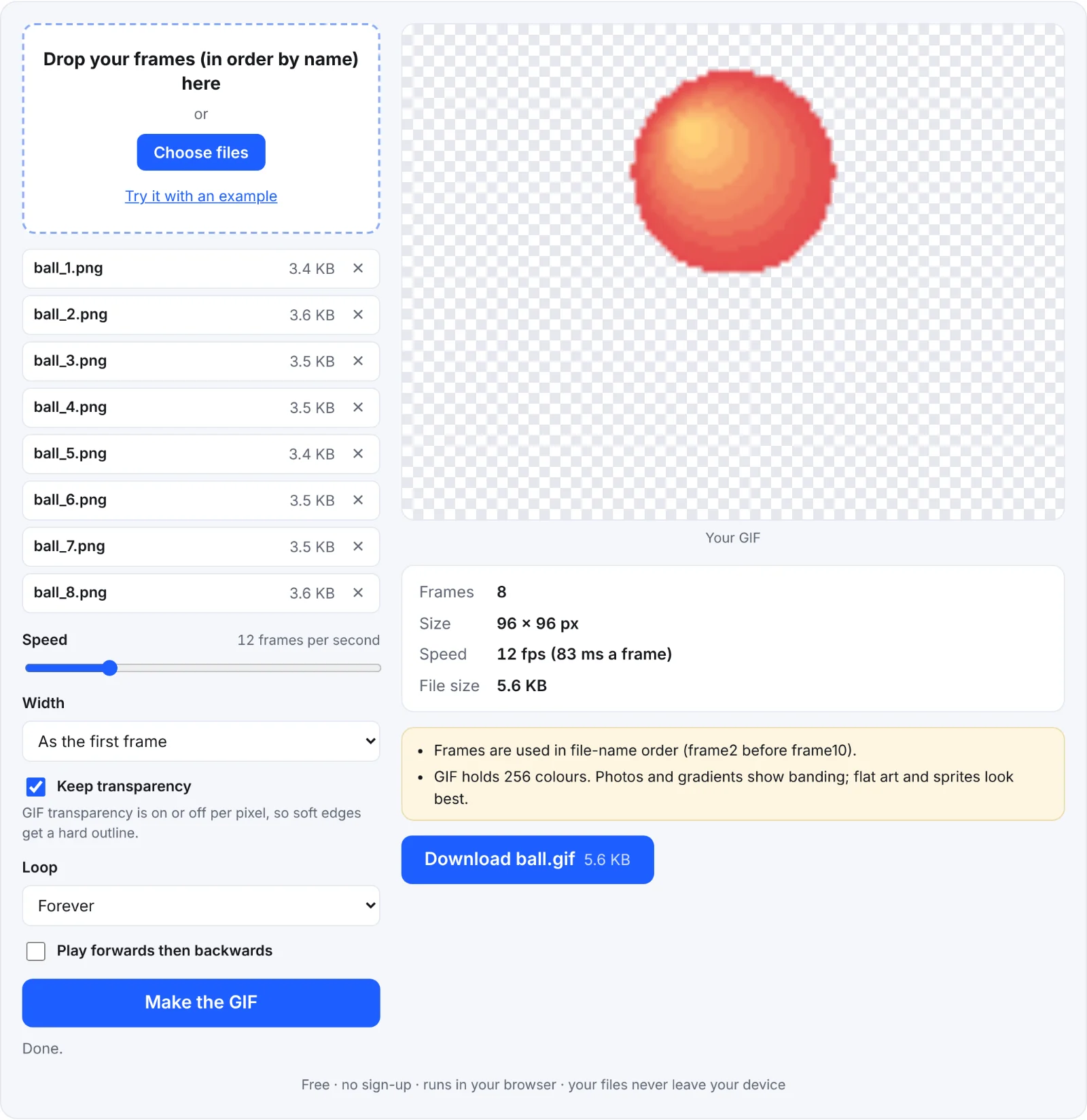 A bouncing ball GIF
Frequently asked questions
Are my images uploaded?
No. The GIF is made in your browser.
Why is my GIF grainy?
It has more than 256 colours to fit. Simplify the colours, or accept some banding.
How do I slow it down?
Lower Speed (frames per second). 10–15 fps suits most sprite animations.
Can I make a GIF of a 3D model turning?
Yes: the Shot3D studio exports looping turntable GIFs directly.