
Colour variant renders from 3D models, in one batch
Open the colour variants toolFree · runs in your browser · files stay on your device
In short: open the tool, drop in your models, and in the Batch tab choose Tint, Clay or 3D print and add your colours, from a list, the filament presets or a CSV file. Click Export for an image of every model in every colour, named like vase-red-pla.png, in one ZIP. It runs in your browser, so your models are never uploaded.
Selling the same product in several colours usually means rendering it again and again, or recolouring photos by hand. This tool renders every colour in one go, with the same lighting, angle and framing, so the set looks consistent in a listing or a catalogue.
How to render colour variants
- Open the tool and drop in your models (GLB, glTF, FBX, OBJ, STL, PLY or 3MF). It opens with a clean white background.
- Choose an angle and size. Press 1 for the 3/4 view, and pick the image size and aspect ratio in the Export tab.
- Add your colours in the Batch tab: one at a time, from the filament presets, or from a CSV file with one name, colour per line.
- Export. Every visible model in every colour, framed alone, in one ZIP.
These are real renders from Shot3D, of the sample vase as a 3D print in three filament colours:
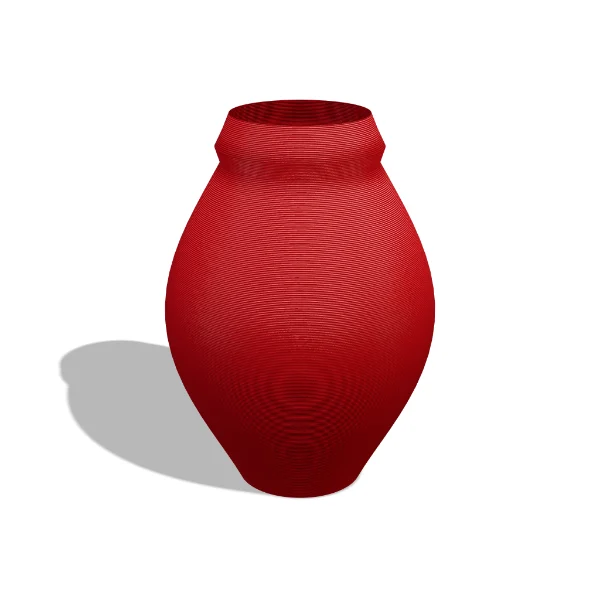 Red PLA
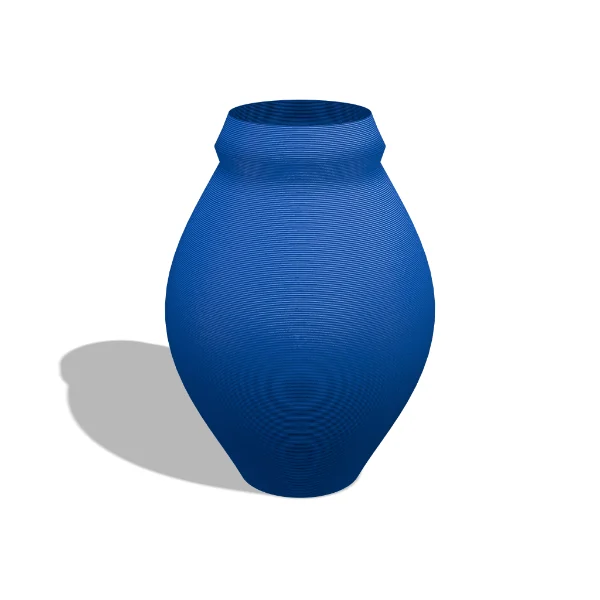 Blue PLA
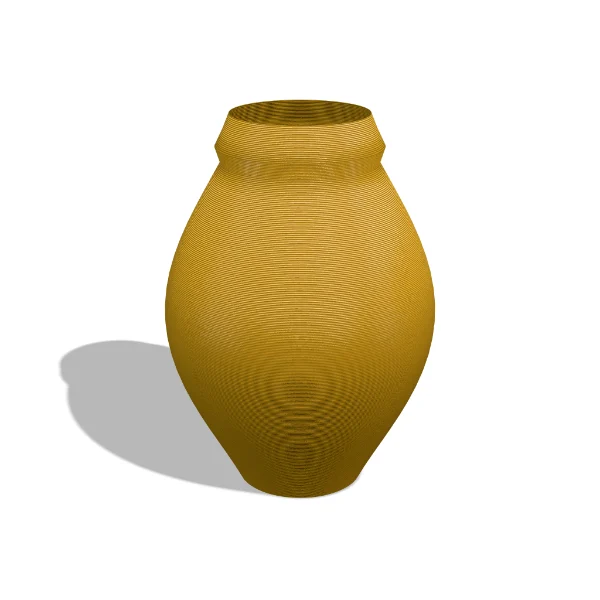 Silk gold
Three kinds of variant
| Kind | Best for |
|---|---|
| Tint | Textured or coloured models: the model's own materials, recoloured |
| Clay | Untextured models and sculpts: a matte clay render in each colour |
| 3D print | Print sellers: layer lines and a satin or silk finish in each filament |
See the colour variants guide for the CSV format and every option.
Frequently asked questions
Is the colour variants tool free?
Colour variants are on Pro (£10 a month, up to 20 colours at a time) and Studio (£25 a month, no limit). Each image counts as one export.
Are my models uploaded?
No. Your models are rendered in your browser, on your device. Shot3D's servers never receive them.
Can I import colours from a spreadsheet?
Yes. Save a sheet as CSV with a name and a colour on each line. Colours can be hex codes such as #b3262a or filament names such as Red PLA, with an optional finish from 0 (glossy) to 1 (matte).
Does it change my model files?
No. Variants change only the rendered images. Your files are never modified.