
3D print preview: see your STL with realistic layer lines
Open the 3D print previewOpens at 1536 × 1536 px · Free · runs in your browser · files stay on your device
In short: open the print preview and drop in your STL, 3MF, OBJ or GLB. It's shown as a real FDM print, in matte filament with layer lines, inside a white photo light box. Set your layer height, printed height and filament colour to match your print. It runs in your browser, and your files are never uploaded.
Slicers show you toolpaths, not what the finished object will look like on a desk. This shows the surface you'd actually hold: fine ribs on the walls, wide terraces on shallow curves and smooth flat tops. You can judge whether a detail survives at 0.2 mm, or how much a smaller print will show its lines, before using any filament.
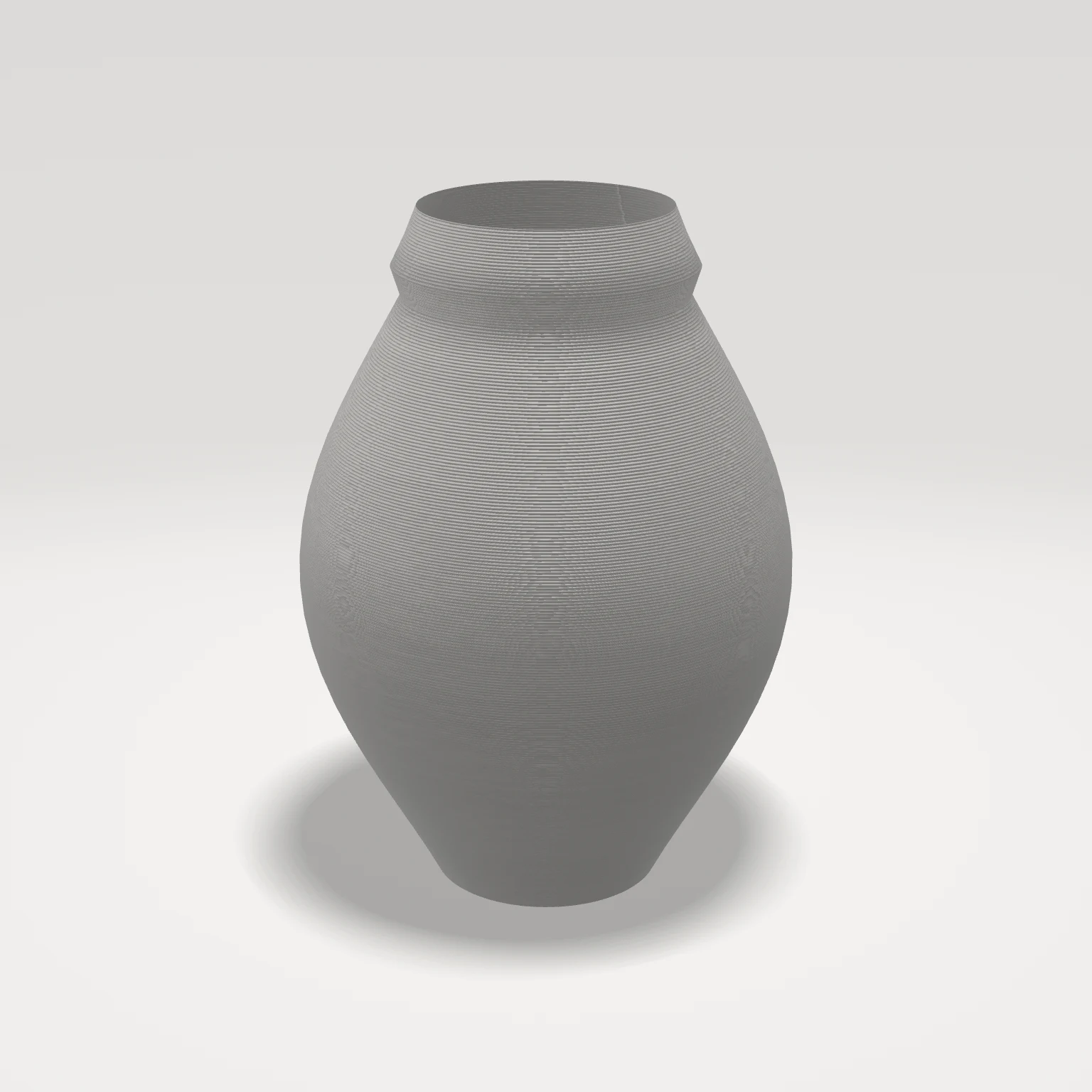 A real export from the print preview
How to preview a 3D print
- Open the print preview. It opens with the 3D Print Light Box look.
- Drop in your model. If it lies on its side, use the rotate buttons in the Models list: layers always run horizontally, as if that way up on the print bed.
- Match your print. In the Scene tab, under Material override, click a Filament (PLA colours or glossy silk), or set a Custom colour. Then set the Layer height and the Printed height in mm. Finish fine-tunes the surface from glossy to matte.
- Get close. Select a model and press F to frame it. Lines are physically tiny, so they only show when each layer covers a couple of pixels.
- Export. Choose Export → Thumbnail for a PNG, or Export → Turntable video to see it from every side.
What the preview shows
| On the print | In the preview |
|---|---|
| Vertical walls | Rounded ribs, one per layer |
| Shallow curves and domes | Wide stepped terraces, with visible contour rings |
| Flat tops | Smooth, with no lines |
| Undersides and overhangs | Rougher, slightly droopy layers |
| Seam | A faint line of small blobs at the back, where each layer starts |
| Scale | Every model has the number of layers its printed height gives: 50 mm at 0.2 mm is 250 |
What it doesn't simulate
This is a surface preview, not a slicer. It doesn't show supports and their scars, stringing, warping, failed overhangs or details too thin for your nozzle. The outline stays smooth, and printing a model that isn't watertight won't show up here. Check those in your slicer.
Frequently asked questions
Is the 3D print preview free?
Yes, for up to 10 exports a day with a free account (3 without one). The Free plan exports images up to 1,024 px with a small Shot3D label. Pro (£10/month, or £1 for a 3-day trial with 25 exports) removes the label and goes up to 4,096 px, which shows layer lines much more clearly.
Why can't I see the layer lines?
They're too fine for the image: when a layer is smaller than a pixel, lines blur into the satin sheen a print has from a distance. Select one model and press F, zoom in, or export at a higher resolution. A smaller Printed height or a larger Layer height also makes them more visible.
Can I use this for resin prints?
It's modelled on FDM. For a rough idea of a resin print, set a Layer height of 0.04 or 0.05 mm and a glossier Finish.
Can I use these images to sell prints on Etsy?
You can, but say they're renders if buyers could mistake them for photos of the finished product. For real listing images that show the model, see the Etsy listing photo tool.
Are my models uploaded?
No. Everything is rendered on your own device.