
OBJ to PNG: render OBJ files with their MTL textures as images
Open the OBJ to PNG toolOpens at 1024 × 1024 px · Free · runs in your browser · files stay on your device
In short: drop your
.objfiles into the tool together with their.mtlfiles and texture images (or just drop the folder). Materials and textures are matched automatically, and the model is framed under bright Product Softbox lighting. Click Export → Thumbnail for a 1024 × 1024 PNG, or Export → Individual thumbnails for every file at once.
OBJ is the most widely supported 3D format, but it's split across several files: the .obj geometry, an .mtl material file and separate texture images. Most online viewers only load the first, and show a grey model. This tool reads all three together.
How to convert OBJ to PNG
- Open the tool. The studio opens with Product Softbox and a square 1024 × 1024 PNG.
- Drop in the OBJ with its MTL and textures. Dropping the whole folder is easiest. Textures are found by file name, even if the MTL points to a folder that doesn't exist on your computer.
- Choose an angle. 1 is the classic 3/4 view; 2 front, 3 side, 6 top. Press F to frame.
- Export. Export → Thumbnail saves one PNG; Export → Individual thumbnails saves a framed PNG of each model in one ZIP.
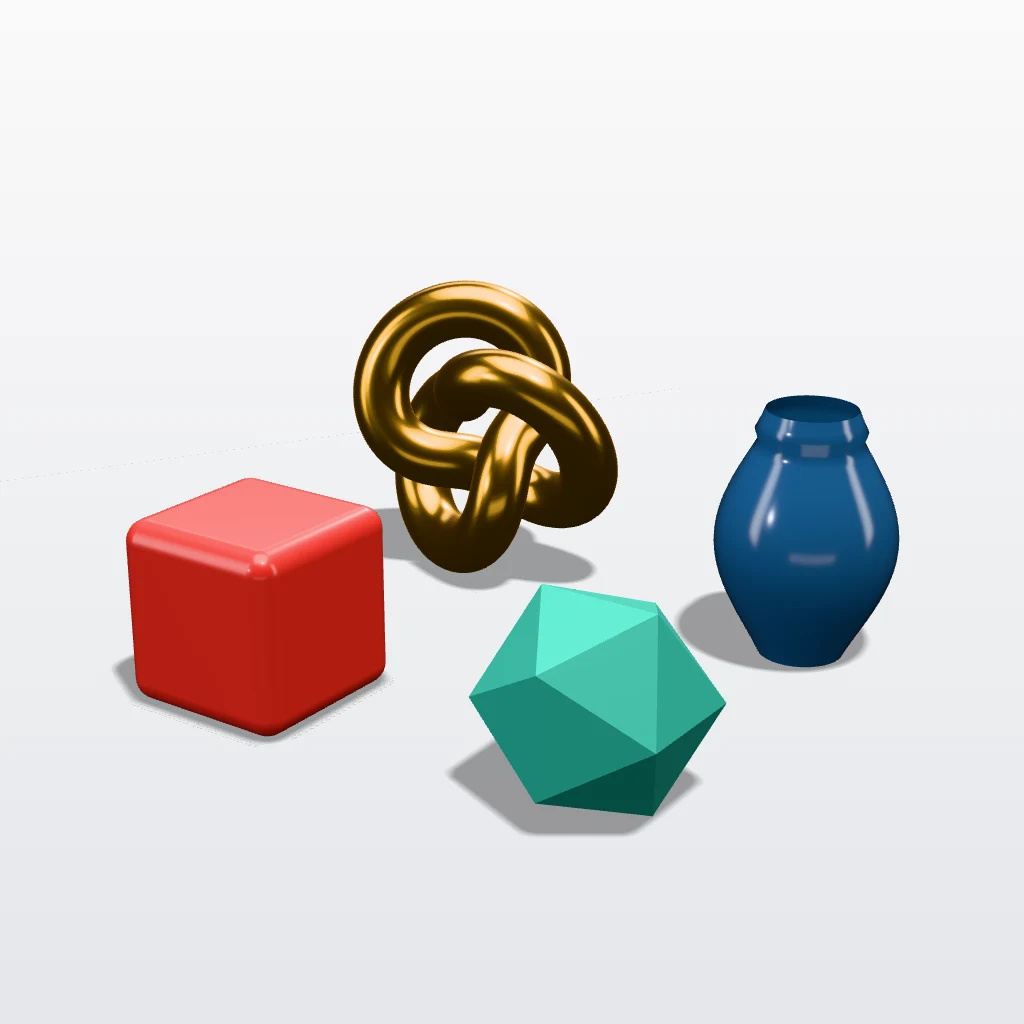 A real export from the tool's settings
Why OBJ renders look wrong (and the fix)
| What you see | Why | Fix |
|---|---|---|
| A plain grey model | The .mtl or the textures weren't included |
Drop the .obj, .mtl and images together |
| Some surfaces are see-through | The model has single-sided faces | Shot3D draws OBJ surfaces from both sides automatically |
| Faceted, blocky shading | The OBJ has no normals | Re-export with normals, or use Clay Render to focus on form |
| Messy triangles in the wireframe | Shot3D's Topology Wireframe shows the OBJ's real quads and n-gons |
Frequently asked questions
Is it free?
Yes, for up to 10 exports a day with a free account (3 without one). The Free plan exports PNGs up to 1,024 px in batches of up to 5 files, with a small Shot3D label. Pro (£10/month, or £1 for a 3-day trial with 25 exports) removes the label and raises the limits to 4,096 px and 200 files.
Can I render the OBJ as a wireframe?
Yes. OBJ keeps your real polygons, so the OBJ wireframe render shows clean quads instead of triangles.
Which programs export OBJ?
Almost all of them: Blender, Maya, 3ds Max, ZBrush, Cinema 4D, SketchUp, Roblox Studio, Blockbench and most CAD tools.
Are my files uploaded?
No. Everything is rendered in your browser and saved straight to your device.