
FBX to PNG: render FBX models as images, free and online
Open the FBX to PNG toolOpens at 1024 × 1024 px · Free · runs in your browser · files stay on your device
In short: open the tool, drop in your FBX files (with their texture folder, if the textures aren't embedded) and click Export → Thumbnail, or Export → Individual thumbnails for a PNG of every file in one ZIP. It opens with a neutral Studio Grey look at 1024 × 1024. It runs in your browser with nothing to install, and your FBX files are never uploaded.
FBX is the everyday format for game assets and for moving models between Maya, 3ds Max, Blender, Unity and Unreal, but you need one of those programs just to see a preview. This tool turns FBX files straight into clean images: handy for catalogues, client previews, asset libraries and marketplace listings.
How to convert FBX to PNG
- Open the tool. The studio opens with Studio Grey and a square 1024 × 1024 PNG.
- Drop in your FBX files. If the textures are separate files, drop the whole folder: textures are matched by name, even when the FBX points to a path on someone else's computer.
- Check the result. Models exported in centimetres or metres are scaled and framed automatically. If a model lies on its side, use the rotate buttons in the Models list.
- Choose an angle with 1 to 8, and press F to frame.
- Export. Export → Thumbnail saves the view; Export → Individual thumbnails saves a separate, framed PNG of each FBX in one ZIP, named after the file.
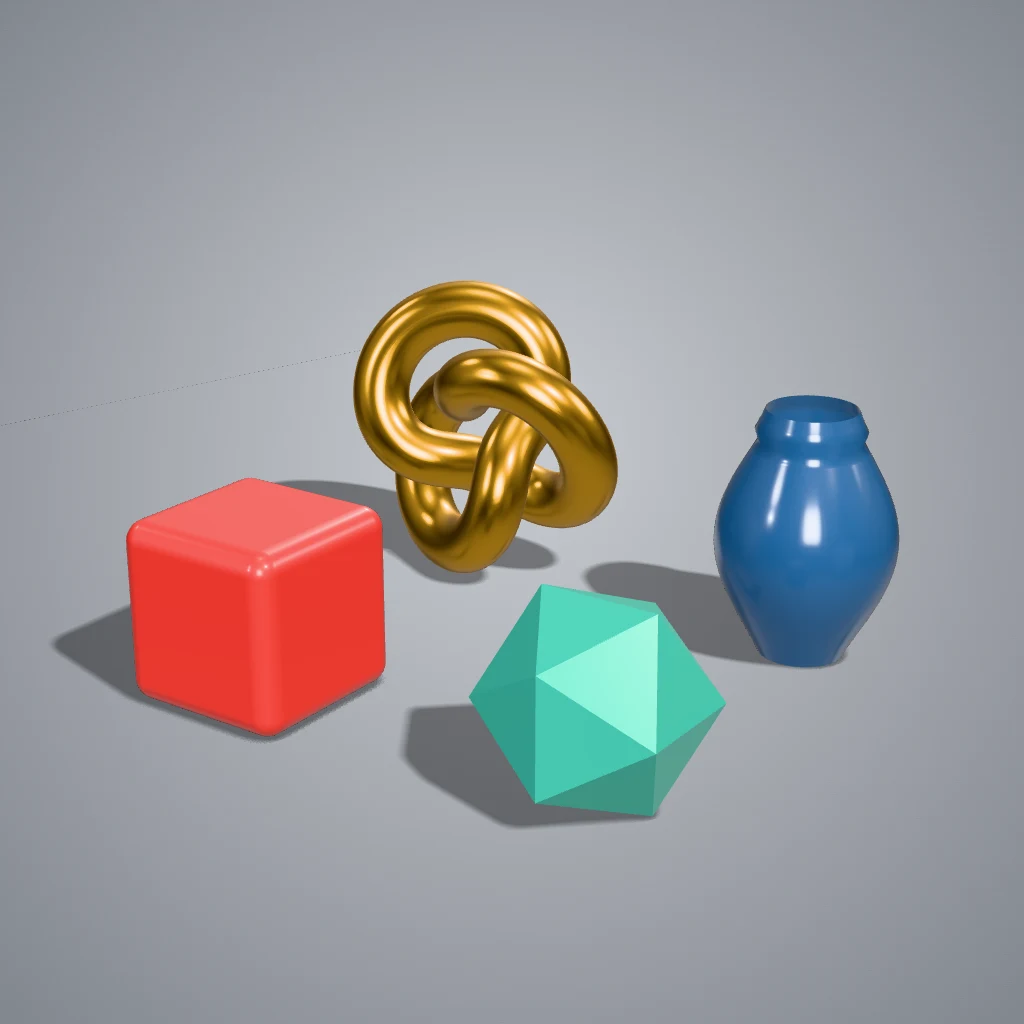 A real export from the tool's settings
FBX tips
| Problem | Fix |
|---|---|
| The model is white or grey | The textures weren't found. Drop the texture images (or the folder) together with the FBX |
| The model is tiny or huge | It's framed automatically; press F if you've moved the camera |
| It's lying on its side | Rotate it 90° in the Models list (Y-up and Z-up exports differ) |
| You want to show the topology | Use Topology Wireframe: FBX files show their real quads and n-gons |
Frequently asked questions
Is the FBX to PNG converter free?
Yes, for up to 10 exports a day with a free account (3 without one). The Free plan exports PNGs up to 1,024 px in batches of up to 5 files, with a small Shot3D label. Pro (£10/month, or £1 for a 3-day trial with 25 exports) removes the label, goes up to 4,096 px and handles 200 files at a time.
Does it support binary and ASCII FBX?
It reads binary FBX (what Maya, 3ds Max, Blender and most tools export) and ASCII FBX version 7 and later.
Can I get a transparent background?
Yes. Choose Transparent Cutout or Cutout (No Shadow) in Look presets. See the transparent PNG tool.
Are animations rendered?
Models are shown in the pose they're saved in. For a moving preview, export a 360° turntable video.
Are my FBX files uploaded?
No. They're opened and rendered in your browser and never leave your device.