
Roblox model to PNG: render Roblox models, avatars and UGC as images
Open the Roblox model to PNG toolOpens at 1024 × 1024 px · Free · runs in your browser · files stay on your device
In short: select your model in Roblox Studio, choose Export Selection to save it as OBJ, then drop the files into this tool. It opens with Transparent Cutout, so you get a PNG with no background and a soft shadow, ready for Discord, a group page, a devlog or a sales post. It's free and nothing is uploaded.
A screenshot from Studio always includes the grid, the sky and the selection outline. A proper render puts the model on its own, lit like a product photo: perfect for showing off a build commission, a UGC accessory concept, an avatar or a weapon pack.
How to render a Roblox model as a PNG
- Export the model from Roblox Studio. Select it in the Explorer, right-click and choose Export Selection (or Save/Export → Export as OBJ, depending on your Studio version). You'll get an
.objand a.mtlfile; keep them together, with any texture images. - Open the tool. The studio opens with the Transparent Cutout look and a 1024 × 1024 PNG.
- Drop in the files, or the folder they're in. Textures are matched automatically and the model is centred and framed, however large it is in studs.
- Choose an angle with 1 to 8, or drag to orbit, then press F to frame.
- Export. Export → Thumbnail saves one PNG; with several models loaded, Export → Individual thumbnails saves a separate, framed PNG of each one in a ZIP, which is ideal for a weapon or accessory pack.
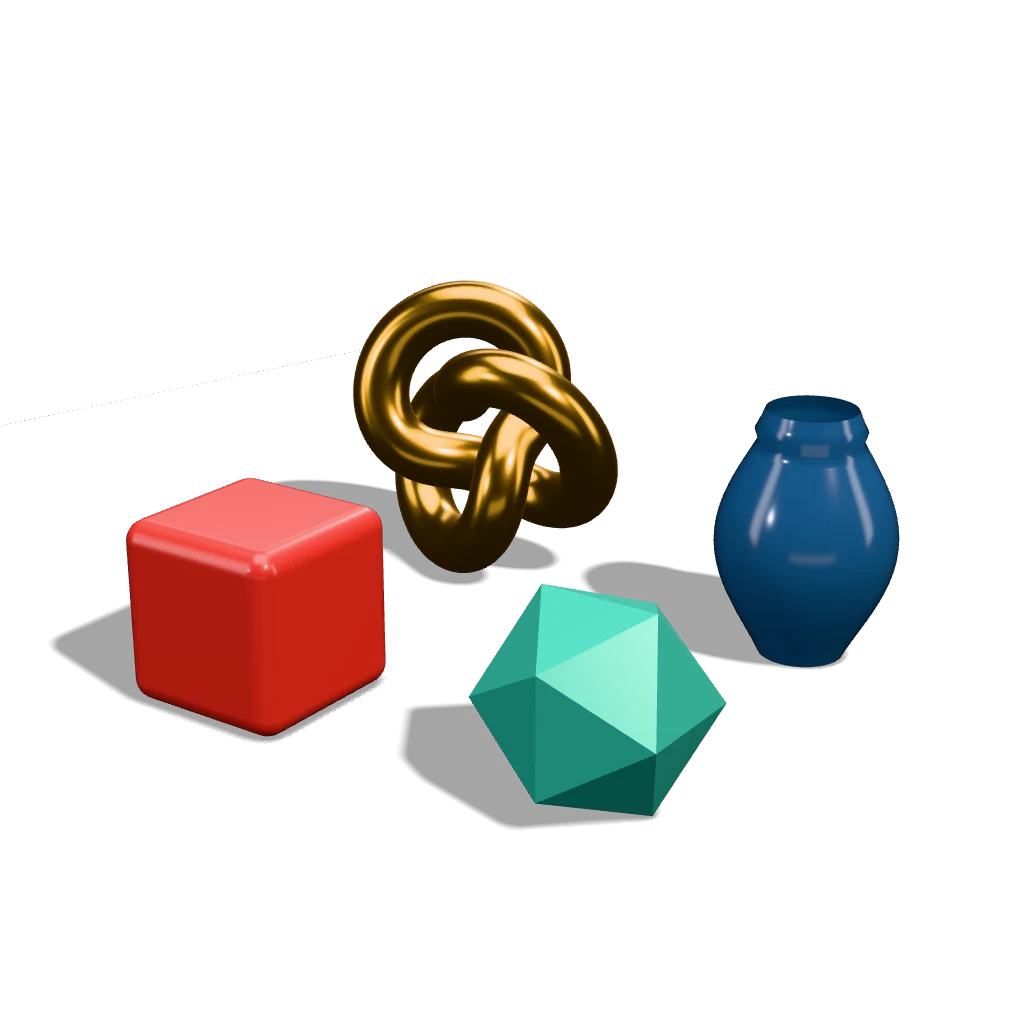 A real export from this tool's settings, shown on the page background
Pick the right background
| You want | Look to use |
|---|---|
| A cut-out to place on your own graphics | Transparent Cutout (with shadow) or Cutout (No Shadow) |
| A clean product shot for a commission portfolio | Marketplace White or Studio Grey |
| Something eye-catching for social posts | Neon Night, Pastel Pop or Hero Spotlight |
| To show the build's shape and topology | Clay Render or Topology Wireframe |
Frequently asked questions
Can I render my Roblox avatar?
Yes. Get your character into a place in Roblox Studio (for example, copy it from the Workspace during a play test and paste it after stopping), select it in the Explorer and export it as OBJ.
Do meshes and textures from the Toolbox export?
Usually, if they're in your place and you have permission to use them. Some assets you didn't upload can export as empty files. If that happens, try exporting from a fresh place, or use only your own assets.
Why is my OBJ export empty or missing parts?
Make sure you selected the model in the Explorer and not only in the 3D view. If it's still empty, paste the model into a new place and export from there; that clears most Studio export glitches.
Is it free?
Yes, for up to 10 exports a day with a free account (3 without one). The Free plan exports PNGs up to 1,024 px, in batches of up to 5 models, with a small Shot3D label. Pro (£10/month) removes the label and goes up to 4,096 px. Paid plans are for buyers aged 18 or over, or with a parent or guardian's permission.
Can I make my game's icon or thumbnail this way too?
Yes: the Roblox icon maker opens at 512 × 512 and the Roblox thumbnail maker at 1920 × 1080.