
Shopify product photos from 3D models and CAD files
Open the Shopify product photo makerOpens at 2048 × 2048 px · Free · runs in your browser · files stay on your device
In short: if your product exists as a 3D model, from your designer, CAD software or a 3D scan, you can make store photos without a photo shoot. The product photo maker opens with Marketplace White as a square 2048 × 2048 PNG, Shopify's recommended size. Drop in the model, pick the angles and export.
Product photography is slow and expensive, and impossible before the product exists. If you have a 3D model, you can launch a product page before the first unit arrives, show every colour variant, and keep every photo in your catalogue consistent.
Shopify image size
| Recommended | 2048 × 2048 px for square product images |
| Zoom | Needs images over 800 × 800 px |
| Maximum | 5000 × 5000 px (25 megapixels), under 20 MB |
| File type | PNG or JPEG |
From Shopify's product media guidance. The same square white images work for WooCommerce, Squarespace and Etsy. Amazon has stricter rules on main images, so check them first. See how to create product listings from 3D models.
How to make product photos from a 3D model
- Export the model from your CAD or 3D software as GLB, FBX, OBJ, STL or 3MF. For CAD (SolidWorks, Fusion, Onshape), STL or 3MF export works, and GLB keeps colours and materials.
- Open the photo maker. It opens with Marketplace White at 2048 × 2048.
- Drop in the model. It's centred, placed on the ground with a soft contact shadow and framed automatically.
- Shoot the standard angles. 1 for the 3/4 hero image, then front (2), side (3), back (4) and top (6). Click Export → Thumbnail after each.
- Colour variants. Drop in one model per colourway and click Export → Individual thumbnails: one matching photo per variant, in one ZIP.
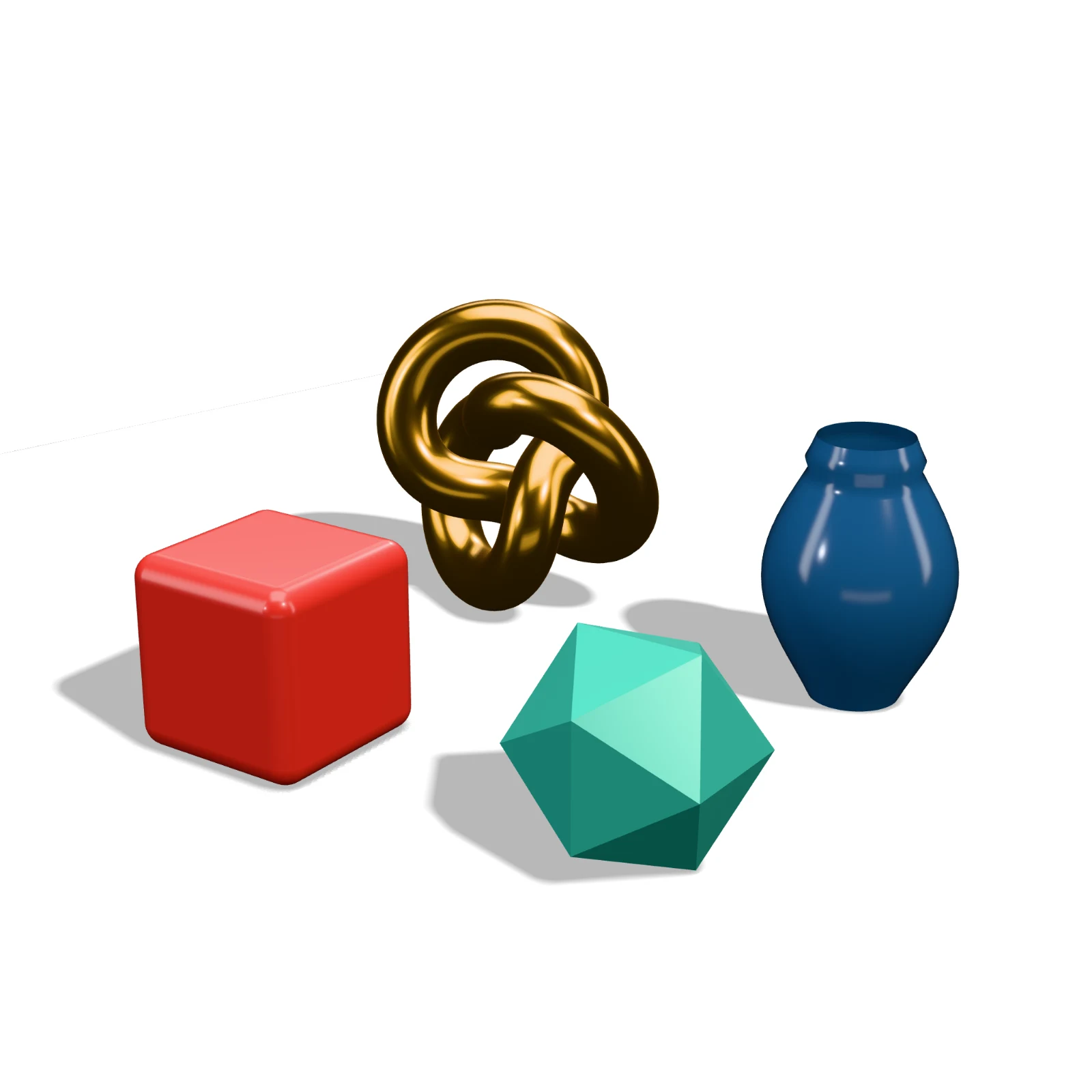 A real export from the photo maker's settings
Beyond the white background
- Lifestyle-style shots. Warm Interior, Golden Hour or Showroom add mood for banners and social posts.
- Transparent PNGs. Transparent Cutout lets your designer place the product on any background.
- 360° spin. Pro exports a seamless turntable MP4. Shopify product pages can show video, and a spin answers "what does the back look like?".
On Pro and Studio, you can shoot those angles in one go: choose them under Angles in the Export tab, then Export → Individual thumbnails. See exporting individual thumbnails.
Frequently asked questions
Which plan do I need?
Pro (£10/month, or £1 for a 3-day trial with 25 exports) exports up to 4,096 px with no watermark, so 2048 × 2048 is included. A free account gives you 10 exports a day, up to 1024 × 1024 with a small Shot3D label, which is enough to try the look.
Will it look like a real photo?
Shot3D uses physically based lighting with soft shadows, so products with good materials and textures look clean and realistic. Untextured CAD models render in a single colour; the Clay Render look with your product's colour is a neat alternative.
Can I do a whole catalogue?
Yes. Pro renders up to 200 models per batch and Studio has no limit, each one framed individually with the same lighting.
Are my product files uploaded?
No. Unreleased designs never leave your computer, because everything renders in your browser.