
3D product rendering tool: fast studio renders in your browser
Open the product render studioOpens at 2048 × 1536 px · Free · runs in your browser · files stay on your device
In short: Shot3D is a product render studio that runs in your browser. Drop in your 3D model, click a look such as Product Softbox, pick an angle and export. Lighting, backdrop and framing are already set up, and it renders in real time on your own device, so there's nothing to install or upload.
A traditional 3D package gives you total control, but a clean product shot means building a lighting rig, positioning a backdrop and waiting for a render. That's worth it for a hero image. It's slow for the dozens of everyday images a product needs.
How it compares
| Offline renderer | Shot3D | |
|---|---|---|
| Setup | Build lights and a backdrop for each scene | Click a look |
| Render time | Can be minutes per image, or much longer | Seconds |
| Changes | Re-render to see the result | See it live as you change it |
| Many products | Set up, frame and save each one | One batch, framed automatically |
| Best at | Physically accurate, complex scenes | Clean, consistent product images, fast |
Shot3D renders in real time with physically based materials and soft shadows. It isn't a path tracer, so for caustics, or complex glass and liquids, an offline renderer will look more realistic. For most product shots on a plain backdrop, the speed is the trade-off worth having.
How to render a product
- Export your model as GLB, FBX, OBJ, STL or 3MF. Keep materials and textures if you can: GLB is usually the simplest.
- Open the studio. It opens with Product Softbox, a large overhead softbox with crisp edge highlights, at 4:3.
- Drop in the model. It's placed on the ground with a soft shadow and framed for you.
- Choose an angle. Press 1 for 3/4 Front, or 2 to 6 for front, side, back, 3/4 back and top.
- Export. Choose Export → Thumbnail for one image, or Export → Individual thumbnails for every model.
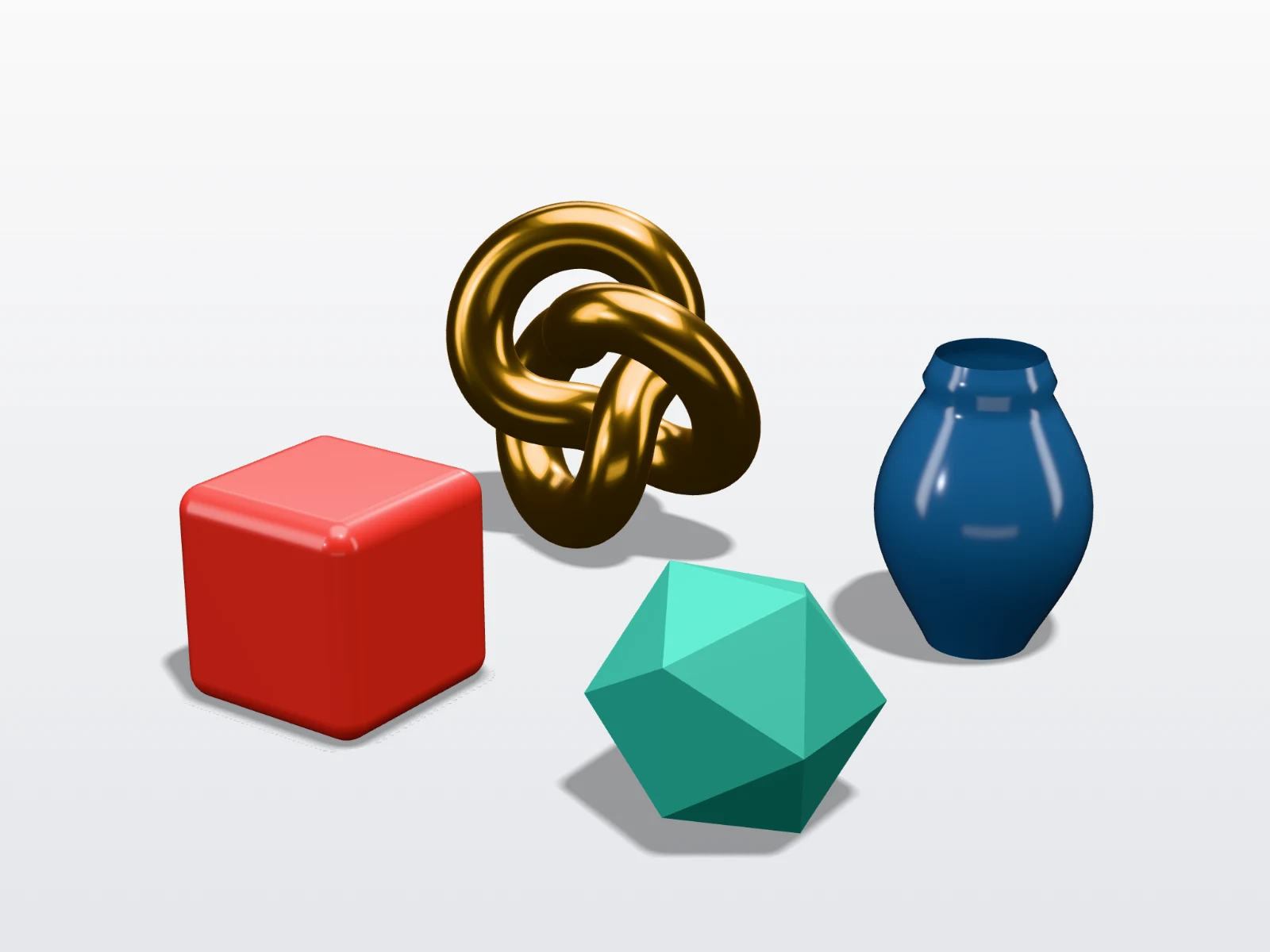 A real export from the studio's settings
Looks for product work
- Marketplace White: a pure white background for store listings.
- Product Softbox: clean, bright and premium.
- Transparent Cutout: a PNG with no background, to place in your own layout. See transparent PNGs.
- Dark Studio and Hero Spotlight: dramatic images for launch pages and adverts.
- Showroom: a soft, blurred environment instead of a plain backdrop.
Fine-tune any of them with the key, fill and rim lights, then save the result as your own look, so that every product matches.
Beyond a single image
- Every angle at once: on Pro and Studio, choose several Angles, and each product is rendered from all of them.
- A whole range: drop in every product, and each one is framed on its own in the same light.
- Video: a seamless 360° turntable on Pro and Studio.
- Listing images: see how to create product listings from 3D models.
Frequently asked questions
Is this product rendering tool free?
Yes, for up to 10 exports a day with a free account (3 without one), up to 1,024 px with a small Shot3D label. Pro (£10/month, or £1 for a 3-day trial with 25 exports) removes the label and goes up to 4,096 px, and Studio goes up to 8,192 px.
How fast is it?
Changes appear live, and a still image exports in seconds on most computers. Time depends on your device, the size of the export and how detailed the model is.
Will it look like a photograph?
It can look clean and realistic for models with good materials. Your materials and textures matter most: an untextured model renders in a single colour, and the most complex materials won't match an offline path tracer.
Do I need a powerful computer?
No special hardware is needed for most models, as it runs on the graphics chip you already have, in any modern browser. Very detailed models and very large exports benefit from a stronger graphics card.
Is my design uploaded?
No. Everything renders on your own device, so unreleased designs stay with you.