
STL scale converter: inches to mm, mm to inches, or any size
Rescale an STL in your browser: inches to millimetres, centimetres or metres to millimetres, by a percentage, or to fit an exact size. Free, no sign-up, no upload.
Loading the tool…
Free · no sign-up · runs in your browser · files stay on your device
In short: drop an STL above and choose how to scale it: inches to millimetres (the usual fix for a model that's tiny in your slicer), another unit conversion, a percentage, or to fit an exact size. The tool shows the size before and after and gives you a new STL. It runs in your browser.
How to rescale an STL
- Add your STL, or click Try it with an example.
- Choose the scale:
- a unit conversion, such as Inches to millimetres (× 25.4);
- By a percentage, for example 200% for twice the size;
- To fit a size: the longest side becomes exactly the number you enter.
- Check the size before and after, then Download.
Why models come out the wrong size
STL files store plain numbers without units. Slicers read those numbers as millimetres. So a model designed in inches comes in 25.4 times too small, and one exported in metres comes in 1,000 times too small. The dimensions checker helps you spot which:
| In the slicer, it's | It was made in | Choose |
|---|---|---|
| About 25 times too small | Inches | Inches to millimetres |
| 10 times too small | Centimetres | Centimetres to millimetres |
| 1,000 times too small | Metres | Metres to millimetres |
| 25 times too big | Millimetres, read as inches | Millimetres to inches |
What it changes
Every point is multiplied by the same factor, so the shape is scaled evenly in every direction. Nothing else changes: not the triangles, the orientation or the position. The result is a binary STL.
What it can't do
- Stretch in one direction only. Scaling is uniform. Use your slicer for non-uniform scaling.
- Fix thin walls. Scaling down makes walls thinner too; check small prints in your slicer.
Example
The example knot made twice the size:
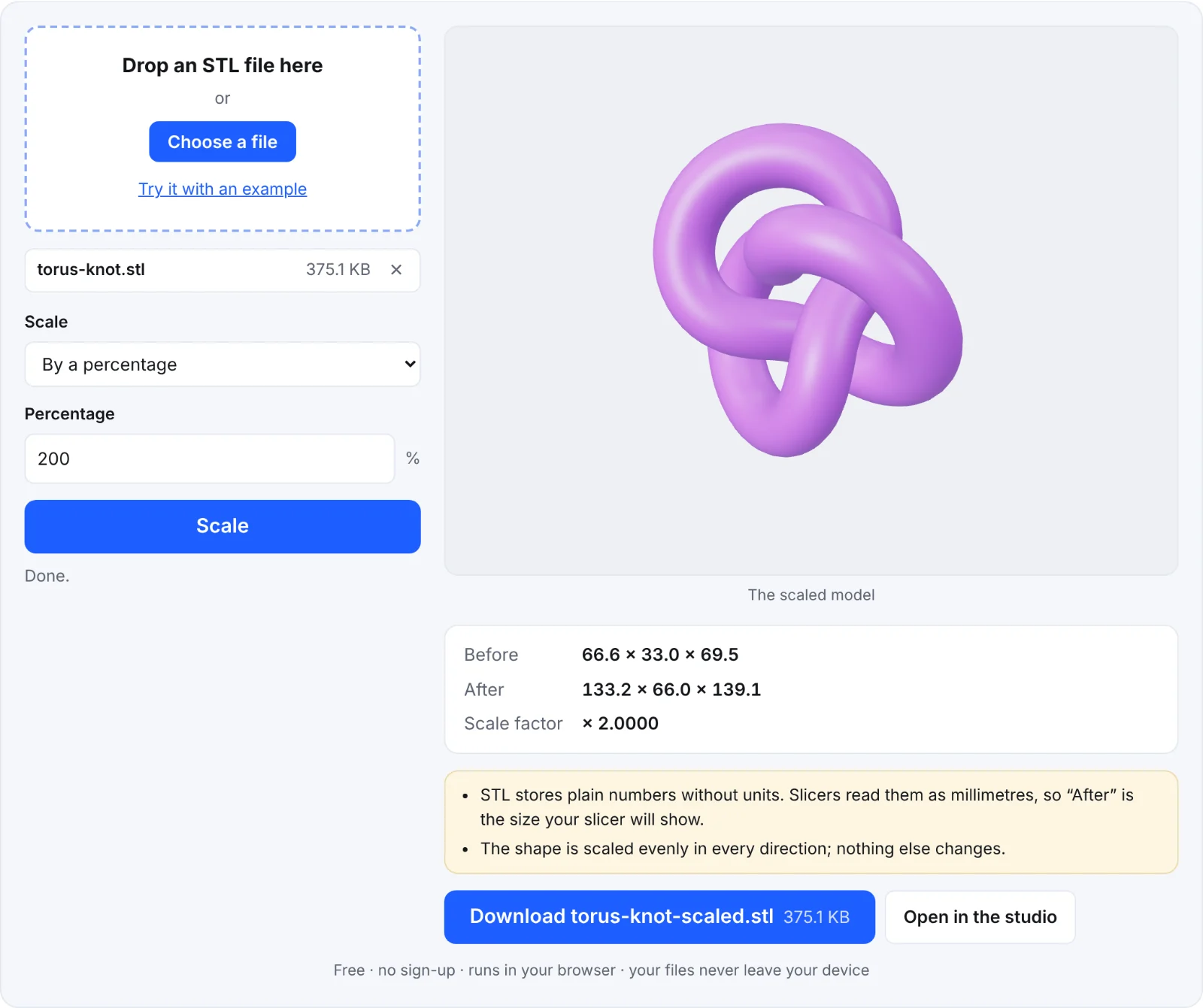 Scaling the example knot
Frequently asked questions
Is my STL uploaded?
No. It's scaled in your browser.
Can't my slicer do this?
Yes, but the file stays wrong for the next person or print. Rescaling the STL fixes it at the source.
Does it work with ASCII STL?
Yes. It reads ASCII and binary STL and saves a binary STL.
How do I scale other formats?
Convert them to STL first with one of the converters, such as OBJ to STL.