
TurboSquid preview images: search image, wireframe and 360° turntable
Open the TurboSquid image makerOpens at 1536 × 1536 px · Free · runs in your browser · files stay on your device
In short: TurboSquid asks for a search image, five product shots, a wireframe and a 360° turntable. Shot3D makes all of them from the same model. The image maker opens with Marketplace White at a square 1536 × 1536. Set the background colour to
#F7F7F7(RGB 247), frame the model and export.
TurboSquid's imagery standards are strict for a reason: consistent search images make the whole catalogue look good. Rendering them by hand in a 3D package for every model is slow. In Shot3D, the same look and framing are applied to every model in a click.
TurboSquid's requirements
| Image | Requirement |
|---|---|
| Search image | Square, at least 1200 × 1200 px; the whole model, floating on RGB 247, 247, 247 for most models; no borders, logos or QR codes |
| Product shots | Five, showing the model from useful angles |
| Wireframe | One, showing the model's topology |
| Turntable | One 360° turntable |
From TurboSquid's product imagery standards. Interiors and exteriors are exempt from the 247 background.
How to make each image
- Open the image maker. It opens with Marketplace White and a 1536 × 1536 square PNG.
- Set the 247 background. In the Scene tab, set the background Colour to
#F7F7F7. Save the look as a custom preset so it's ready next time. - Search image. Press 1 for the 3/4 view, then F to frame the whole model, and click Export → Thumbnail.
- Five product shots. Use the angle keys: 2 front, 3 side, 4 back, 6 top and 8 low hero. Export after each.
- Wireframe. Apply Topology Wireframe. FBX and OBJ files show their real quads and n-gons, not triangles. Export.
- Turntable. In the Export tab's Turntable video section, choose 1080p, then choose Export → Turntable video. See the turntable maker.
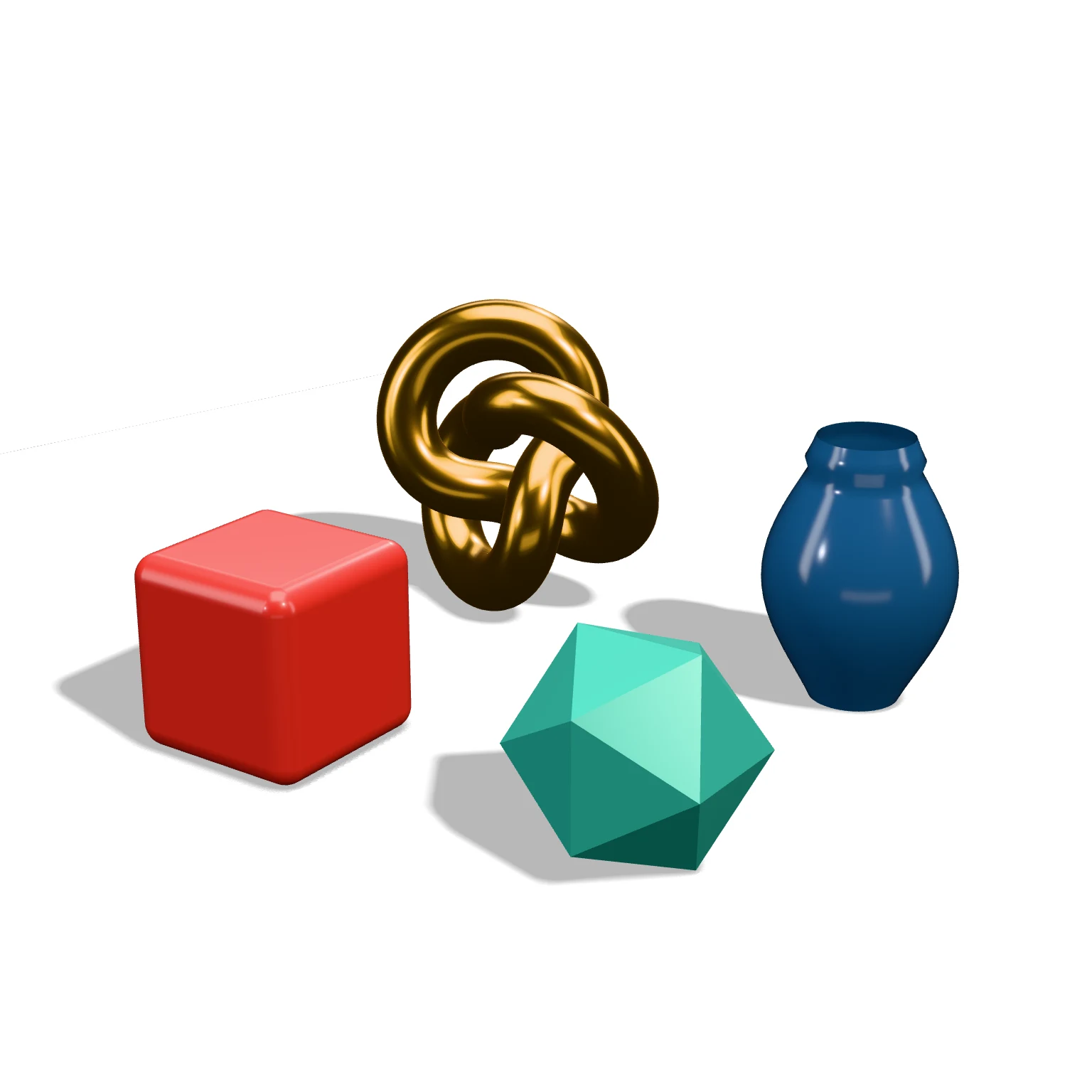 A real export from the image maker's settings (pure white; set #F7F7F7 for TurboSquid)
Doing a whole collection
Drop every model in at once and click Export → Individual thumbnails. Each model is framed on its own and saved as a separate PNG in one ZIP, with the same lighting and background. Then repeat with the wireframe look.
Frequently asked questions
Which plan do I need?
TurboSquid's 1200 px minimum is above the Free plan's 1,024 px limit, so use Pro (£10/month, or £1 for a 3-day trial with 25 exports). Pro also includes the turntable MP4 and removes the watermark, which TurboSquid's no-logos rule requires.
Will this pass CheckMate?
CheckMate certification also inspects the model files themselves, so no image tool can guarantee it. These renders match TurboSquid's published imagery standards.
Does it work for CGTrader and other marketplaces?
Yes. Keep the background white or neutral and choose the aspect ratio the store prefers. Our guide to 3D model thumbnails that sell covers what works across marketplaces.
Are my models uploaded?
No. Everything renders in your browser.