
3D model listing image generator: every image for your listing
Open the listing image generatorOpens at 1920 × 1280 px · Free · runs in your browser · files stay on your device
In short: load your models, pick a look and generate your listing images. On Free, make a hero shot, a contact sheet and framed images of up to 5 models at a time. On Pro and Studio, Export → Listing kit creates the full set in one ZIP, sized and arranged for CGTrader, Fab or the Unity Asset Store.
A 3D model listing needs more than one good image. Buyers want to see the model from several sides, what's in the pack, and how clean the mesh is. Making all of that by hand is often what stops a finished model from getting listed.
The images a good listing has
| Image | Why buyers want it | How to make it |
|---|---|---|
| Hero shot | Decides whether they click at all | Export → Thumbnail |
| Everything in the pack | Shows what they get | Export → Contact sheet |
| Each model | Lets them inspect the details | Export → Individual thumbnails |
| Other angles | Answers "what does the back look like?" | Angles on Pro and Studio, or the number keys |
| Clay view | Shows the shape without textures | Clay Render look |
| Wireframe | Proves the topology | Topology Wireframe look |
| Turntable | Shows every side at once | Turntable video on Pro and Studio, or a GIF on any plan |
How to generate them
- Open the generator. It opens with Showroom at 3:2, 1920 × 1280.
- Drop in your models, or the whole folder. GLB, FBX, OBJ, STL, PLY and 3MF all work, and textures are matched automatically.
- Choose one look, so that the whole set matches.
- Generate the images. On Pro and Studio, choose your marketplace under Listing kit in the Export tab, then Export → Listing kit. On Free, use the exports in the table above.
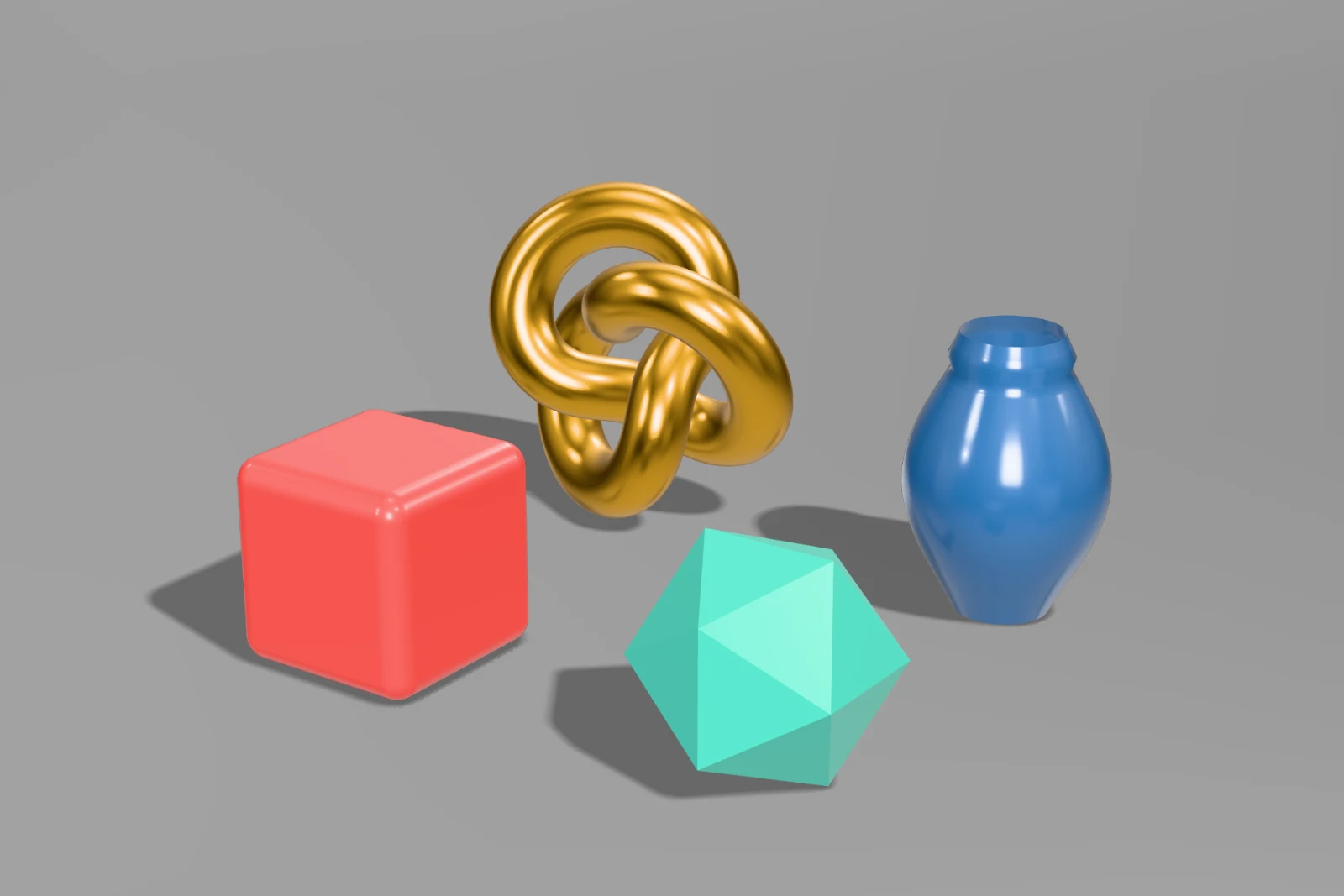 A real export from the generator's settings
What the listing kits include
| Kit | What you get |
|---|---|
| CGTrader | CGTrader's batch upload layout: one folder per model with 5 previews, ready for your format archives, plus pack images at 2048 px |
| Fab | Hero, contact sheet, front, back, clay, wireframe and each model at 1920 × 1080 |
| Unity Asset Store | Cover, card and icon at their exact sizes, plus 1920 × 1280 screenshots |
Marketplaces change their rules, so check their current requirements before you publish. See the listing kit guide for details, and the pages for TurboSquid and itch.io.
Tips that help a listing
- Lead with your best image. It's usually the only one shown in search results, so make it clear at small sizes.
- Stay consistent. The same light and angle across a pack makes it look professional.
- Use an honest image for each model. Show what the buyer actually gets, and say so if an image uses lighting or materials that aren't included.
- Name your files well. Contact sheet labels come from them, so
01_GreenApple.glbbecomes "Green Apple".
For more on what makes people click, read how to make 3D model thumbnails that sell.
Frequently asked questions
Is the listing image generator free?
Yes, for up to 10 exports a day with a free account (3 without one), up to 1,024 px with a small Shot3D label. Listing kits and several angles at once are part of Pro (£10/month, or £1 for a 3-day trial with 25 exports) and Studio.
Do the images meet each marketplace's rules?
The kits handle sizes and the kinds of view. Marketplaces also review quality and content, so they can't guarantee approval.
How long does it take?
Usually seconds to a few minutes, depending on your computer, how many models you have and the size of the images.
Can I use my own lighting?
Yes. Adjust any look, then save it as your own preset to use on every listing.
Are my models uploaded?
No. Everything renders on your own device, so unreleased work stays private.