
Fab listing images: 1920 × 1080 gallery renders for Unreal and Fab assets
Open the Fab image makerOpens at 1920 × 1080 px · Free · runs in your browser · files stay on your device
In short: open the image maker, drop in your FBX, OBJ or GLB models and click Export → Thumbnail. It opens with the Dark Studio look at 16:9, 1920 × 1080, the minimum size for images in a Fab media gallery. Add a wireframe shot and a turntable video, and your listing's gallery is done.
Fab, Epic's marketplace for Unreal Engine, Unity and general 3D assets, shows your gallery front and centre. Clean, consistently lit renders make a pack look professional before a buyer has opened a single file.
Fab gallery image requirements
| Minimum size | 1920 × 1080 px for each 2D image in the media gallery |
| Shape | 16:9 is the natural fit for that minimum |
| Total | Gallery images must be under 25 MB in total |
| Thumbnail | Generated from your media, or saved from the 3D preview |
From Epic's Fab asset requirements. Because the thumbnail can come from your gallery, put your strongest render first.
How to make your Fab gallery
- Open the image maker. It opens with Dark Studio at 16:9 and 1920 × 1080.
- Drop in your models, or a whole folder of FBX files. Textures are matched automatically.
- Hero shot first. Arrange your best assets together, frame with F and click Export → Thumbnail.
- Close-ups of every asset. Click Export → Individual thumbnails: each model is framed on its own and saved in one ZIP.
- Topology. Switch to Topology Wireframe to show your real quads from FBX and OBJ files, and export again.
- Turntable video. With Pro, export a seamless 360° MP4 at 1080p for the gallery's video slot. See the turntable maker.
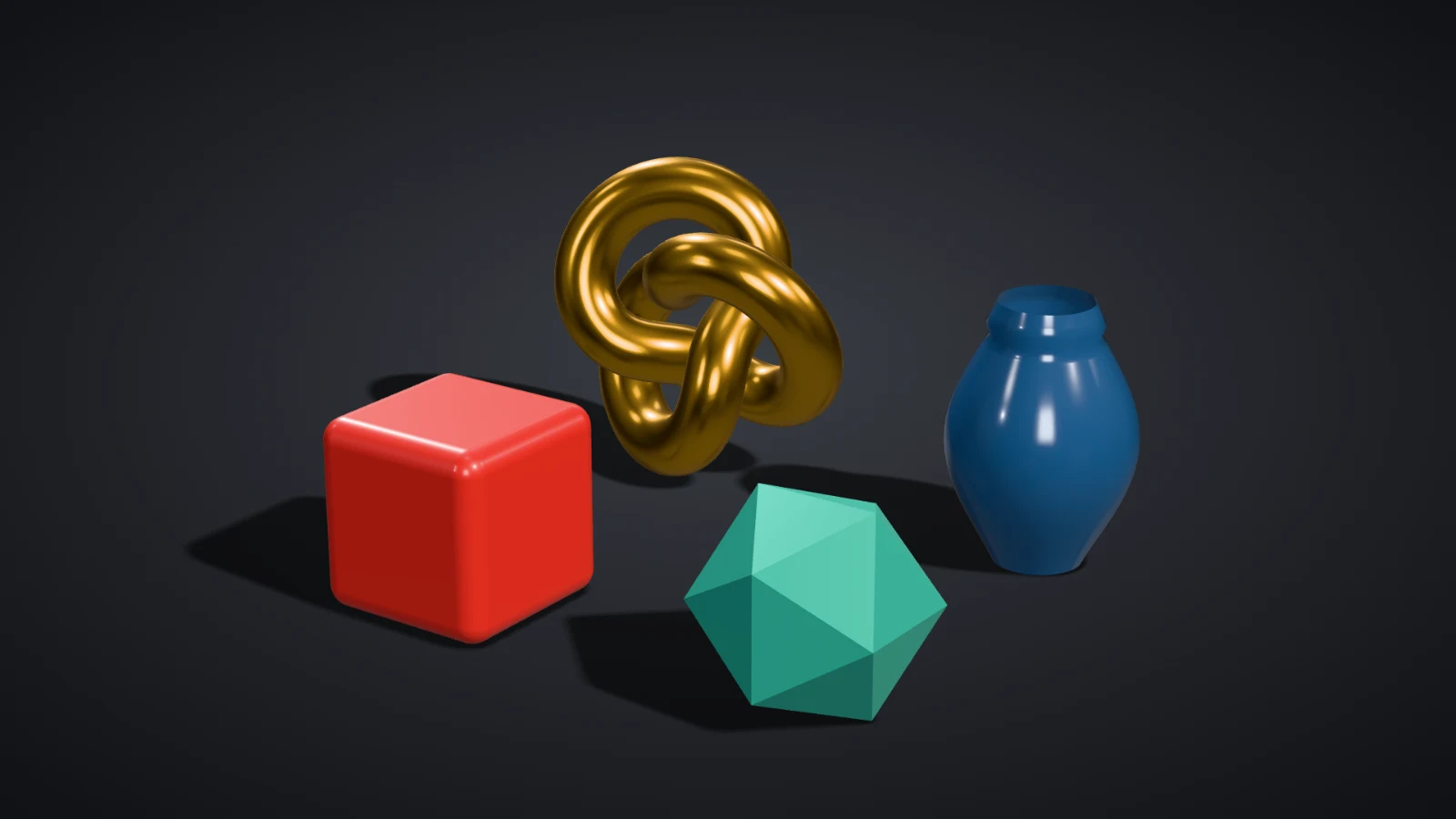 A real export from the image maker's settings
Tips
- Same look for every image. Save your settings as a custom preset so all your packs share one style.
- Show scale. Include a shot with several assets side by side, so buyers can see how they relate.
- Use PNG for the cleanest edges, and keep an eye on the 25 MB gallery total. A 1920 × 1080 PNG is usually 1–4 MB.
On Pro and Studio, Export → Listing kit with Fab selected builds the whole set at 1920 × 1080 in one ZIP: hero, contact sheet, front, back, clay, wireframe and each model. See exporting a listing kit.
Frequently asked questions
Which plan do I need for 1920 × 1080?
Pro (£10/month, or £1 for a 3-day trial with 25 exports) exports up to 4,096 px with no watermark, so 1920 × 1080 is covered. The Free plan (10 exports a day with a free account) is capped at 1,024 px wide, which is below Fab's minimum, so use it to try out looks.
Can I render Unreal .uasset files?
No. Shot3D reads model files (FBX, OBJ, GLB, glTF, STL, PLY and 3MF), not Unreal assets. Export your meshes as FBX, or use the source files you imported into Unreal.
Will Unreal materials appear?
Shot3D uses the materials and textures stored in the model file. Material graphs that only exist in Unreal won't, so include the base colour, normal and roughness textures alongside the FBX.
Are my files uploaded?
No. Everything renders in your browser.