
YouTube thumbnail from a 3D model: 16:9 renders for 3D and game dev videos
Open the YouTube thumbnail makerOpens at 1920 × 1080 px · Free · runs in your browser · files stay on your device
In short: drop in the model your video is about. The thumbnail maker opens with the dramatic Hero Spotlight look at 16:9, 1920 × 1080. Frame the model to one side, export, and add your title in your usual thumbnail editor. Or export a transparent cut-out to place over any background.
Modelling timelapses, Blender tutorials, game devlogs and asset reviews all live or die by their thumbnails. The model itself, lit like a movie poster, is usually the most compelling thing you can show, and with Shot3D you don't need to set up lights and cameras in your 3D app first.
YouTube thumbnail size
| Shape | 16:9 |
| Common size | 1280 × 720 px; YouTube accepts much larger, up to 4K |
| Minimum width | 640 px |
| File types | JPG, PNG or GIF |
| File size | 2 MB when uploading from a phone; much more from a computer |
From YouTube's custom thumbnail help. A 1920 × 1080 PNG is a good balance of sharpness and file size.
How to make your thumbnail
- Open the thumbnail maker. It opens with Hero Spotlight at 16:9 and 1920 × 1080.
- Drop in your model: GLB, FBX, OBJ, STL and more, with textures.
- Leave room for text. Pan (right-drag) so the model sits on the left or right third, and zoom in so it's big. The export frame shows the exact 16:9 crop.
- Export → Thumbnail. Then add your title, face or arrows in Canva, Photoshop or your usual editor.
- For a cut-out, switch to Transparent Cutout before exporting and place the model over your own background.
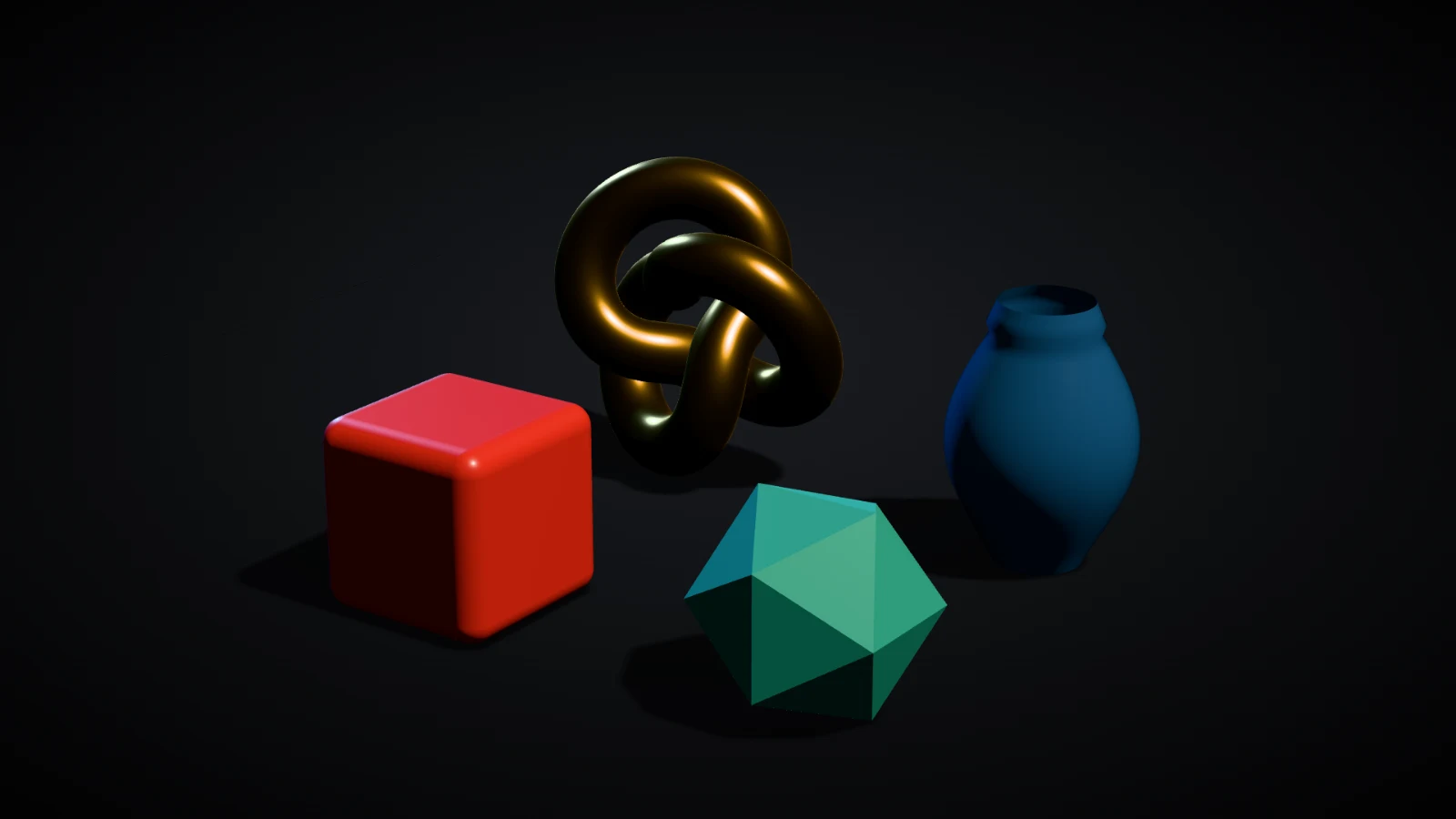 A real export from the thumbnail maker's settings
Looks that stand out in the feed
- Hero Spotlight for big reveals and "I made this" videos.
- Neon Night for sci-fi, cyberpunk and game dev content.
- Topology Wireframe or Blueprint Wire for retopology, modelling and technical tutorials.
- Clay Render for sculpting videos.
- Golden Hour for environments and props.
Frequently asked questions
Is it free?
Yes, for up to 10 exports a day with a free account (3 without one). The Free plan exports 16:9 PNGs at 1024 × 576, above YouTube's 640 px minimum, with a small Shot3D label. Pro (£10/month) exports up to 4,096 px with no label. Paid plans are for buyers aged 18 or over, or with a parent or guardian's permission.
Can I make the video too?
Yes. Pro exports 360° turntable MP4s in 16:9 for your video, and in 9:16 for Shorts. See the turntable maker.
Can I render a model straight from Blender?
Export it as GLB or FBX (File → Export) and drop it in. The lighting and framing are done in Shot3D, so you don't need to render in Blender.
Are my files uploaded?
No. Everything renders in your browser.