
Checking models with Model Doctor
In short: open the Check tab and click Check models. Model Doctor gives every model a score out of 100 and a pass or fail, and explains each problem in plain English. Some problems have a one-click fix. On Pro and Studio you can also check against the published rules for Roblox, Fab, the Unity Asset Store, CGTrader and 3D printing. The checks run on your device: nothing is uploaded.
Check your models
- Import your models (see Importing 3D models).
- Open the Check tab. On a phone, it's in the row of tabs under the viewport.
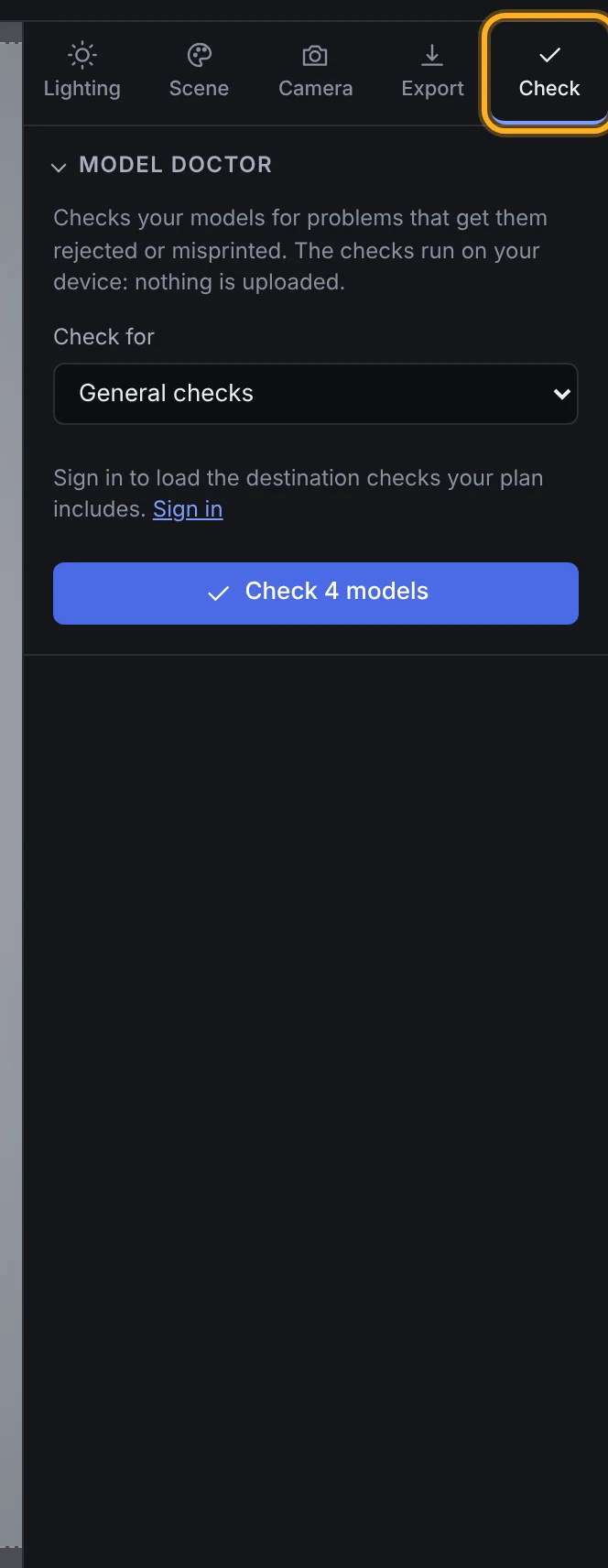 The Check tab
- Click Check models. Each model is checked in turn, in the background, so you can carry on working.
When it's done, each model shows its score, whether it passes, and how many things there are to fix. With more than one model, the top line sums up the pack:
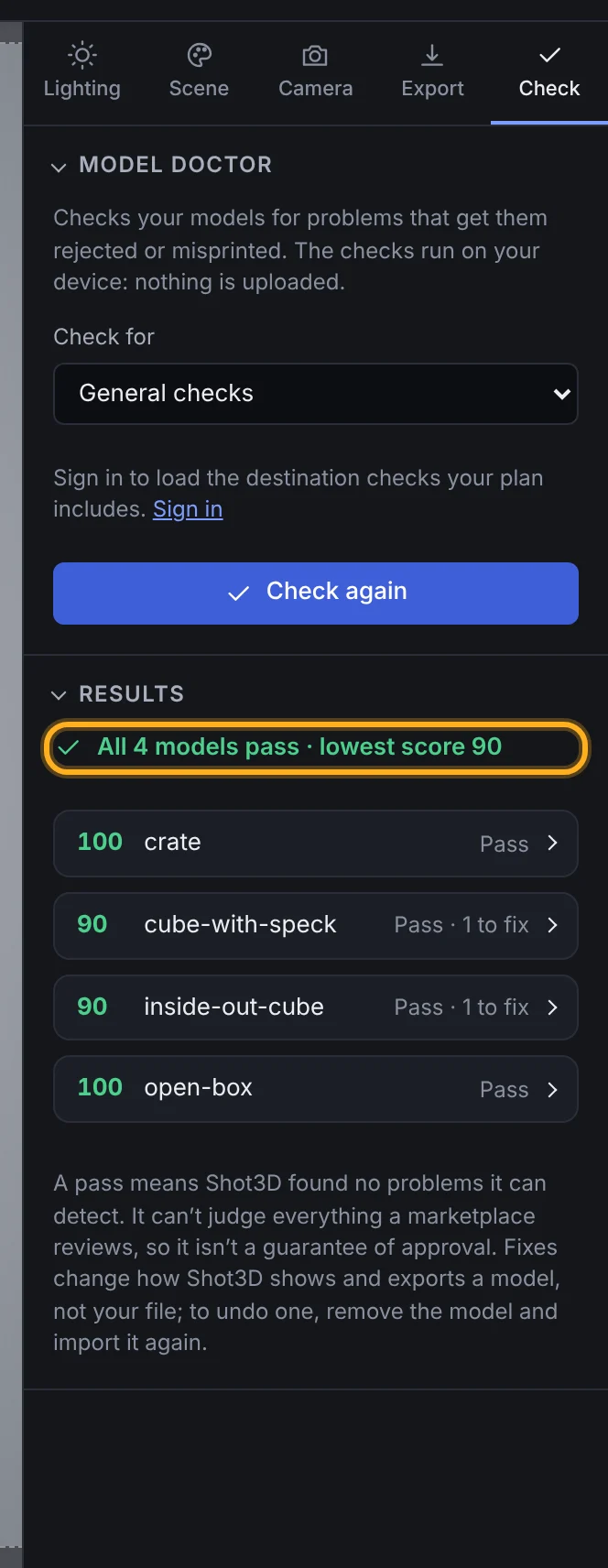 Results for a pack
Click a model to see its details: triangle and vertex counts, meshes, textures, whether it's watertight, and each problem found.
What it checks
| Check | What it means | How serious |
|---|---|---|
| Textures not found | The model refers to texture files that weren't imported with it | Fails: the model shows without them |
| Inside out | A closed piece's faces point inwards | Warning |
| Faces point different ways | Neighbouring faces point in opposite directions | Warning |
| Non-manifold edges | More than two faces meet at one edge, which a real solid can't have | Warning |
| Stray pieces | Tiny loose pieces, each under 1% of the model's size, usually left over from modelling | Warning |
| Not watertight | The surface has holes or open borders. Normal for many game assets, but not for printing | Note |
| Zero-area triangles | Triangles with no area, which only add to the count | Note |
| Large or oddly sized textures | Textures over 4,096 px, or whose sides aren't powers of two | Note |
The score starts at 100 and drops by 25 for each kind of problem that fails a model and 10 for each warning. Notes don't change the score. A model passes when nothing fails it.
Model Doctor checks the model as Shot3D loads it. It reads the counts of n-gons (faces with more than four sides) only from FBX and OBJ files, because other formats don't keep the original polygons.
Fix problems in a click
Some problems have a fix button under them:
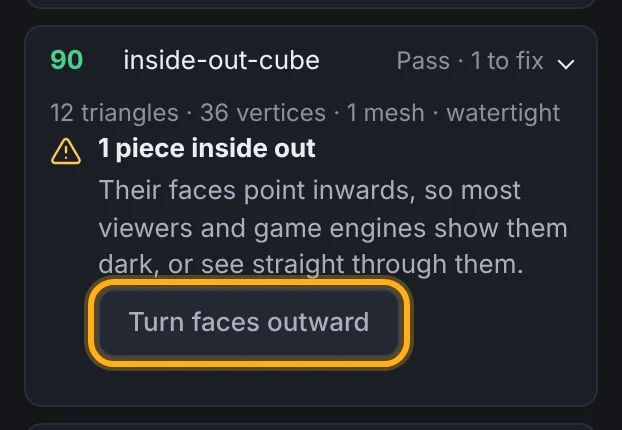 A problem with a quick fix
| Fix | What it does |
|---|---|
| Turn faces outward | Makes neighbouring faces point the same way, and turns inside-out pieces the right way round |
| Remove stray pieces | Deletes the tiny loose pieces Model Doctor found |
| Remove zero-area triangles | Deletes triangles with no area |
After a fix, the model is checked again:
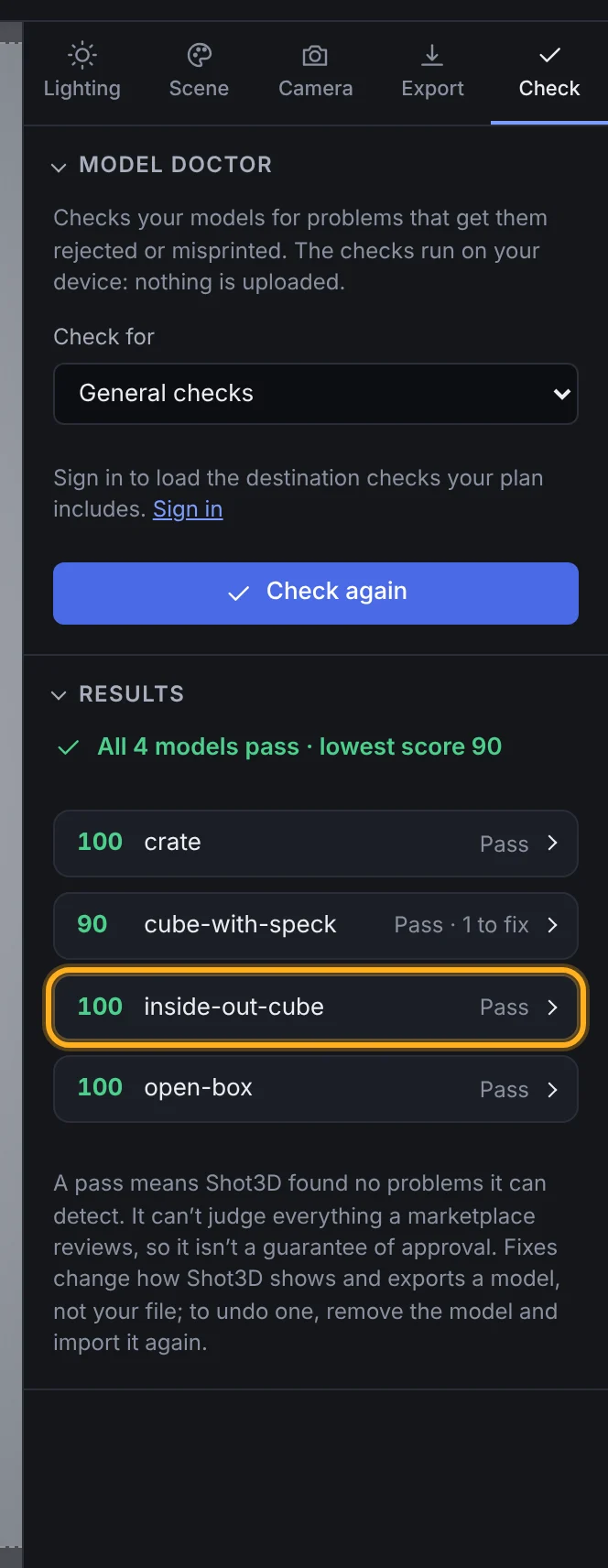 After the fix
Fixes change how Shot3D shows and exports the model. Your file isn't changed, so fix the original in your modelling tool too before you upload or print it. If you've saved the project, the fixes are saved with it. To undo a fix, remove the model and import it again.
Check for a marketplace or 3D printing
On Pro and Studio, choose a destination under Check for:
| Destination | Checked against |
|---|---|
| Roblox: meshes | Roblox's general mesh and texture specifications: 20,000 triangles per mesh, watertight with no backfaces, some thickness, quads where possible, and textures up to 4,096 px |
| Roblox: rigid accessories | Roblox's rigid accessory specifications: a single mesh of 4,000 triangles at most, watertight, and textures up to 2,048 px |
| Fab | Fab's accepted formats, and visual defects Shot3D can detect |
| Unity Asset Store | Unity's submission guidelines: accepted mesh formats, 1 unit = 1 metre, and texture sizes in powers of two. It also lists the polygon count and texture sizes your description must state |
| CGTrader | CGTrader's quality standard: no non-manifold geometry and no n-gons. Open edges are fine |
| 3D printing | A closed, solid model, as slicers need, with faces pointing outwards and a sensible size |
Each failed rule shows the source's own words and a link to the official page, with the date Shot3D last checked it. Marketplaces change their rules, so check the page if a result surprises you. Some checks are marked Shot3D advice: they aren't the marketplace's own rule, but a sign that something may be wrong, such as a model that would be 2 km tall in metres.
Open Every … check under a model to see each rule, passed or not.
The destination rules come from Shot3D's server only for plans that include them. Your models are never sent to it.
In listing kits
When you export a listing kit, the ZIP also contains model-report.txt: Model Doctor's report for every model in the kit, checked against that kit's marketplace. You can keep it for your records or send it to a client. It doesn't count towards your exports.
A pass isn't a guarantee
A pass means Shot3D found no problems it can detect. Model Doctor can't judge artistic quality, UV layouts, LODs, collision, rigs or anything that only exists inside Unreal Engine or Unity, so a marketplace may still ask for changes.
Plans
| Signed out and Free | £1 trial, Pro and Studio | |
|---|---|---|
| General checks, score and report | Yes | Yes |
| Quick fixes | Yes | Yes |
| Destination checks | No | Yes |
| Report in listing kits | Listing kits are on Pro and Studio | Yes |
Frequently asked questions
Are my models uploaded to be checked?
No. Model Doctor reads your models in your browser, on your device. Only the destination rules are fetched from Shot3D's server, and nothing about your models is sent with that request.
Why does my model fail on missing textures?
The model file refers to texture images by name, and those files weren't imported with it. Drop the model together with its textures, or the whole folder they're in. See Importing 3D models.
Is "not watertight" a problem?
Only for some destinations. Many game assets are open surfaces, such as a flat sign or a shirt, and that's fine. 3D printing needs a closed solid, and Roblox asks for watertight meshes.
Why can't it tell whether my GLB has n-gons?
GLB, glTF, STL, PLY and 3MF files store only triangles, so the original quads and n-gons are gone. Model Doctor can count n-gons in FBX and OBJ files, which keep them.