
3D model viewer online: open GLB, FBX, OBJ and STL files in your browser
Open the 3D model viewerOpens at 1024 × 1024 px · Free · runs in your browser · files stay on your device
In short: open the Shot3D viewer and drop in a 3D file. It opens straight away in your browser, with lighting and framing set up for you, so you can orbit, zoom, and inspect its wireframe and triangle count. You don't need an account just to view models, and your files are never uploaded.
Sometimes you only need to look at a file: a model someone sent you, an old export, or an asset you might buy. Installing a 3D package for that is overkill, and uploading unreleased or client work to a stranger's website is a risk. Shot3D opens the file on your own device instead.
How to view a 3D model online
- Open the viewer. The Shot3D studio opens with a neutral grey backdrop.
- Drop in your file, or a whole folder if the textures are separate. You can open many models at once.
- Look around. Drag to orbit, right-drag or Shift-drag to pan, and scroll to zoom. Press F to frame the model, or 1 to 8 for standard angles.
- Inspect it. Open Scene → Material override to see it as Clay, Wire or Normals.
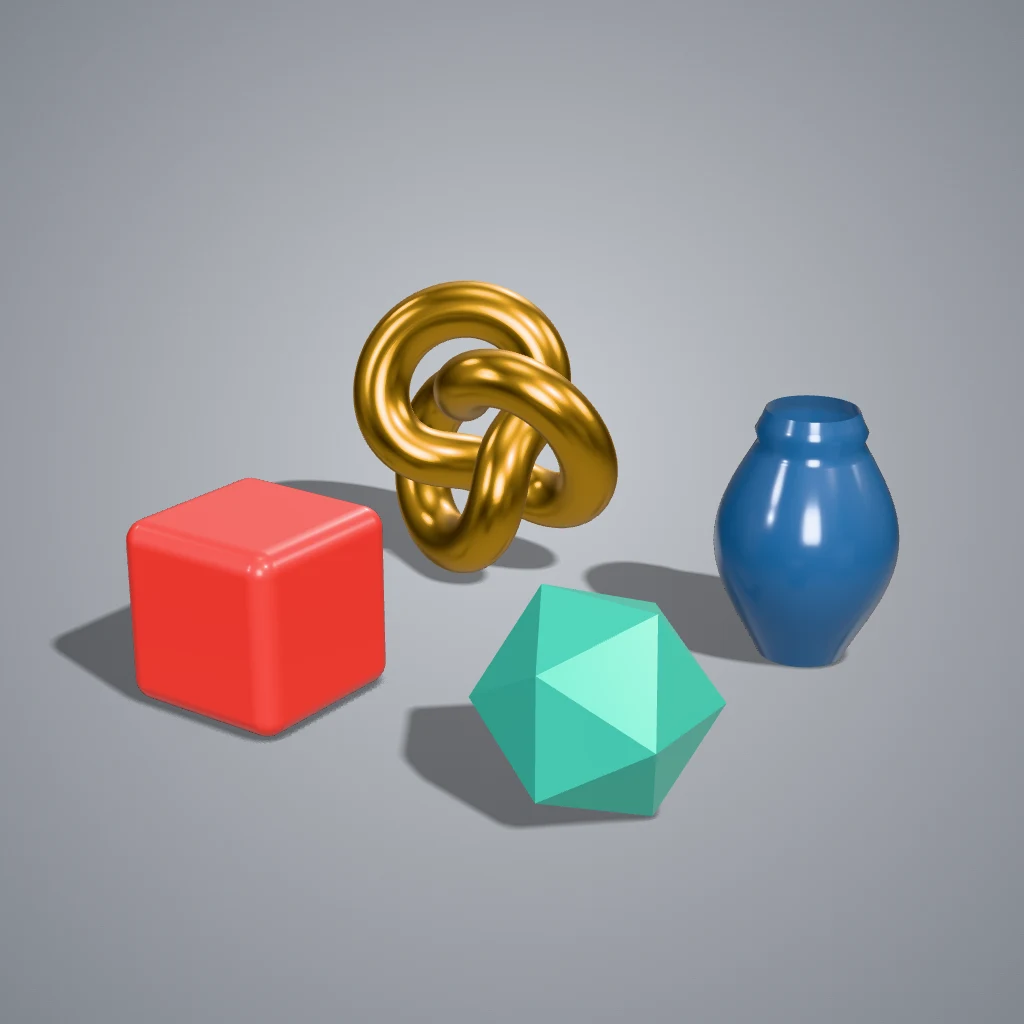 A real export from the viewer's settings
Formats it opens
| Format | Good to know |
|---|---|
| GLB and glTF | Includes Draco, Meshopt and KTX2 compressed files. For glTF, drop in the .bin and textures too |
| FBX | Materials and textures are read, and your original quads are kept for wireframes |
| OBJ | Drop in the .mtl and textures to see materials. Original quads are kept for wireframes |
| STL | No colours or textures in the format, so it shows in a plain material |
| PLY and 3MF | Common for scans and 3D printing |
What you can check
- Size of the mesh: click a model in the Models list to see its triangles, vertices, meshes, materials and dimensions.
- Topology: the Topology Wireframe look shows the mesh over a matte surface. FBX and OBJ keep their original quads.
- Shape without textures: Clay hides the colours, so surface problems are easier to see.
- Surface direction: Normals colours the surface by the direction it faces.
- All sides: press R to spin the camera around the model.
When you want more than a look
The viewer is the full Shot3D studio, so you can go further with the same file: export a PNG, change the lighting, or make a turntable video or GIF.
Frequently asked questions
Is the 3D viewer free?
Yes. Opening and viewing models is free, with no account needed. Exporting images has limits: 3 without an account, and 10 a day with a free account. See the plans.
Are my files uploaded?
No. Your files are opened and displayed in your browser, on your own device, and aren't sent to Shot3D.
Can I share a link to a model?
Not yet. Shot3D doesn't host models, which is how your files stay private. To show someone a model today, export images, a GIF or a video.
Does it work on a phone?
Yes. On a narrow screen the studio rearranges itself, with the 3D view at the top and the controls in tabs underneath. Very large models need a device with enough memory, and a computer is more comfortable for detailed work.
Why is my model all white or grey?
The textures weren't found, or the format doesn't store them. Drop the texture images, or their whole folder, in with the model. STL files don't hold colour at all.