
Render 3D models online: free, in your browser
Render 3D models online in seconds. Drop in a GLB, FBX, OBJ, STL, PLY or 3MF file, change the look and angle live, and download a PNG. Nothing to install, and your files stay on your device.
Loading the tool…
Free to try · free downloads up to 1,024 px with a small label · your files never leave your device
In short: drop a 3D model above and it's rendered straight away, already lit and framed. Change the look, camera angle and shape, and the picture updates as you go. When you like it, download a PNG. There's nothing to install, your files stay on your device, and only the download counts towards your exports.
Rendering turns a 3D model into a finished image. Doing that usually means opening a 3D program and setting up a camera, lights and a backdrop before you see anything worth keeping. This tool starts from a finished setup, so your first render takes seconds and your time goes on choosing between results.
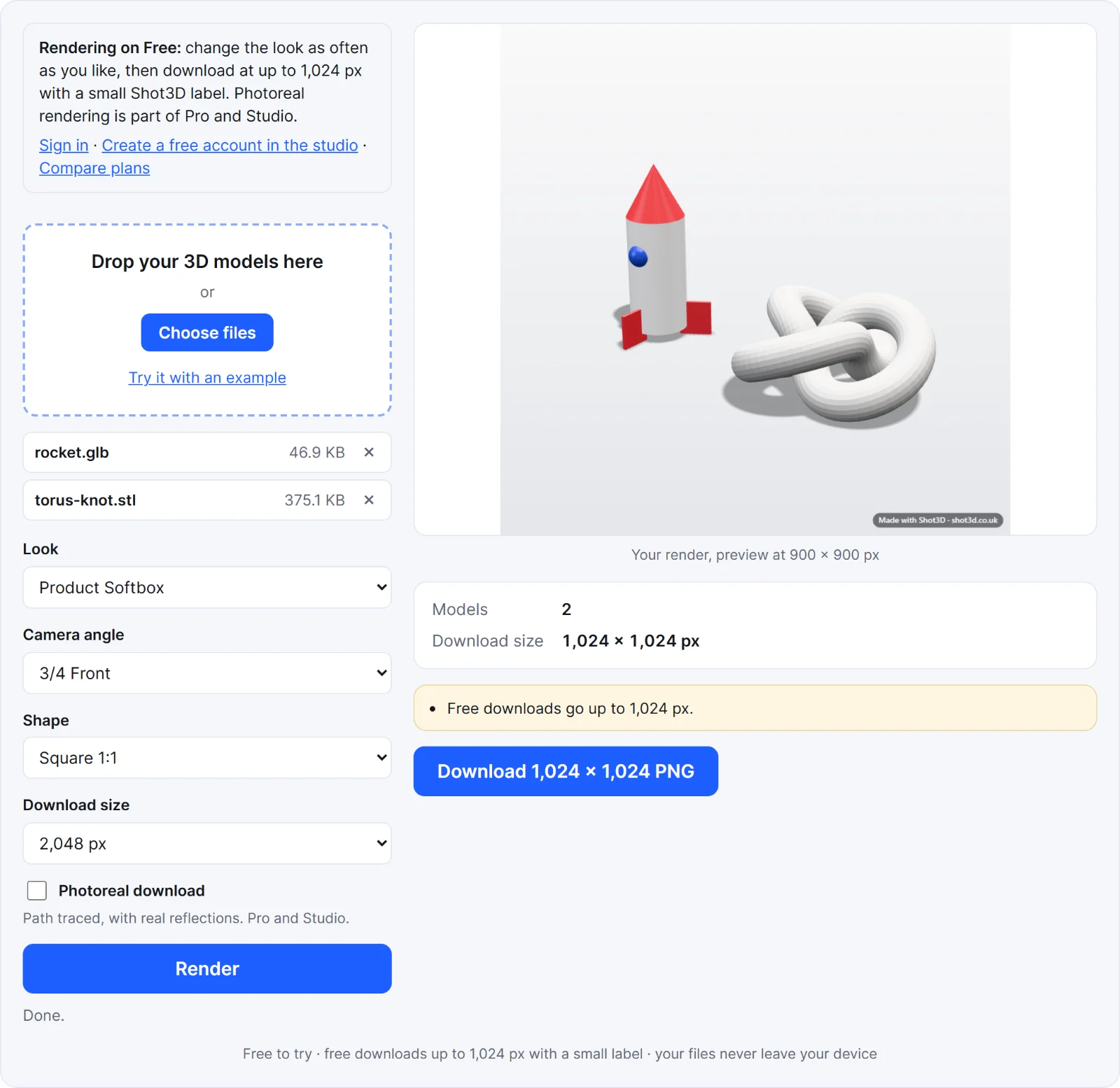 A real render from the tool's example
How to render a 3D model online
- Add your model. GLB, glTF, FBX, OBJ, STL, PLY and 3MF all work. Include textures, an OBJ's .mtl file or a glTF's .bin in the same drop. Add several models to render them together.
- Choose a look. There are 24, from pure white for store listings to dark studio and neon. The preview updates as you choose.
- Set the camera angle and shape. Pick a standard angle, and a shape such as square for listings or 16:9 for a banner.
- Download your render. Choose the size and click download.
What you get on each plan
| Free | Pro | Studio | |
|---|---|---|---|
| Live preview | Unlimited | Unlimited | Unlimited |
| Largest download | 1,024 px, with a small Shot3D label | 4,096 px | 8,192 px |
| Photoreal rendering | Not included | Included | Included |
| Downloads | 3 without an account, 10 a day with a free one | Unlimited | Unlimited |
See plans and billing for prices.
Fast or photoreal?
The standard renderer works in real time on your graphics card. It's what you see in the preview, and it suits clean images on a plain backdrop.
Photoreal path traces the image, following how light really travels, so metal and gloss reflect the rest of the scene. It takes longer, depending on your graphics card and the image size, and it's marked experimental because it works your graphics card hard. It works on models in their own materials or clay. Read more in the Photoreal guide.
When you need more
This tool is the quick route. Open your files in the studio when you want to adjust individual lights, the background or the exact camera, use a turntable video, or render every model separately. For the images a whole listing needs, use the listing pack. New to rendering? Read how to render a 3D model.
Frequently asked questions
Can I render 3D models online for free?
Yes. The live preview is unlimited, and you can download 3 renders without an account, or 10 a day with a free one, at up to 1,024 px with a small Shot3D label. Pro and Studio remove the label and go larger.
Are my 3D models uploaded?
No. Your files are opened and rendered in your browser, on your own device. Your models and images are never sent to Shot3D. Shot3D does count your downloads, so that the limits above work: see the privacy policy.
Does changing the look use up my downloads?
No. Only downloading the full-size image counts. You can try every look and angle first.
What file formats can I render?
GLB, glTF (including Draco, Meshopt and KTX2 compression), FBX, OBJ with MTL materials, STL, PLY and 3MF. It doesn't open STEP or native CAD files, so export one of these from your CAD software first. See CAD to marketing images.
Why does my render look plain or grey?
The textures weren't found, or the format doesn't store them. Add the texture files in the same drop as the model. STL files don't hold colour at all.
Do I need a powerful computer?
Not for most models, as the standard renderer uses the graphics chip you already have. Very detailed models, very large downloads and Photoreal all benefit from a stronger graphics card.